Customer contact number not appearing on estimate


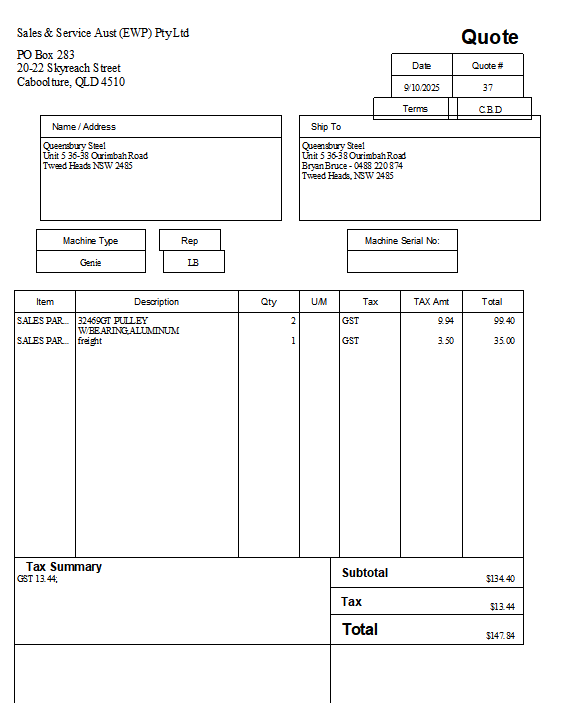
Hi I have the estimate template but the customers name & contact number or email address does not appear on the template anywhere, I have the Name/Address selected & Ship To as well.
The customers name & contact number is listed in the customer details, is someone able to assist me?
Answers
-
So with the estimate on the screen go to customise and see what’s ticked to display
0 -
Hi Kris, please see below image
 0
0 -
when you select the customer doesn’t it go into the top box where it says name and address. You are welcome to call me
0415940843
1 -
That's just the template. When you create the Estimate in the program, it will pre-populate all the relevant fields/columns 😊
0 -
Hi Kris, it says the name & address of the customer, but I was wanting the contact name & phone number & email address to appear, which it doesn't show
 0
0 -
I have had to create fields in order to be able to have the customer contact name & phone number & email appear on the form, I used PO number for Emai, Other for contact & FOB for phone number.
1 -
@LisaGray2022 The default info that displays in your Name / Address & Ship To boxes is whatever you have entered in Bill To & Ship To on the customer record:

By entering that specific data above, it will automatically display there, when creating any form with those fields on :

I would advise against using specifically-designated fields - eg PO Number - to enter other info as you will not be able to accurately search/report on them, if used inconsistently 😬 Instead, I recommend just enter any necessary data you want displayed there, in those Bill To / Ship To boxes, as applicable 😊
0 -
Thank you everyone for your help
0 -
The suggestion by Shaz regarding adding a phone number to the address details may be simpler, however as an alternative, instead of the use of those existing template fields, check if you have already made use of all of the available Custom Fields.
Check your Customer record in the "Additional Info" tab to see how many custom field slots you have already used, whether there are still spare slots.
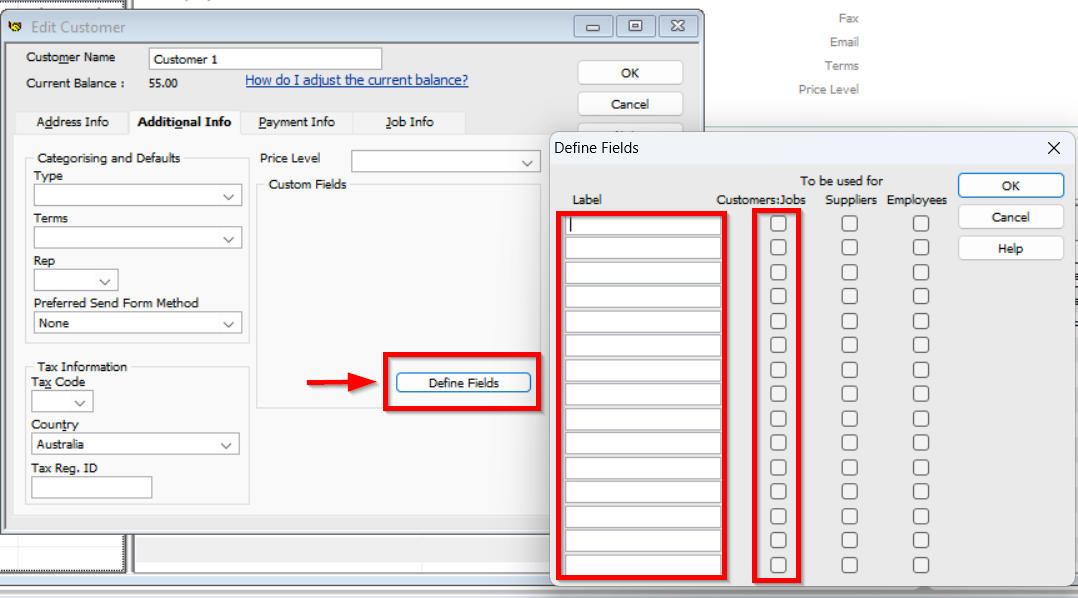


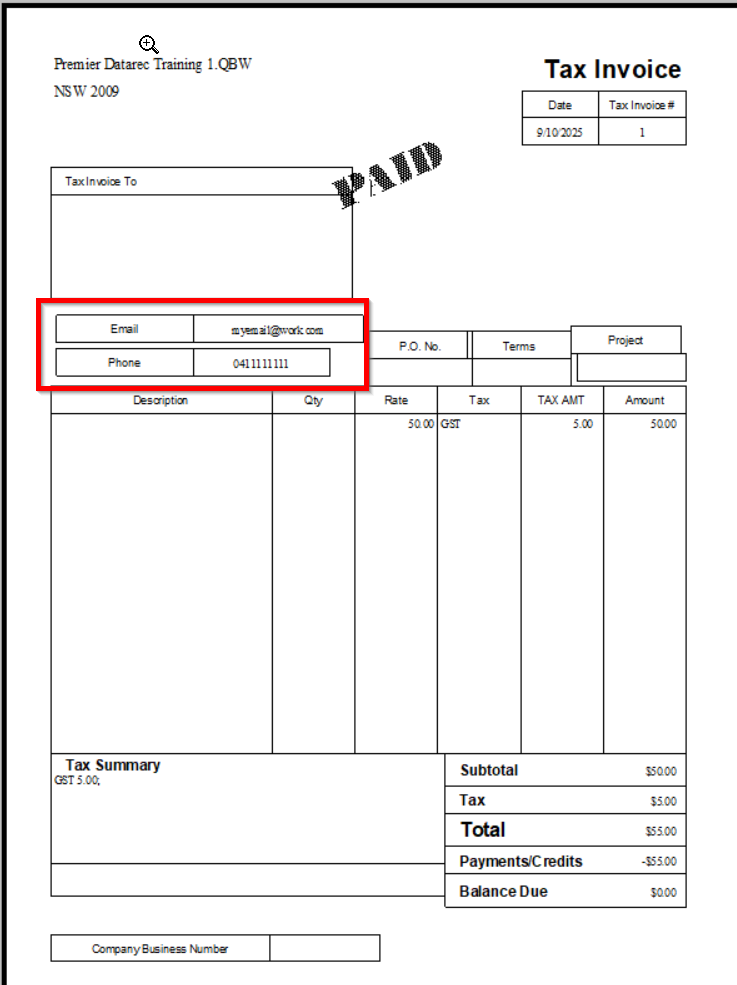
Having the info in a Custom field may be useful if you ever need to filter for that info in some kind of report.

Searching the Reckon Help and Support Centre | Asking good questions on the Community
#TipTuesday: Picture Paints a Thousand Words | How do I add screenshots to my discussion?
1 -
0
-
Glad the suggestion has worked for you.
Searching the Reckon Help and Support Centre | Asking good questions on the Community
#TipTuesday: Picture Paints a Thousand Words | How do I add screenshots to my discussion?
0









 Reckon Staff


