De-activate a Reckon One book
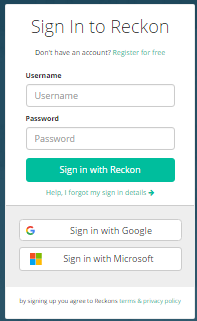
1. Sign-in to the Reckon Portal
2. On the left-side navigation select My Products and then Reckon One.

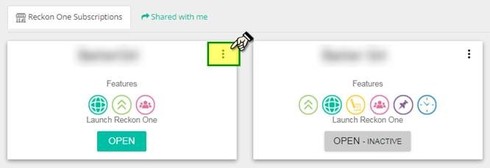
3. For the specific book that you want to interact with, click on the three vertical dots button then select Settings
4. Click the Pen icon for the Change your Reckon One book name section and change the book name by adding a pre-fix “OLD - ” then press the Save button


5. Click the Pen icon for the De-activate your subscription section,

Select a reason for the deactivation such as Other.
You can add an optional feedback message then click OK

Note: This will de-activate your book for which you will not be charged further.
However, if you wish to reactivate the book the payment will be processed out of your nominated account.
MIGRATION: How to reactivate a Reckon One book