Ho, this may be long questions. So my back ground:
- I know Myob but not Personal Plus. I am fairly computer literate.
- My father (96 yr old this month) has use Quicken then Personal Plus for many years.
- He is 5 hours away from me (Melbourne Vic, Australia to Hamilton Vic, Australia) and I am currently in a wheelchair.
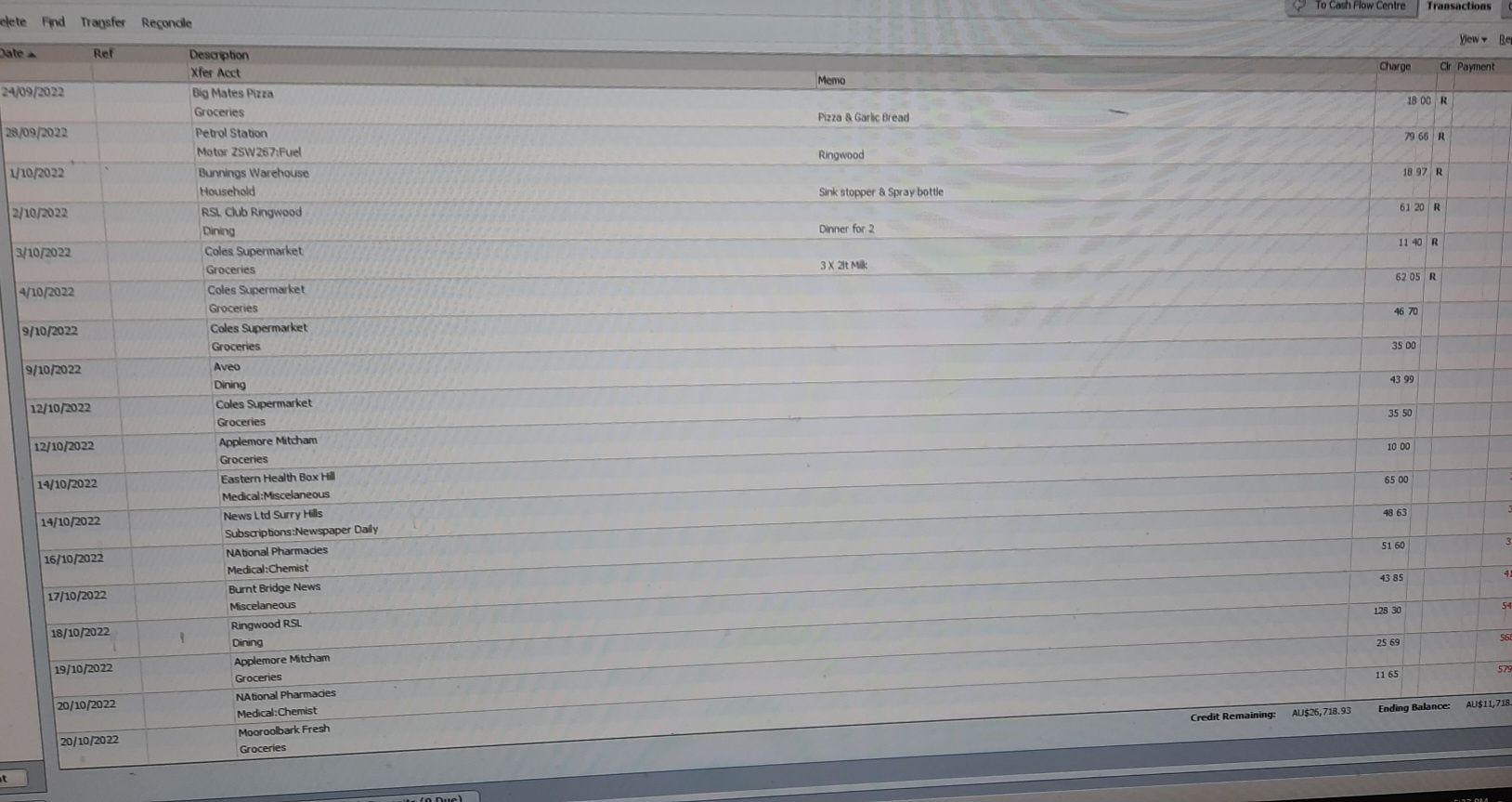
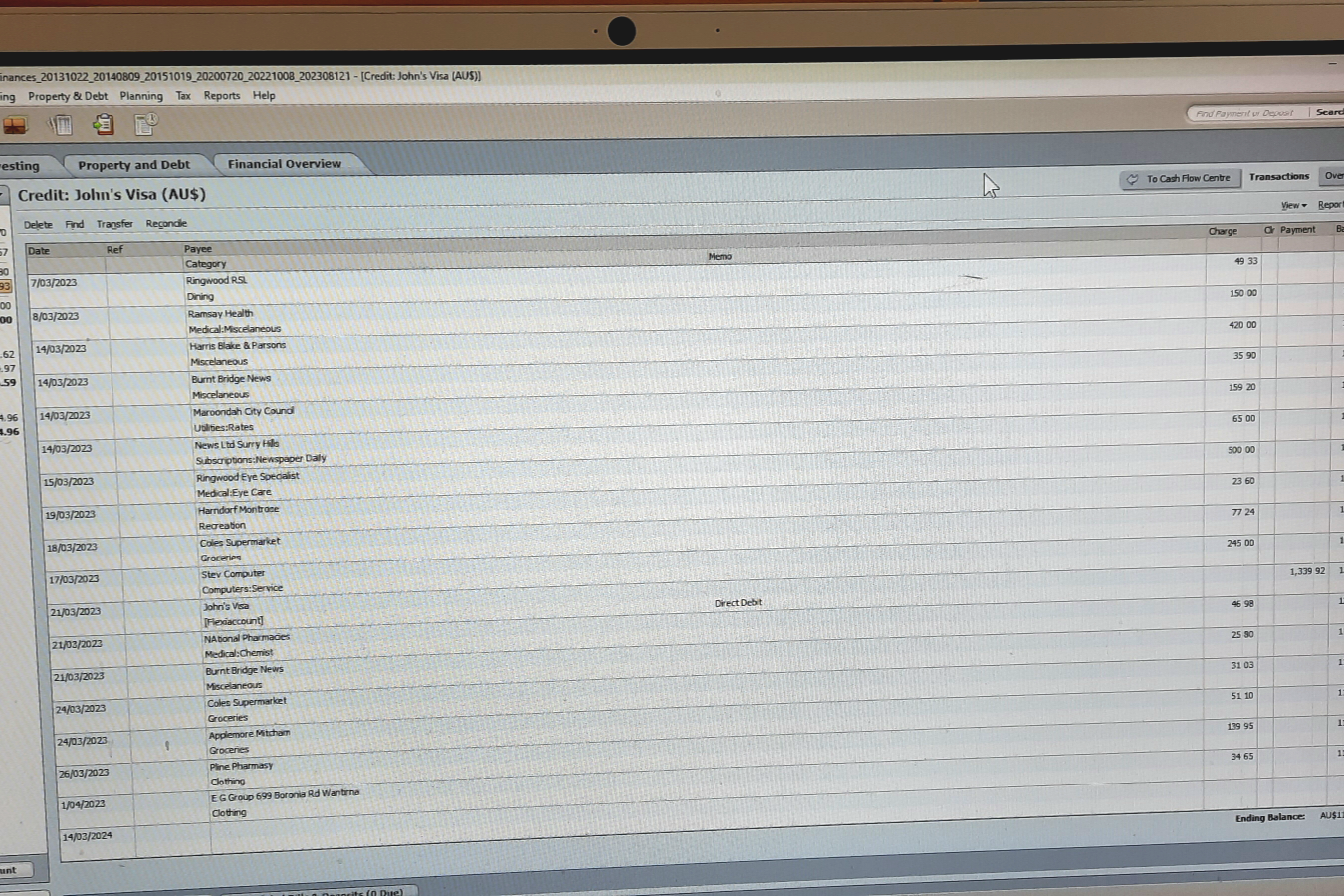
- He does not trust the internet so does not have PC remote, or any bank access etc. His print screen does not seem to be working so to see his screens my sister has to go to his home, take a photo of the screen and send it to me. (Very frustrating)
1. I googled Reckon Accounts Personal Plus but can not find any vidios/you tubes showing this product so I can see how it works and what the screens look like.
2. He reconcilled some of his Bank Accounts to October/November 2023 then fell ill. The other day he reconciled one to March 2024. But when he went in a few days ago the transaction were showing in a different order and duplicated. Also the ones showing an 'R' are all back in 2022. What could have gone wrong?
3. How can I export the transactions to excel (GL/ Audit Trail/ Transaction report?) So they can be sent to me so I can inspect the data to see if it is a screen or data error? I need date and time entered as well as the usual data such as bank account.
4. I thought it could be a filter or sort issue at first but that was not it. When looking at the transaction in the photo was when we noticed the 'R' indicator was only on 2022 records. But the reconcile first screen shows last date was in 2024.
Sorry this was so long but he is sure the program has errors.