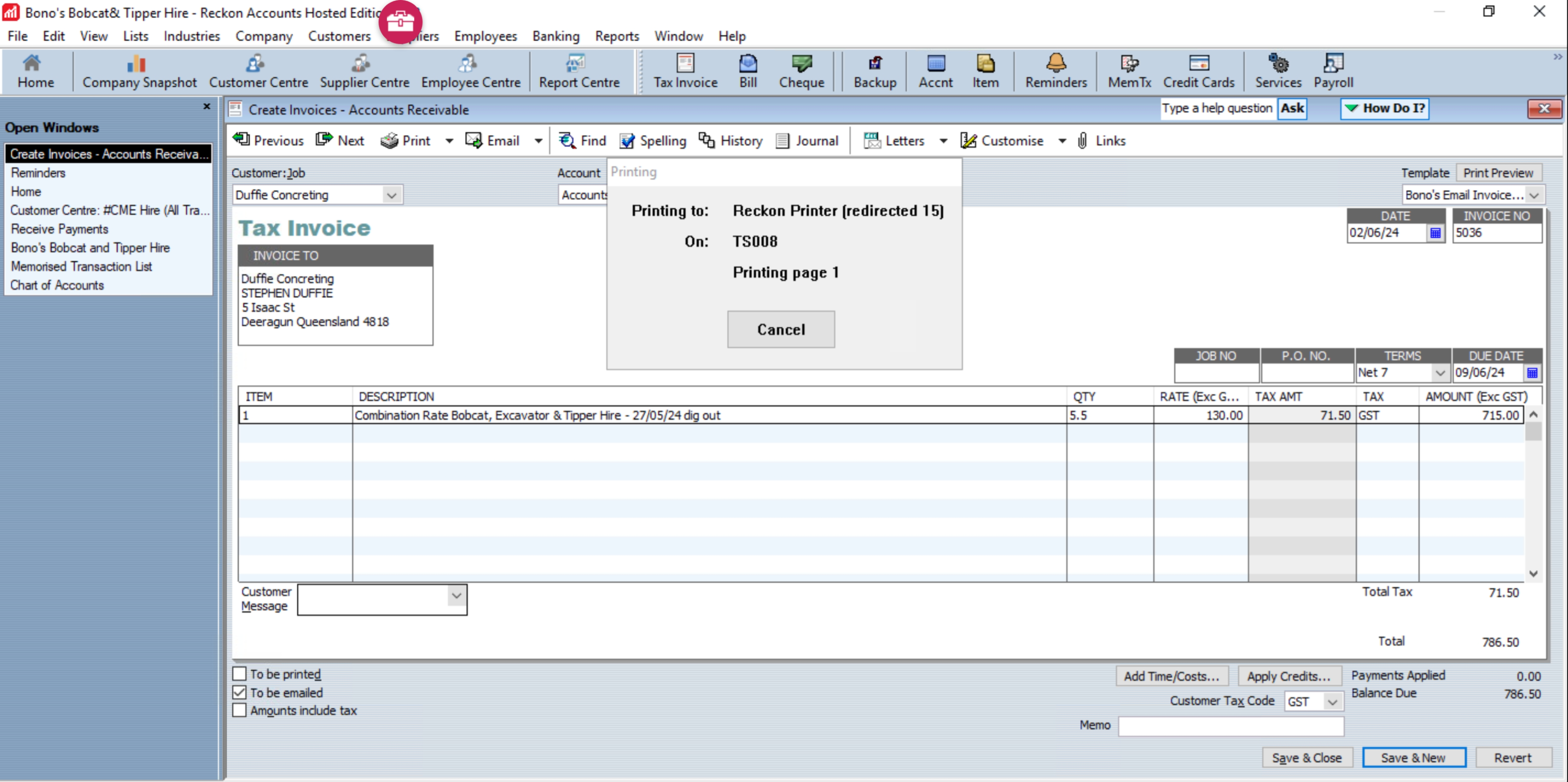
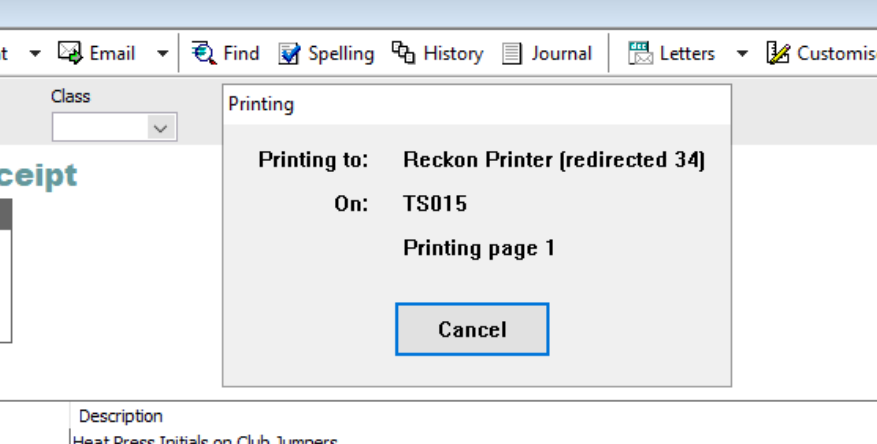
I've tried to cancel the job, re-boot and turning off my machine off but nothing seems to work. How do I fix this? I believe it's got something to do with the font but it didn't come up with the message to override it.
I am having the same issue!! Getting very frustrating as I can't continue with my work.
Hi Cheryl_9973373,
The pop-up blocker could be turned on. Make sure that it's not enabled on your browser. You may also check this KB for mor information https://help.reckon.com/article/ivjue2b08a-kba-5676-when-i-try-to-print-in-hosted-nothing-happens-the-print-window-doesn
If the issue persists, please try to go to Control Panel and log off remote session and start again.
Best regards,
Karren
Check out the latest important info & announcements for Reckon Accounts Hosted
Each Reckon software has its own dedicated category on the Community. Click below to browse all categories.