Hi @TrevorWatson
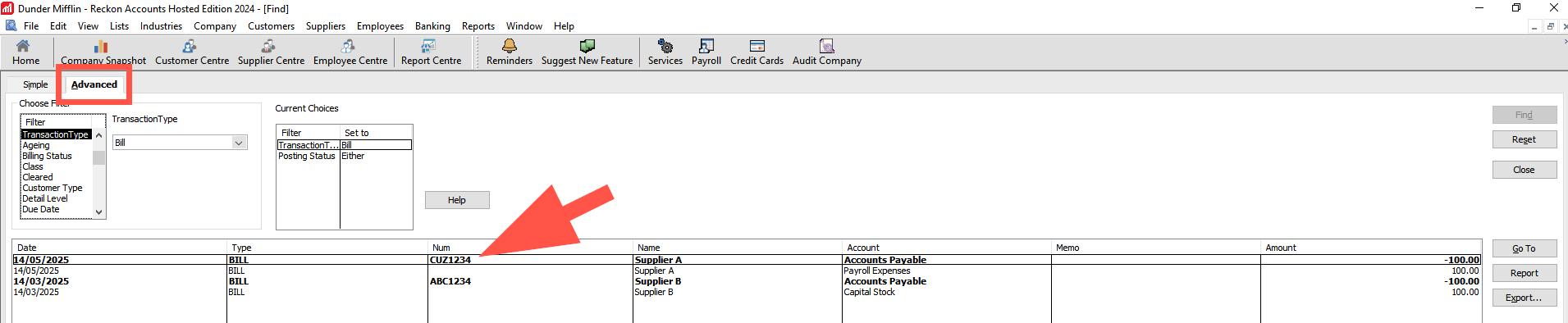
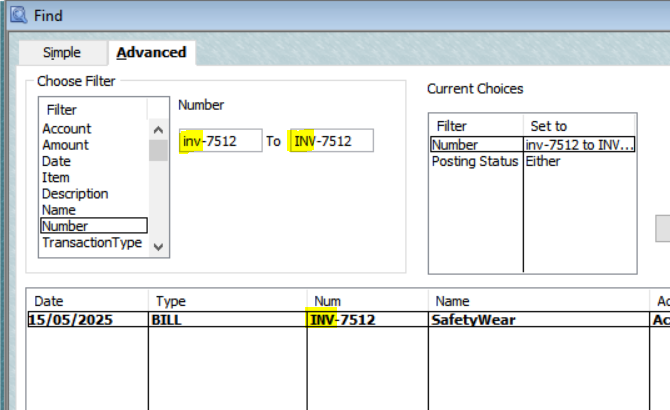
Just wanted to loop back to this with some info, (if you weren't aware already). If you search using the Advanced tab, it will present results regardless of upper/lower case used in the reference field.
How/Where do I enter the bill number in this case? I can't see how it works.
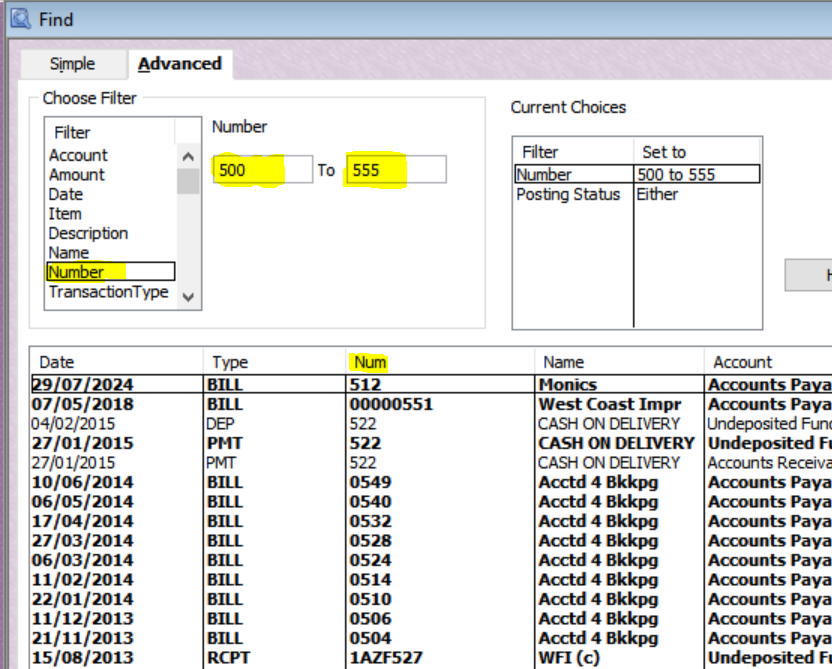
Enter a partial or full Bill number in one or both Number boxes here:
😊
And that doesn't work for the issue I initially raised - case insensitive searches.
@Rav Please explain how this solution works for case insensitive searches of Bills
@TrevorWatson
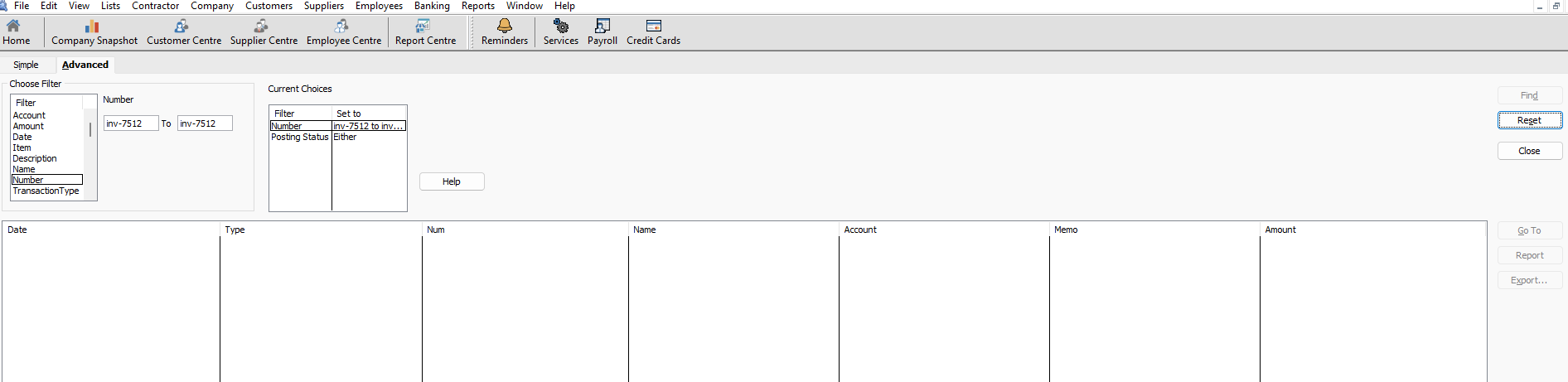
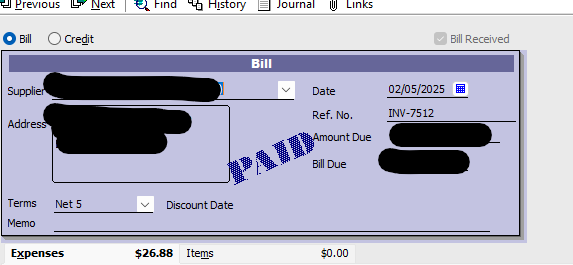
I think it will work if you enter both case options instead ? :
Thanks @Acctd4 Shaz but that's a pretty weak solution to the original problem - keep typing it both ways until you find it. That's not directed at you that's directed @Reckon if that's the solution that's offered.
Yeah, it’s not ideal, but hopefully it’s a workaround for now 😬🤞🏻
See an idea you like? Click the vote button on the post to show your support. The more votes an idea receives, the more likely it is to be reviewed and prioritised.