I am trying to email an inventory item fast report as a spreadsheet, do it regularly.
However, today it is displaying an estimates by customer report.
What is the problem here?
I did a rebuild and verify last week.
Hi @JO-ANNE_7327707
Is the issue:
a) When you attempt to generate an Inventory Item Fast Report it displays correctly but when you send it by email, the received attachment is of an Estimates by Customer report
b) When you attempt to generate an Inventory Item Fast Report it displays an Estimates by Customer report
Can you confirm if any other report when generated/emailed has the same issue?
If you normally work on multiple company data files (QBW), can you confirm if the same actions have the same result.
Hi
no, that's not correct.
I run the report - iventory item fast report - select email - send report as spreadsheet.The option to enter the email address doesn't appear, instead it goes to an estimates by customer report.
Thanks for clarifying the specific steps you are taking and what is occurring.
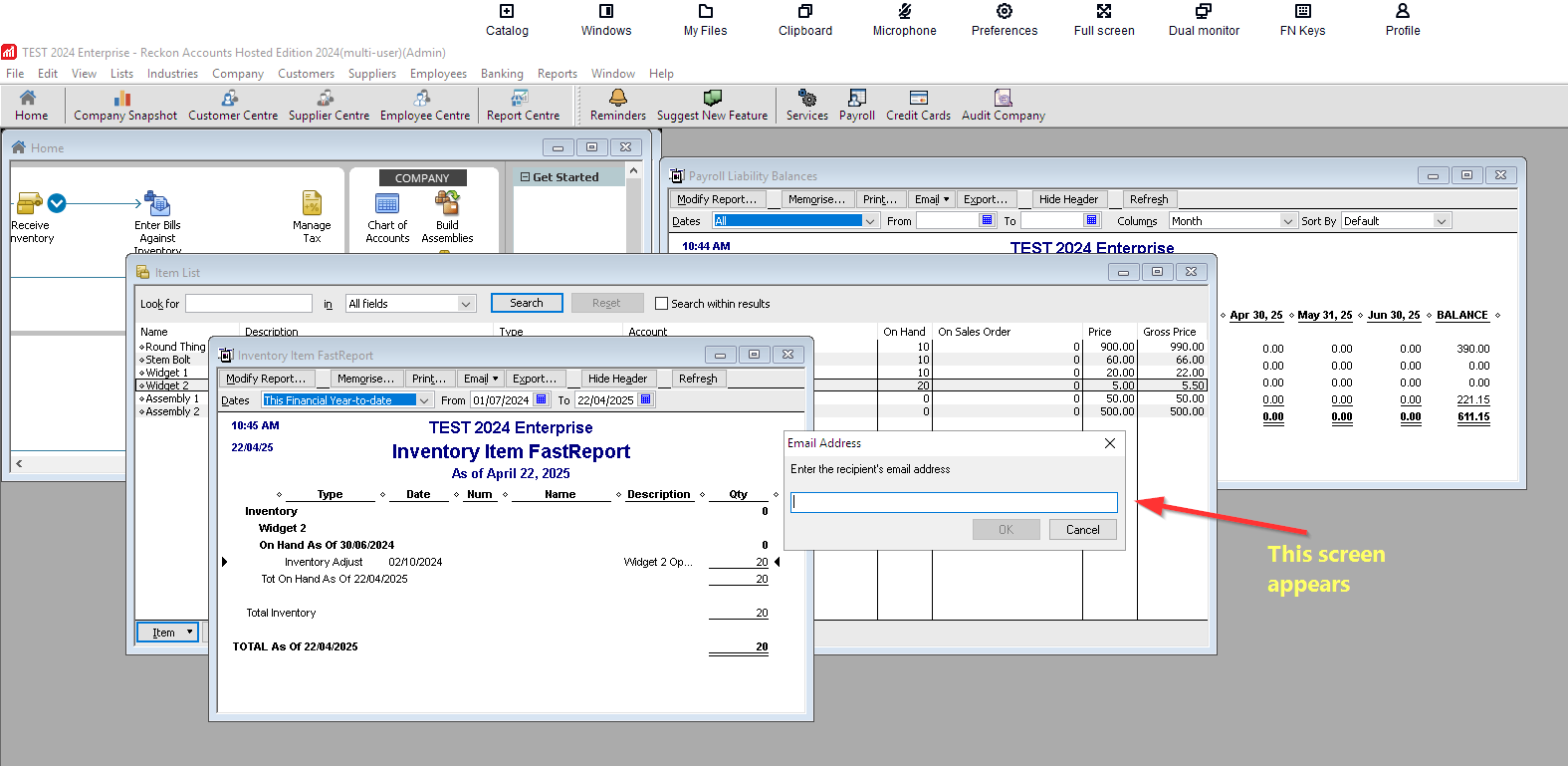
The process used to attempt to replicate the issue is as follows:
You click on the Reports button and select "Fast Report <item name>"
or
You press "CTRL + Q" keyboard combination to bring up the Inventory item FastReport screen
2. You press the Email button and select "Send Report as Spreadsheet"
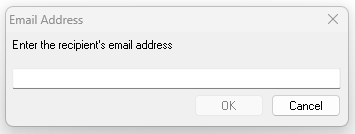
3. You do not see the "Email Address" entry screen.
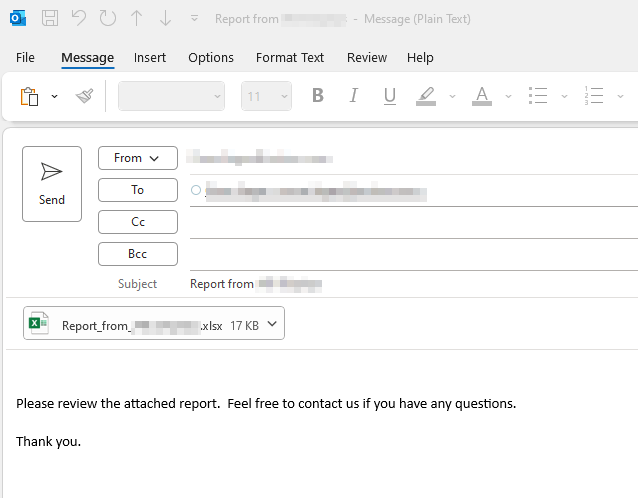
Which would normally then display the email with the attachment that is ready to be sent.
Performing the test above on the Hosted platform appears to work on our test file.
I have tried it again on different item numbers and it is working as it should.
The email screen appears,
Don't miss announcements and important info for Reckon Accounts Hosted
Do you have an idea for a feature in Reckon Accounts Hosted? Let us know here!