Default setting for entering bills

Kat001
Kat001 Member Posts: 23 Reckoner Reckoner

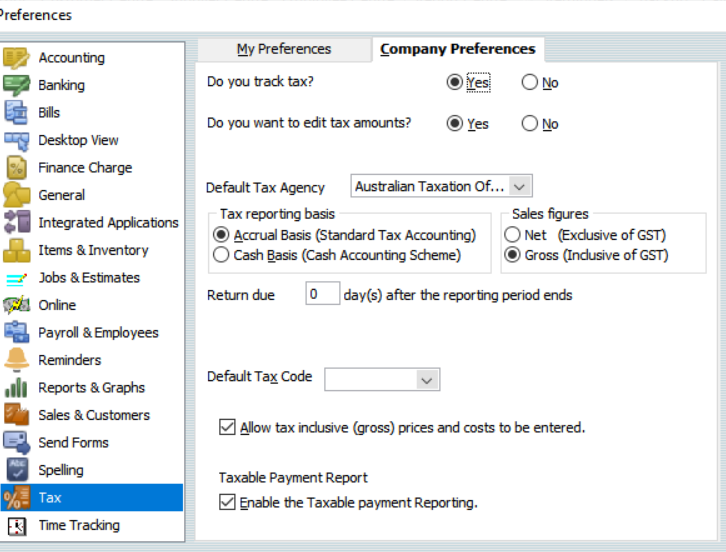
Hi, I'm seeking help with entering bills. I have always had the default set to include tax (gross amount) with the "Amounts include tax" box ticked at the bottom of the page. However, today it suddenly changed, and now bills are being entered as net amounts, with the "Amounts include tax" box unchecked. In my preferences, I have selected "Gross (inclusive of GST)" under Sales figures for tax. Do you have any ideas on how to fix this issue?


Comments

  • Acctd4
    Acctd4 Accredited Partner Posts: 4,208 Reckon Accounts Hosted Elite Expert Reckon Accounts Hosted Expert

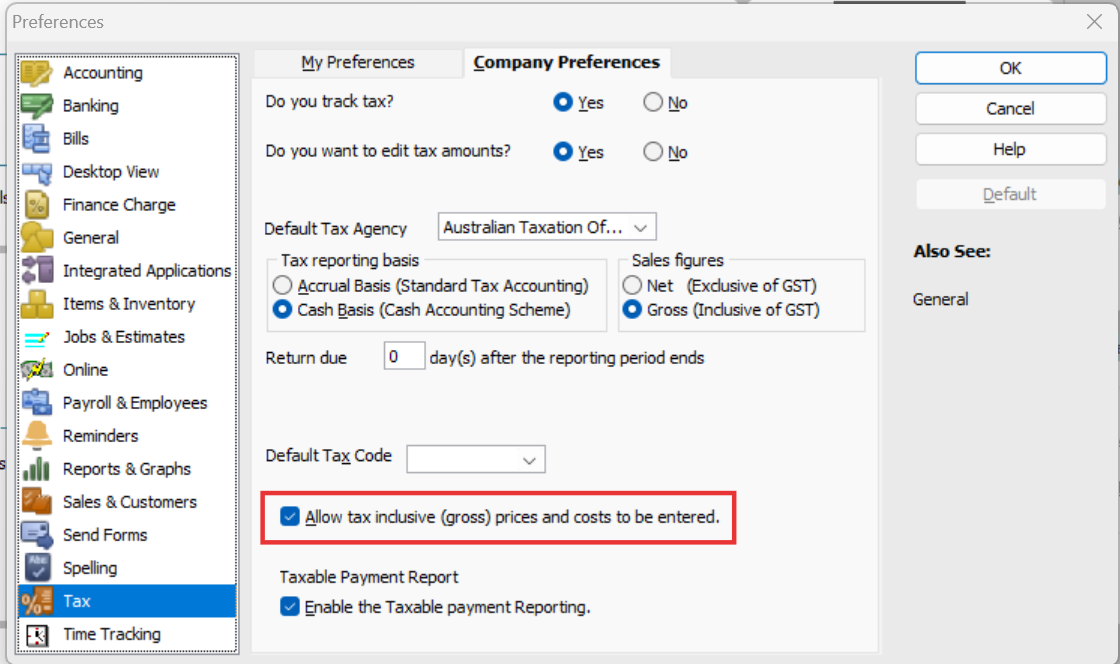
    @Kat001 It sounds like you've no longer got this one ticked:

    image.png

    😊

  • Kat001
    Kat001 Member Posts: 23 Reckoner Reckoner

    @Acctd4 Thank you for your quick reply, Shaz. I do have that one selected. It was strange as it just started randomly, and now every time I open a supplier, it has defaulted to net tax. I'm not sure how to correct it.

    Tax issue reckon.png
  • Acctd4
    Acctd4 Accredited Partner Posts: 4,208 Reckon Accounts Hosted Elite Expert Reckon Accounts Hosted Expert

    Hmm .. that's strange then. Maybe the selection has gotten 'stuck' as disabled 🤔

    Try unticking it & saving that (click OK) Then completely log out of the file, including Log Off Remote Sessions.

    Log back in & re-select this preference, save & Log Off Remote Sessions again.

    Then try logging back in & see if it defaults back to gross in Bill/Cheque entries 🤞🏻