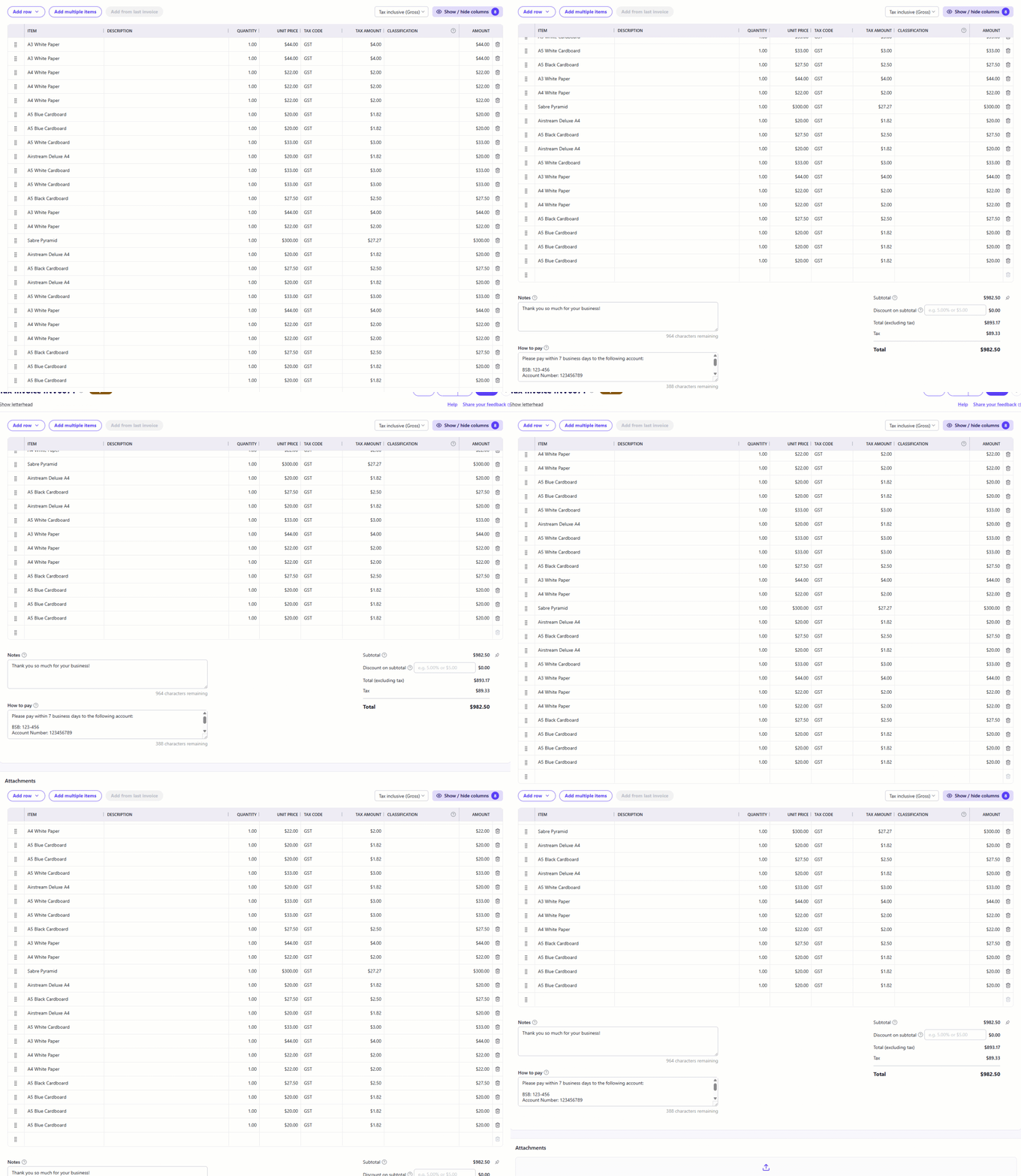
The invoice header columns should stay fixed/frozen as you scroll line items
In the new invoice interface, when you have a large number of line items (say 50 line items) as you scroll to line items to adjust anything in them (category, description, rate, qty, tax, etc) you need to continuously scroll back up to the top to understand/confirm what column you are about to change.
If you have a large number of changes, this becomes a very frustrating experience for users.
Suggestion:
- Freeze the column headers
- Allow users to scroll the item details while keeping the headers at the top
- Have options if you need to show the totals or the invoice header details. Sometimes you want to adjust the invoice header (customer, dates, numbers, etc) and sometimes you want to work on the line items or apply a global discount in the invoice footer. they are different user experiences.

Comments
-
Keeping the column headers in place like your suggestion of freezing them would be great. I've voted.
1 -
๐ ๏ธ IN-DEVELOPMENT
Hi folks
Just a quick update to let you know this is currently in development and is coming to Reckon One very soon.
More info to follow.
0 -
Thanks Rav, as a business that generates a heap of invoices this will be a nice improvement.
Good to see Reckon acting on feedback so quickly
1 -
โ IMPLEMENTED - The invoice column header is now sticky
Hi folks, just wanted to let you now this idea is now in Reckon One!
The invoice header is now sticky and will stay in place when scrolling through an invoice with many line items. This change allows you to see exactly what each column represents as you're scrolling through an invoice.
Thanks so much to @serginho for raising this idea and to everyone who voted.
1 -
Excellent work Rav. Great to see this updated so quick
1