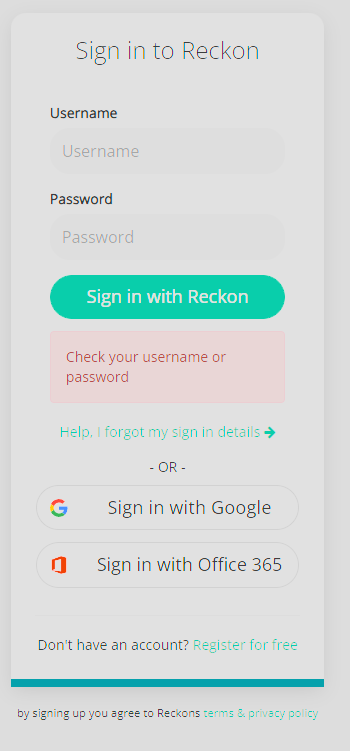
I just tried to sign up for a trial account and my first experience is this...
It keeps prompting "Check your username or password". This happens on Chrome and Edge. I am able to log in via Firefox.
Hi @Lucas
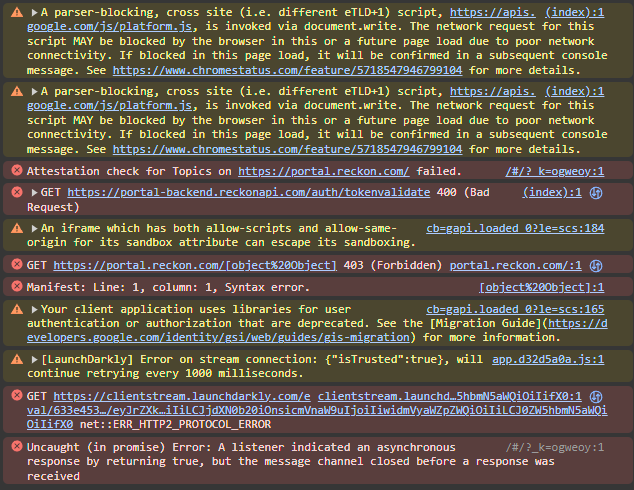
Thanks, I'm a developer so it comes naturally for me to check console output and the network.
I have attempted to switch to an entirely new Chrome profile which is a clean slate and I was able to log in. I suspected it was some Chrome extension and went through one by one the extensions I had, disabling and trying to log in. I have found the offending Chrome extension.
Redux DevTools 3.1.6
Disabling or removing this extension allows me to log in via Chrome now.
Hi @calvinnwq_biz,
That's very strange, could you please provide further information such as if you are using autofill or manually typing in your details or have extensions enabled?
Do you only have this issue when attempting to sign up for a trial account or logging on in general?
Have you also checked you have completed the verification email?
Thank you and speak soon.
Cheers,
Lucas
Hi calvinnwq_biz,
I apologize for the inconvenience you’re facing during your sign-up process. Have you tried clearing your cache and cookies?
Sometimes cached data can cause login issues. To clear your browser’s cache and cookies:
Chrome: Click the three dots in the top-right corner, go to “Settings,” then “Privacy and security,” and choose “Clear browsing data.”
Edge: Click the three dots, go to “Settings,” then “Privacy, search, and services,” and choose “Choose what to clear.”
Let me know if the issue persists.
Best regards,
Hi all,
I have done the following already to no avail:
Nothing works for me on Chrome (Win 11 or Mac) and Edge (Win 11)
The only way I can log in is through Firefox (Win 11)
Looking at the network tab the login request also responds with 200 OK:
{
  isNewUser: false
  login: true
  mfaEnabled: false
  mfaMaxAge: 1708574012
  mfaRequired: false
  region: "AU"
  result: "success"
  tenancyId: "RECKON"
  token: "<redacted>"
  userid: "<redacted>"
}
Dear @calvinnwq_biz ,
This may seem a bit unusual, but can you try accessing the Portal with a different internet connection (i.e. mobile data), then attempt to access via Chrome?
Failing this, can you try to use your phone's internet browser (if you can install Chrome onto your phone, we would recommend trying Chrome on mobile) and attempt a sign-on?
It could be specific to your current internet connection protocols and/or device protocols.
We appreciate your ongoing patience.
Kind regards,
Alexander McKeown
Reckon Senior Technical Support
Hi @Alexander McKeown
I just tried the following with the results:
If you don't mind me asking, what kind(s) of devices are you using?
Do you have a specific flavour of Windows 11 or MacOS?
It may be device-specific, so I want to try and get as much information as I can for development to investigate.
Edition: Windows 11 Home
Version: 23H2
OS build: 22631.3155
Experience: Windows Feature Experience Pack 1000.22684.1000.0
Processor: 12th Gen Intel(R) Core(TM) i7-12700KF 3.60 GHz
System type: 64-bit operating system, x64-based processor
Thank you for all of your information.
We'll be passing this to our development team for further investigation.
We'll provide updates here or via PM as and when we receive them.
Hi @calvinnwq_biz ,
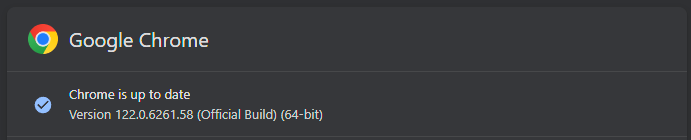
Could you please try checking the chrome permissions and also update the chrome to new version and try ?
Kind Regards,
Reeta
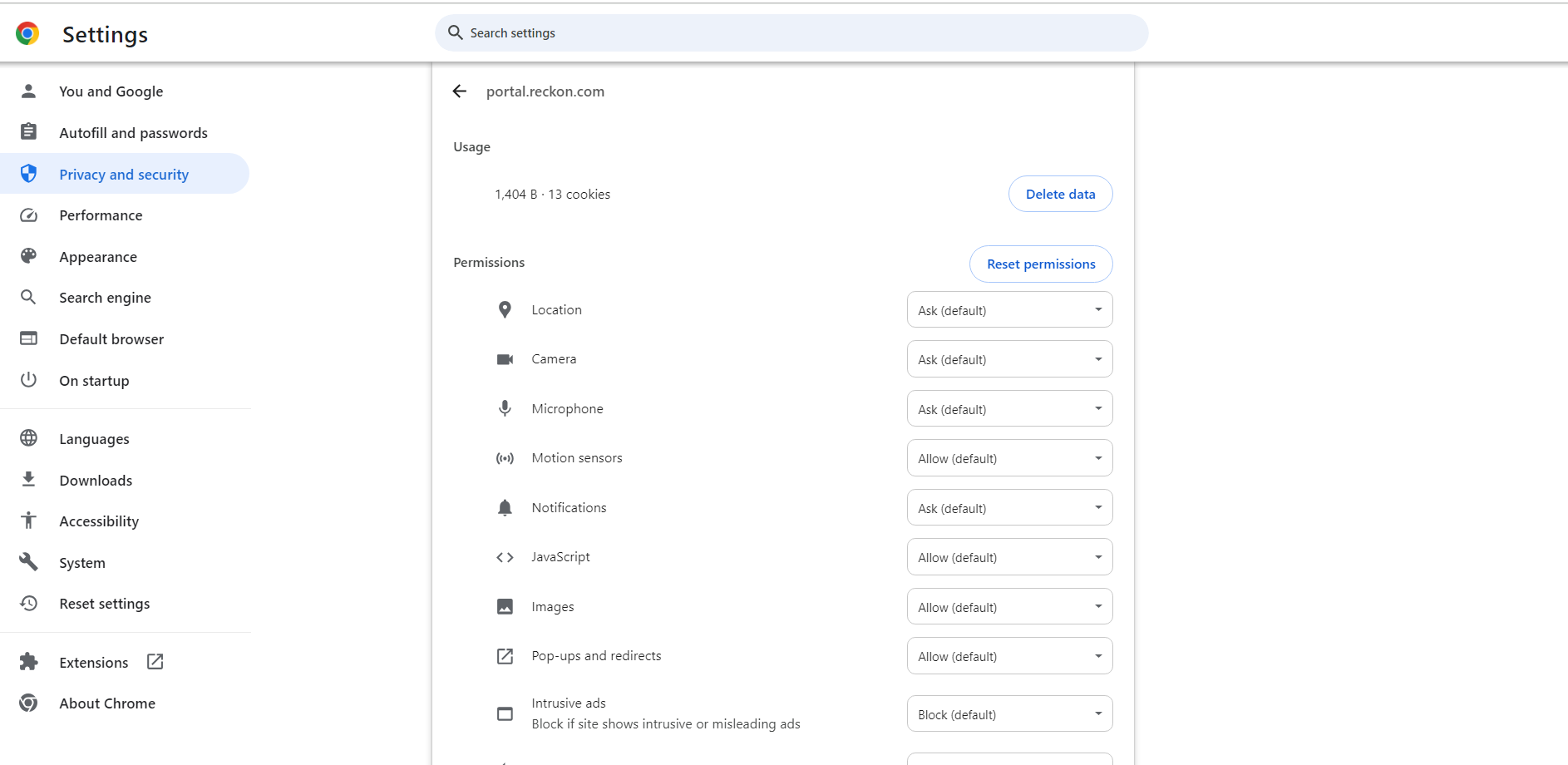
What Chrome permissions are you referring to? I've already checked privacy settings. Also updated to latest available version of Chrome.
Thank you for your quick response.
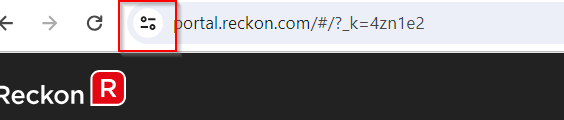
I was referring to site settings permissions as shown in image below.
To access permission:
Please let me know the outcome.
Hi @Reeta
Yes I have also done that. This is the privacy settings I'm mentioning. I've cleared cookies and reset permissions as well. Still does not work.
Thank you for confirming.
As Alexandar mentioned, this case has already been escalated to our Development team, and they are investigating it.
Once we receive an update from them, we will promptly inform you. We sincerely apologize for any inconvenience caused and appreciate your patience.
Firstly, don't get distracted by the console output. This is somewhat normal behavior for your browser because modern websites use JavaScript. While we wait for the developer's input, would restoring Chrome or Edge to their default configuration an option for you? Thank you and speak soon.
That's awesome to hear! Thank you for letting us know. If you require further assistance, please don't hesitate to reach out.
Our developers have notified me that the Portal issue you were experiencing has had a fix released. Could you please let me know, if you still experience any issues with logging in? Thank you.
I've just tried logging with the extension enabled and can confirm I am able to log in now. Both in Chrome and Edge
That's great to hear, if you see anything strange like this in the future, please let us know!
Don't miss announcements and important info for Reckon One.
Check out our Reckon One how-to videos for tips & tricks, and help with common tasks!
Got a cool idea or want a new feature in Reckon One? Click here to let us know!