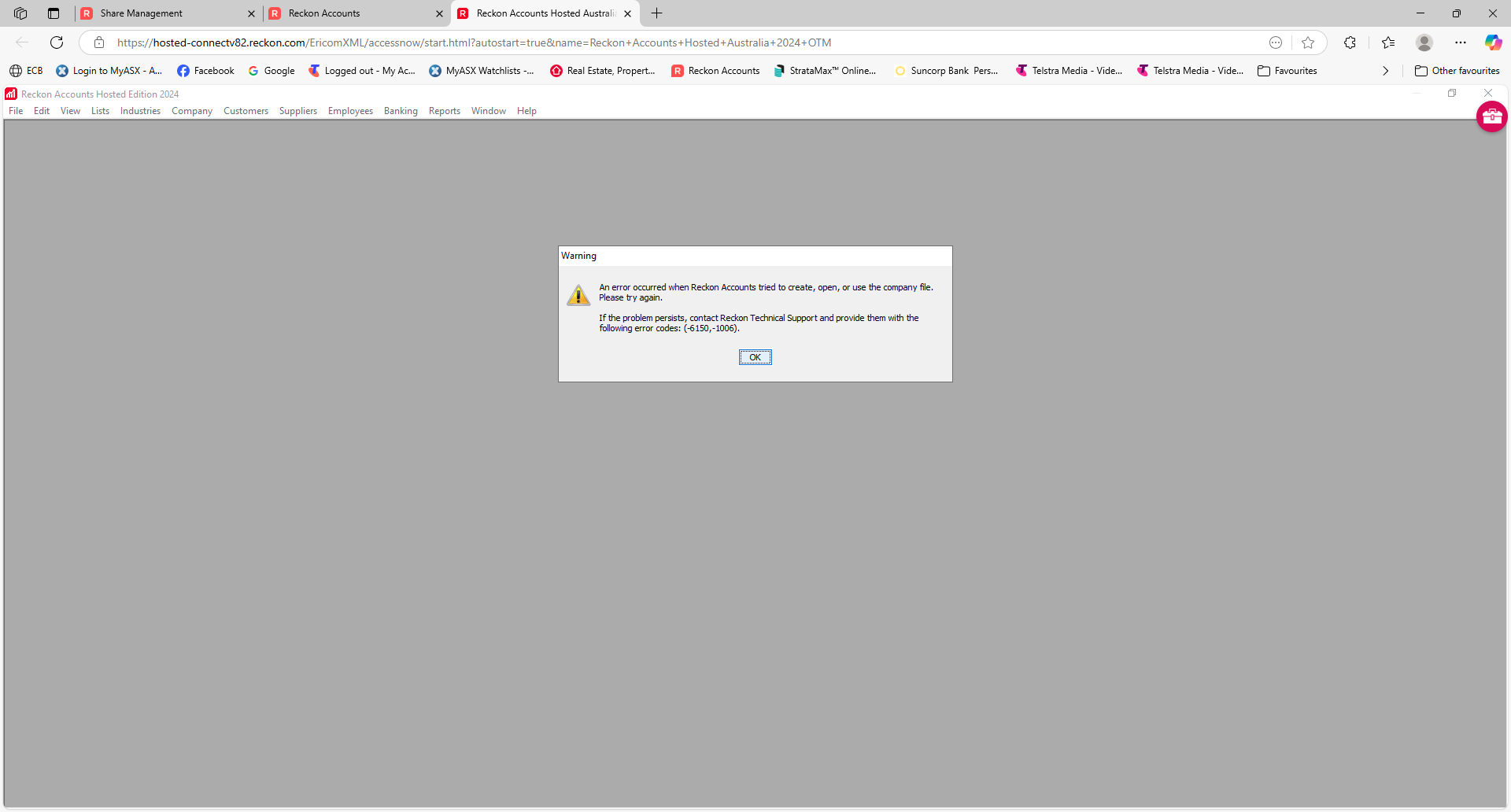
. Sharing a Company File for first time in Hosted - I followed the instructions below, the "Create Share" does not come up. I get to the Review & Share page & cannot go any further.
Adobe Portable Document Format (PDF)Doc1 (new).pdfUploaded 2:30 pm99.89 KBDelete
First login to Hosted, it takes you to page “Welcome to Reckon Accounts”. Click on “Control Panel”, then under “File Management” click on “Share Your Company File”. In “Select User” select your User-Id > In “Select Company File” click and add the company file to be shared > click Next. In “Select the User for access” enter User-Id of your accountant, search and add it to “Selected Users”, click Next. In next page click “Create Share”.