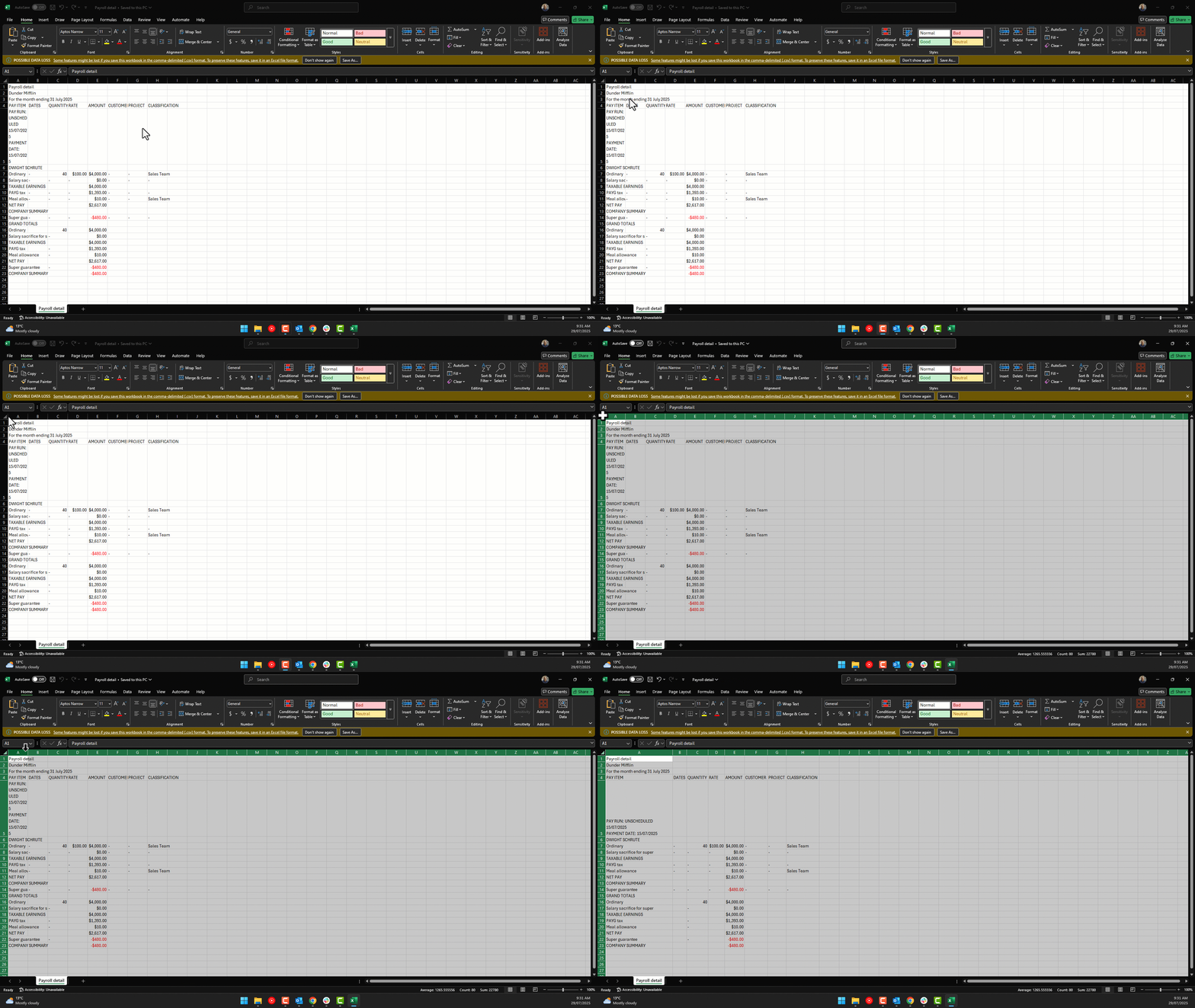
The formatting for the excel spreadsheet has changed recently.
Column A has been narrowed when downloading, and when expanded, there are too many large and empty rows.
Please correct formatting
Hi @Jennie Kemp
Can I just confirm, was your report exported in .CSV or .XLSX format?
The only reason I ask is, when it comes to CSV there haven't been any changes made to formatting recently. The worksheet can be resized by clicking the full sheet then double clicking in between any of the columns. I've put together a quick screen reocrding as an example below 👇
Hi Rav,
Thanks for your response.
The report was exported as XLSX. When the Pay Detail Report is downloaded, the Pay Item column, column A, is now very narrow. To correct, the column must be widened just to read the Pay Item title, as it is truncated in the narrow column. Each Pay Item is now also merged into two rows. When correcting this format to view the Pay Item, I can hardly fit two employees on one page.
If you refer to the new report, Employee Earning Summary, it shows the format of the previous Pay Detail Report. One row for each Pay Item, and the Pay Item Column is wide when downloaded in XLSX.
The example above is for the CSV download, it is the XLSX download I have a problem with.
I can see what has happened, it was in Portrait mode, not Landscape.
It appears OK in Landscape mode.
Nice one, good observation thanks for letting me know @Jennie Kemp 🙂
I'll update the status of this idea
Click the vote button on the post to show your support for the idea. The more votes an idea receives, the more likely it is to be reviewed and prioritised.