Reckon Hosted Report showing Total Due
I am trying to create a report for Purchases showing not just the amount due after GST, but the Amount Due and paid including GST.
So far I have ran a Tax Detail Report (Cash Net) which close but I can only get the amount showing after GST, does anyone know what else I can modify to get this?

Answers
-
Were you able to figure this out?
0 -
No sorry I have not been able to
0 -
Have you tried setting the reports in Preferences to Gross. That report says it all - cash/Net. Change to gross and if it works memorise the report and then change preference back if that is what you want
0 -
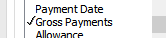
Kris you mean in Modify Report, Display and then Gross Payments?
This is just the GST now, gosh I am making a mess
0 -
no if you got to preferences - reports - you can select Gross. This changes it for every report, so if you choose the report you need and itβs what you want, you can memorise it and then change the preference back to Net
1 -
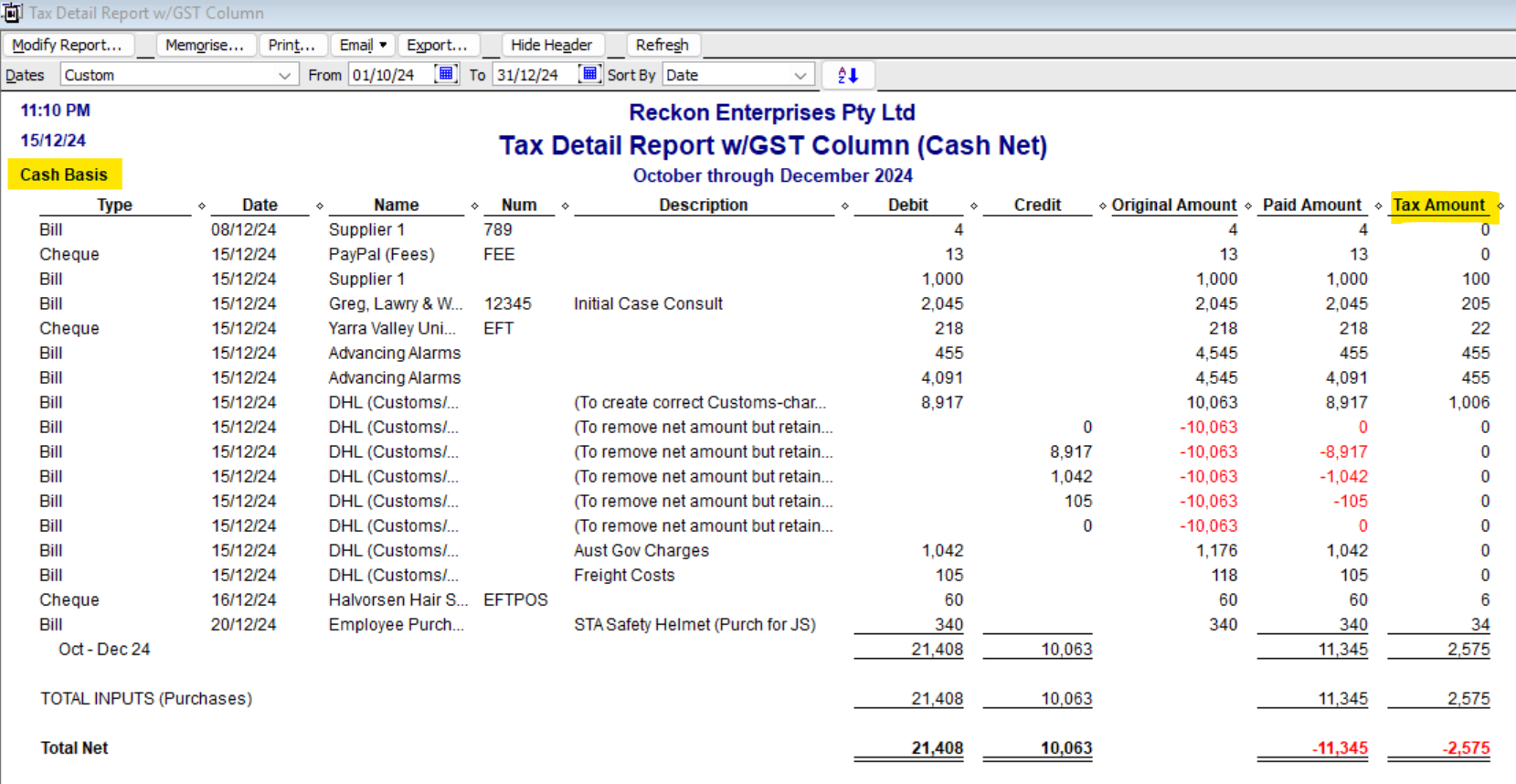
Unfortunately, the Tax Detail reports only display in net, because these show each transaction line β¦ so I always modify them to display the Tax Amount column also.
If you change your company file Preferences for - Tax & Reports & Graphs - to Gross then run it, the Original Amount will display the Gross (GST-inclusive) figure & Cash Basis will show just paid ones:
Bear in mind though that the cash tax detail will display the WRONG GST amount for any part payment &/or negative lines. (This is due to it trying to specifically calculate the 10% GST rate, line-by-line π)
1