It appears there are not many options to customise a template in Reckon One.
I'm trying to upload a png logo which it keeps telling me is too big. The file is 470x125 px (the size it states is allowed) at dpi of 100.
Why won't reckon accept this?
Hi Chris
What is the file size of the image that you're attempting to upload? I imagine it would be but is it below 2MB in size?
Hi Chris,
Thanks for your patience.
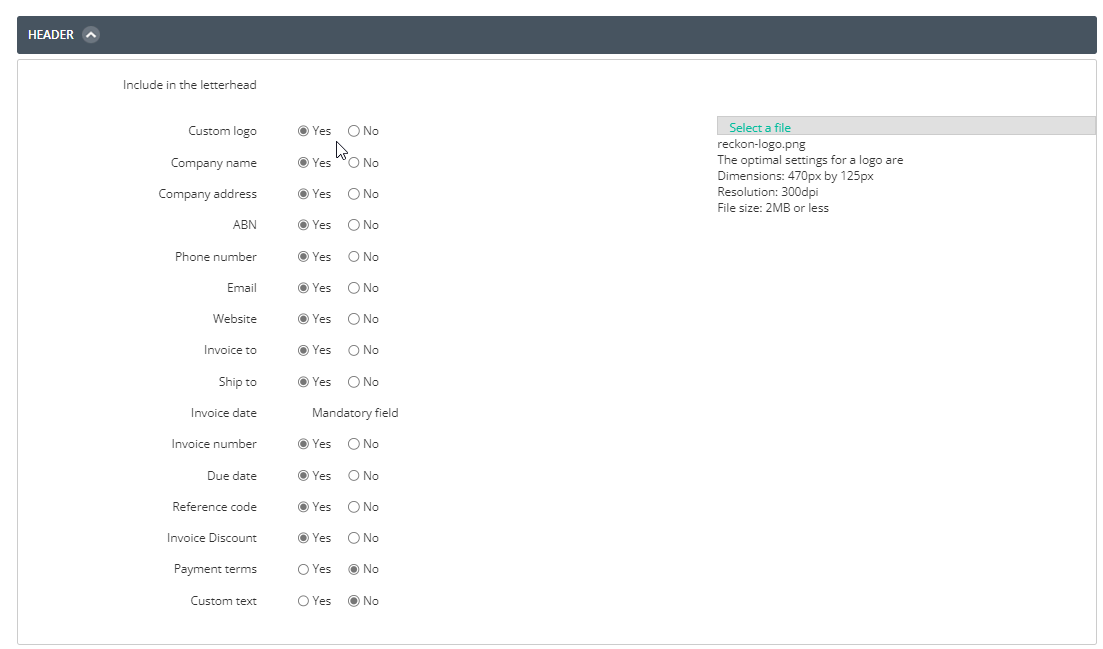
Here is the following requirements for customizing a Reckon one template logo:
If you still require assistance, please feel free to revert back here, thank you.
Cheers,
Lucas
Thank you Lucas,
The file size is tiny, around 40kb. I've tried different images .jpg and .png but it won't accept anything even with the correct dimensions.
Chris
Hi @Chris_9566250Chris,
Could you possibly privately message me your logo and I will attempt to add it on my testing book?
I may be able to fix it on our end for you, if I notice anything wrong with it. Thanks
Thanks Lucas,
How exactly do I do that?
Also, I'm really struggling with the format of any/all of the available invoice templates for items.
The Item input has 'Name', 'Code' and 'Description' at the bottom. However, on the invoice the 'Name' field shows as an 'Item', the 'Code' doesn't show at all but 'Description' shows in the description column.
So, how do you get a product code (SKU) to show in the 'Item Column' and product name to show in the 'Description column'.
Thanks.
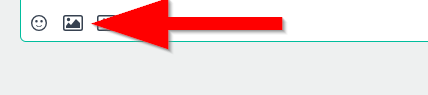
You can upload your logo image file here on the Community using the image option in the reply window and we can test it out on our end.
Also, please refer to the video provided below for instructions on how to add a logo to the templates.
LINK TO VIDEO
Additionally, I've included another video for you on customizing the invoice template:
Customizing Invoice
I hope this proves helpful.
If you have any further queries, please let us know.
Kind regards,
Reeta
I also sent it earlier today clicking on the icon of Lucas' name
I was able to upload the logo and had no issue with it appearing on the invoice.
Could you please confirm that you are uploading here like this screenshot:
Thank you and speak soon.
Don't miss announcements and important info for Reckon One.
Check out our Reckon One how-to videos for tips & tricks, and help with common tasks!
Got a cool idea or want a new feature in Reckon One? Click here to let us know!