Home & Business 2019, tag and split efficiently


Dear members,
I have the above software installed and find it tedious to split the large numbers of small payments so that I can extract via, Business> Tax Detail or Gst Liability for tax purposes.
I have found one method for taging these though it will not show up for the required reports.
Is there a method to do this in the 2019 version and if not, has this been possible in subsequent versions?
Thanks.
Note; I have called the support line and because it is not the latest version they won't help me.😟
Answers
-
Dear @gide ,
Are these small payments all for the same account/record in H&B?
Kind regards,
Alexis McKeown
Reckon Senior Technical Support
Alexis McKeown
Reckon Senior Technical Support
Working hard since 20180 -
Yes, in this instance.

I have 3 separate accounts(tags) to choose from. Only one tag for these expenditures
0 -
Dear @gide ,
While the Tax Detail and GST Liabilities Reports cannot display Tag as a column, transactions are still inherently tagged.
To display these:
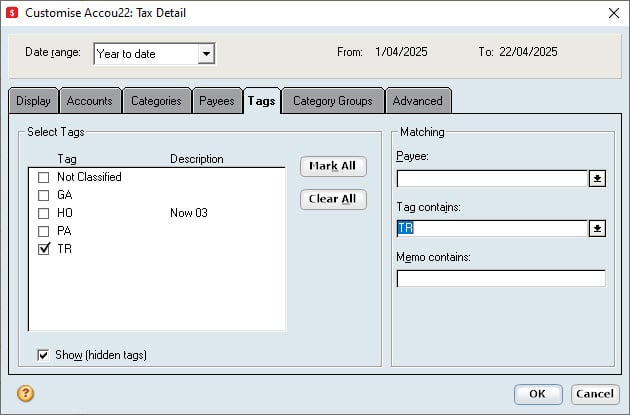
- Go to Customise in the reports;
- Go to Tags;
- Deselect each tag that does not apply;
- Press OK.
The report should now generate only showing the tagged transactions.
If this fails, let me know.
Kind regards,
Alexis McKeown
Reckon Senior Technical Support
Alexis McKeown
Reckon Senior Technical Support
Working hard since 20180 -
Hi Alexis,
Thanks for your help!
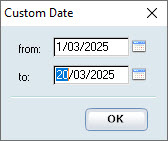
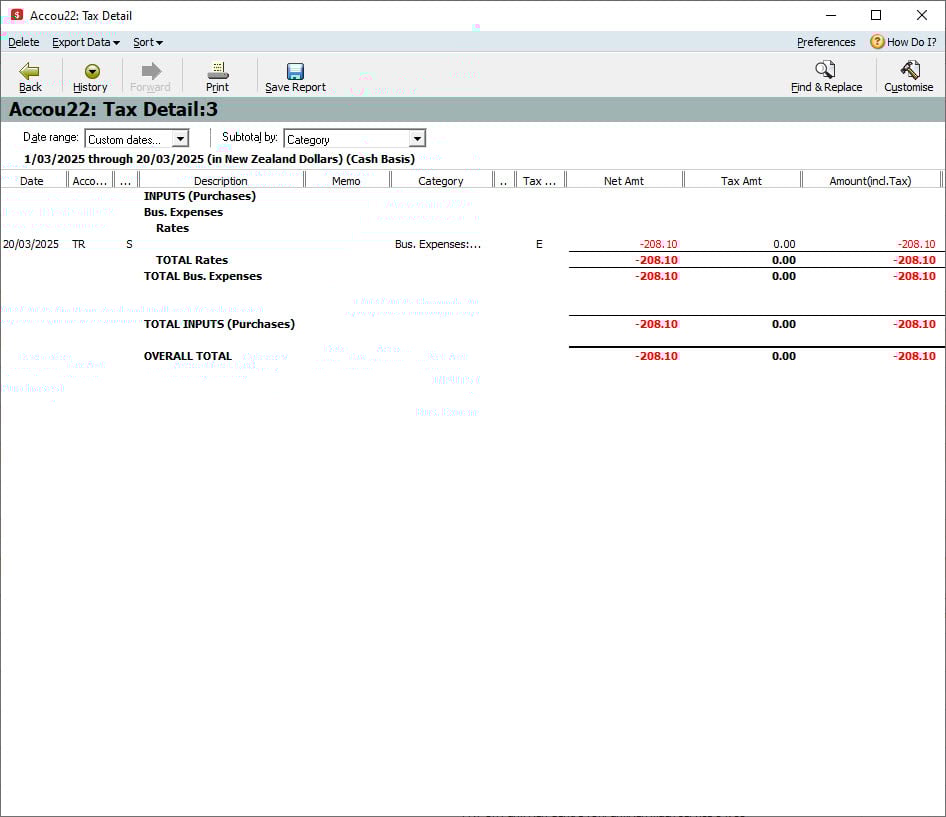
I have added a few images. 1> a few items marked for trying to split. 2> deselected the tags. 3>selected the date limits. 4>result.
Non of the required items showing.

 0
0 -
Dear @gide ,
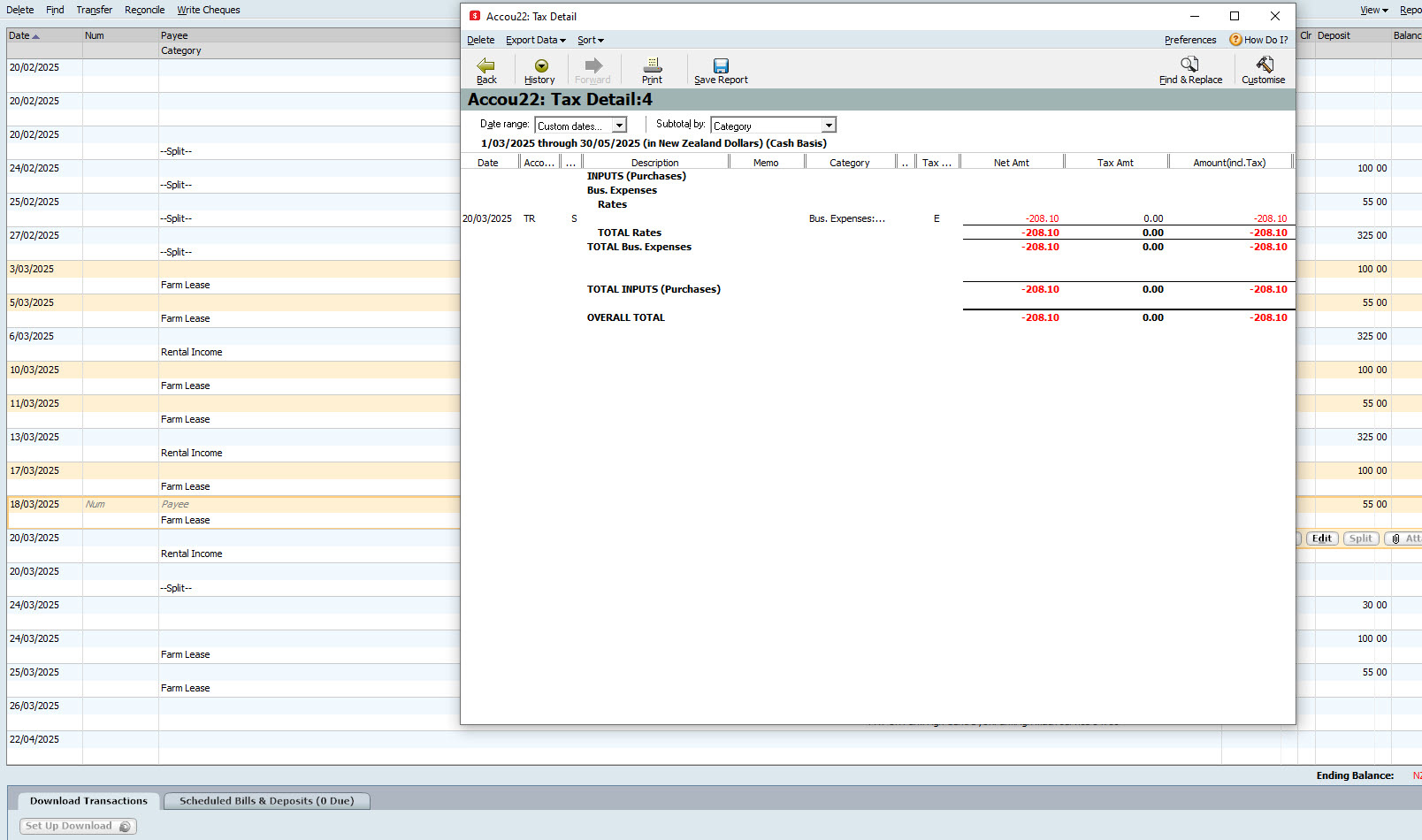
You are using an invalid date range - you need to include up to the May transactions.
The transactions you showed before would exist outside of the date range you are showing.
Kind regards,
Alexis McKeown
Reckon Senior Technical Support
Alexis McKeown
Reckon Senior Technical Support
Working hard since 20180 -
the dates I have selected are between the 03.03.2025 and 18.03.2025, no change
 0
0 -
Dear @gide ,
After testing it myself, reporting on these splits and relevant accounts can only occur if the split is setup on the Payee level.
The Payee must be listed in the Memorised Payee List with the Split type, and these splits associated by the tags within.
This will allow reporting in the way you're seeking.
Kind regards,
Alexis McKeown
Reckon Senior Technical Support
Alexis McKeown
Reckon Senior Technical Support
Working hard since 20180 -
Thanks @Alexis McKeown , very good
I will test this tomorrow morning
1 -
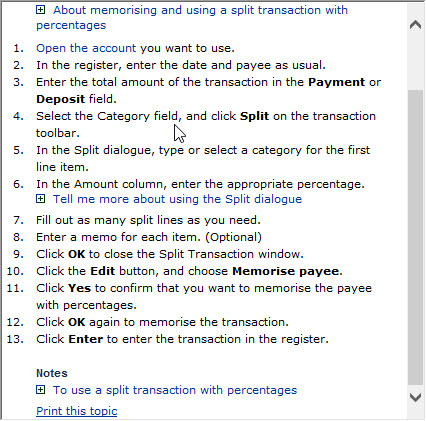
I tried for a lengthy time and I could not get it working. I tried to follow the help as inserted below without success.
It just wouldn't split and without that I can't use the required reports.
 0
0 -
Dear @gide ,
I see - I'm sorry to hear that.
I'm not too certain what to recommend at this stage - I will be tagging one of the Personal Plus/H&B Experts to see if they have any thoughts.
@GerryWinter , any thoughts on this?
Kind regards,
Alexis McKeown
Reckon Senior Technical Support
Alexis McKeown
Reckon Senior Technical Support
Working hard since 20180 -
Thanks @Alexis McKeown
0

 Reckon Staff


