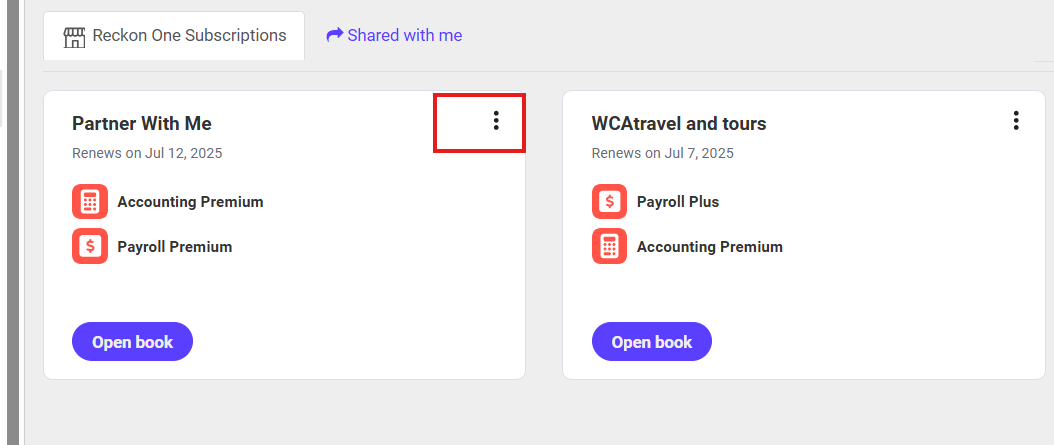
I use Reckon One. I cannot find where to generate my quarterly BAS report. Can someone tell me how to do this? Thanks
Hi @JodieF,
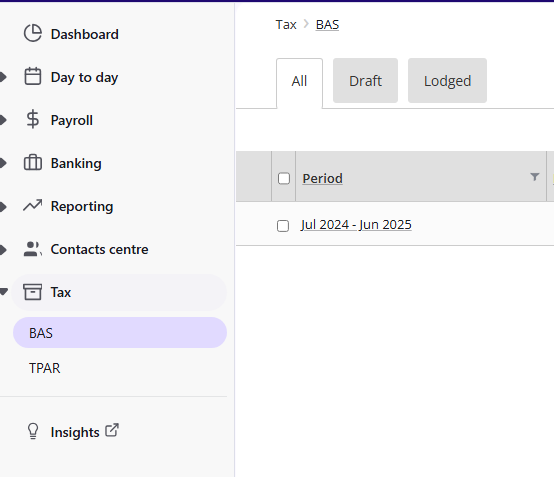
The BAS report can be found under the Tax section in the left side menu of your Dashboard. Click the Add Button and select the Reporting Period.
I hope it helps.
Best regards,
Karren
Thanks - I did see that - however I need to select only SOME of the 5 accounts I have on my Reckon One accounting system and this report appears to simply include all of them. How do I limit the BAS report to the accoun(s) I want in the report?
HI @JodieF,
Currently, the only available option is to configure the BAS detail. You can do this by navigating to Settings > Tax Settings > BAS Details.
Thanks - so I went in to that area, but it doesn't let me choose which of my accounts I want to go into the BAS statement. Surely the program has the capacity to do this? All the other accounting programs have as this is a pretty fundamental use of it…How else can I set up my usage of Reckon One to allow me to get my BAS calculated, as this is the most important thing I need the program to do.
thanks
thanks Klaura - I did that and it said The link has expired or is invalid - tried twice…
Klaura- I tried to share but it did not work. Any other ideas?
Thank you for your patience. It appears that the report you are seeking is not yet available in Reckon One. You might consider sharing this suggestion to Reckon One Ideas, where you can submit new ideas or cast your vote for existing ones.
Don't miss announcements and important info for Reckon One.
Check out our Reckon One how-to videos for tips & tricks, and help with common tasks!
Got a cool idea or want a new feature in Reckon One? Click here to let us know!