G'day,
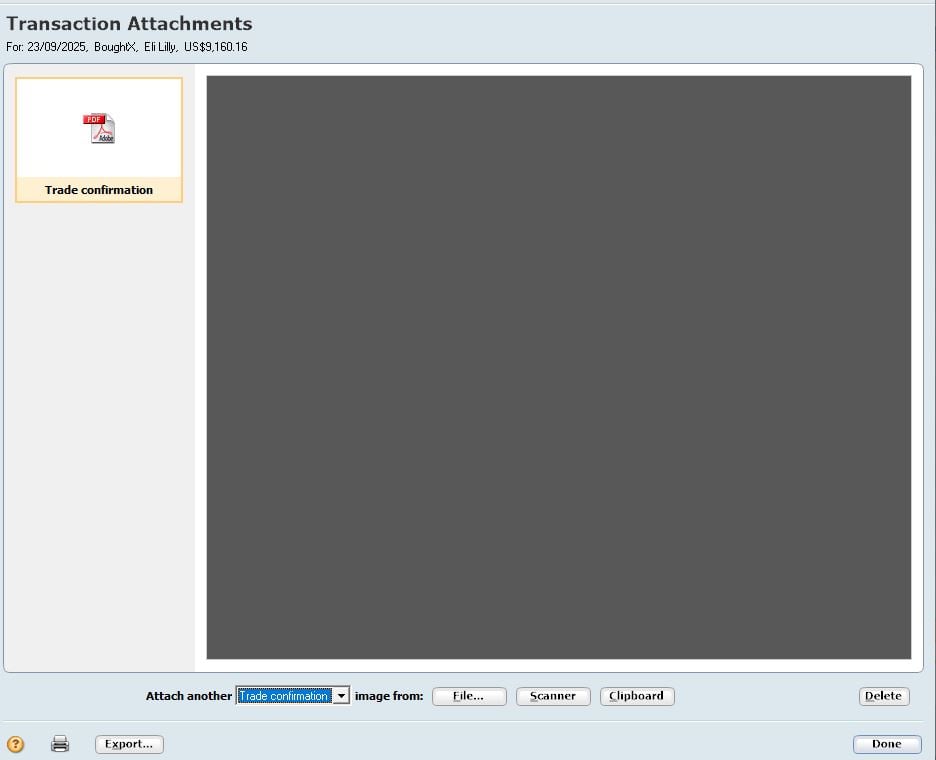
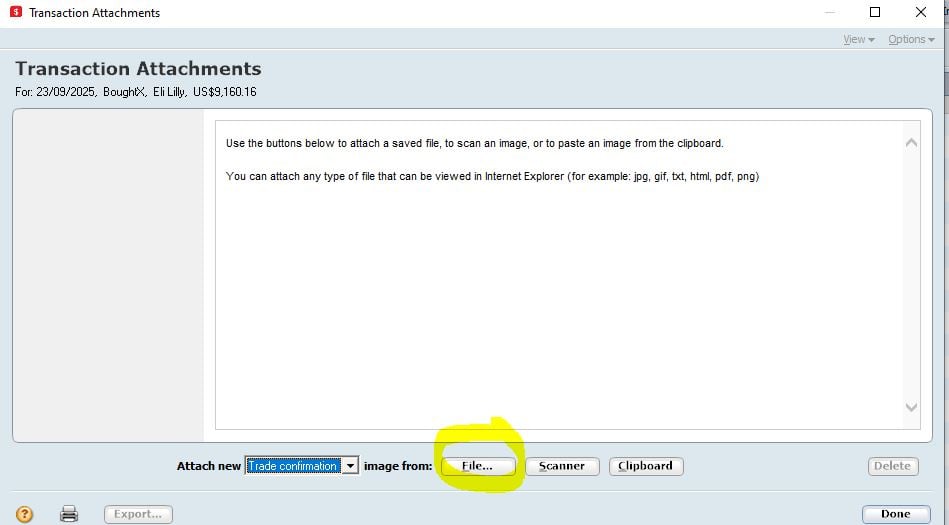
I moved to a new pc. I am now unable select and attach a PDF from a folder. I can still attach straight from the scanner. When I select a saved pdf to attach to the transaction all I get is a black blank screen with no content.
thanks
Hi @Cdog57
On your new PC, is the .PDF file extension set to launch via an internet browser (or other app) rather than a dedicated PDF reader like Adobe Acrobat Reader?
If so I'd recommend working through the steps listed in this help guide - https://help.reckon.com/article/s0wpuhxlx8-kba-5665-unable-to-preview-pdf-attachment-from-pdf-reader
thanks for the quick response - I saw and followed these steps with out success. Just so I am being clear this happening when I click on a transaction to attach a FILE (pdf) which is selected from a windows folder
Hello? Are you there?
What's changed? Your new computer obviously.
So what's different about it compared to your old one, which I assume was working correctly?
Hello Eric, I don't understand your message. What is "your new compound"
Sorry, fat fingers. Corrected
Thanks, I suffer that occaisionly - I tested against each other without making and saving any actual transactions and I must have not checked grabbing a file as an "attach" to a transaction. Scanning something works and I can go back to view what was scanned in
I have "fixed" this. I opened file operations and performed a file copy. I made sure the transactions were dated correctly. After the copy was completed I opened it and now I can open files with the attach function. No idea why this worked. Of course I tested this on another PC first. I am no longer having to print and scan in attachments which is one thing I hated doing
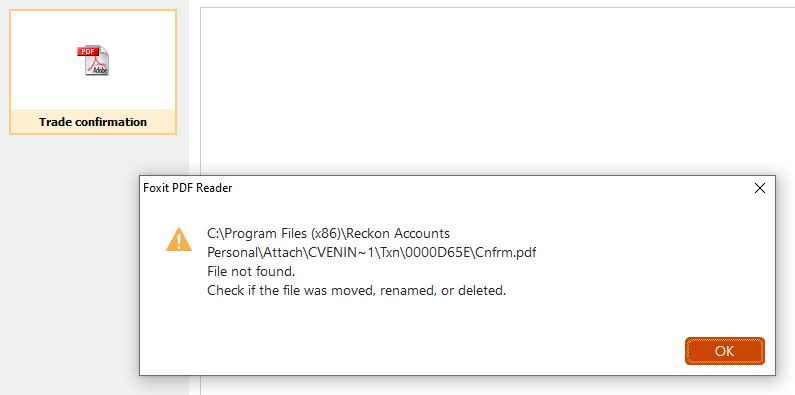
This error remains when I try to "attach" a PDF to a transaction. I can attache by scanning but that means I have to print it 1st - Thanks