
The latest Reckon One update has just landed and its a big one! You can now connect Reckon One with Stripe for easy payments and we've also upgraded the items screen to an all-new experience.
Check out the inclusions of this update below!
✨ Stripe is now available with Reckon One!
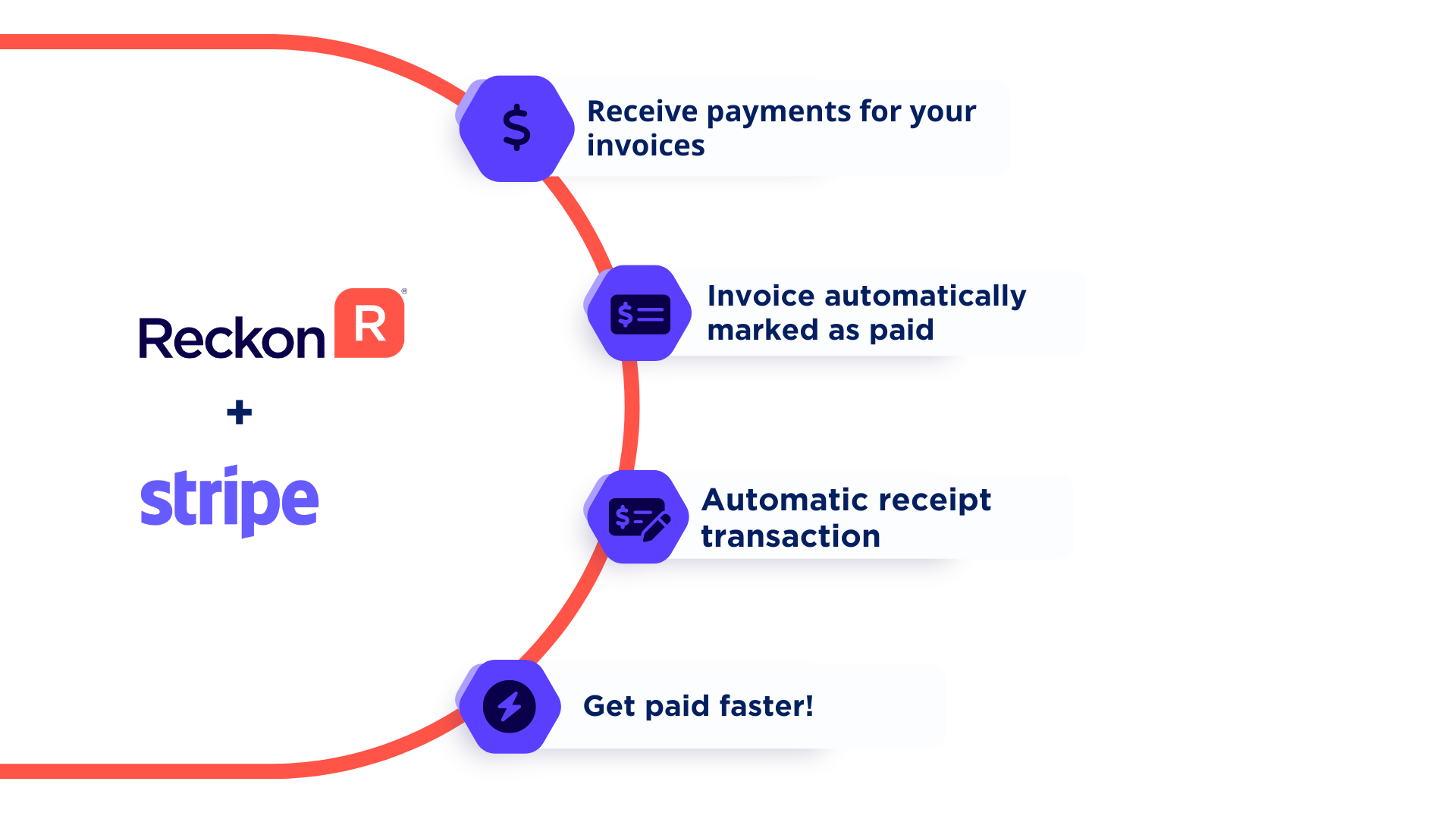
Connecting your Reckon One book with Stripe allows your customers to pay your invoices simply by clicking the Pay Now button on the invoice email itself! When your customer pays your invoice with Stripe, a receipt transaction for the invoice will be automatically created and the invoice will be marked as paid.
This allows you to seamlessly and easily accept payments, have happier customers and get paid faster!
For more information on Stripe with Reckon One, check out our information post here and for a walkthrough on setting up Stripe and how it works with your Reckon One invoices, watch our how-to video here - Receiving payments for invoices with Stripe 🎥
Questions about Stripe with Reckon One?
Click HERE to create a new post and we'll do our best to assist 🙂
✨ An upgrade for items!
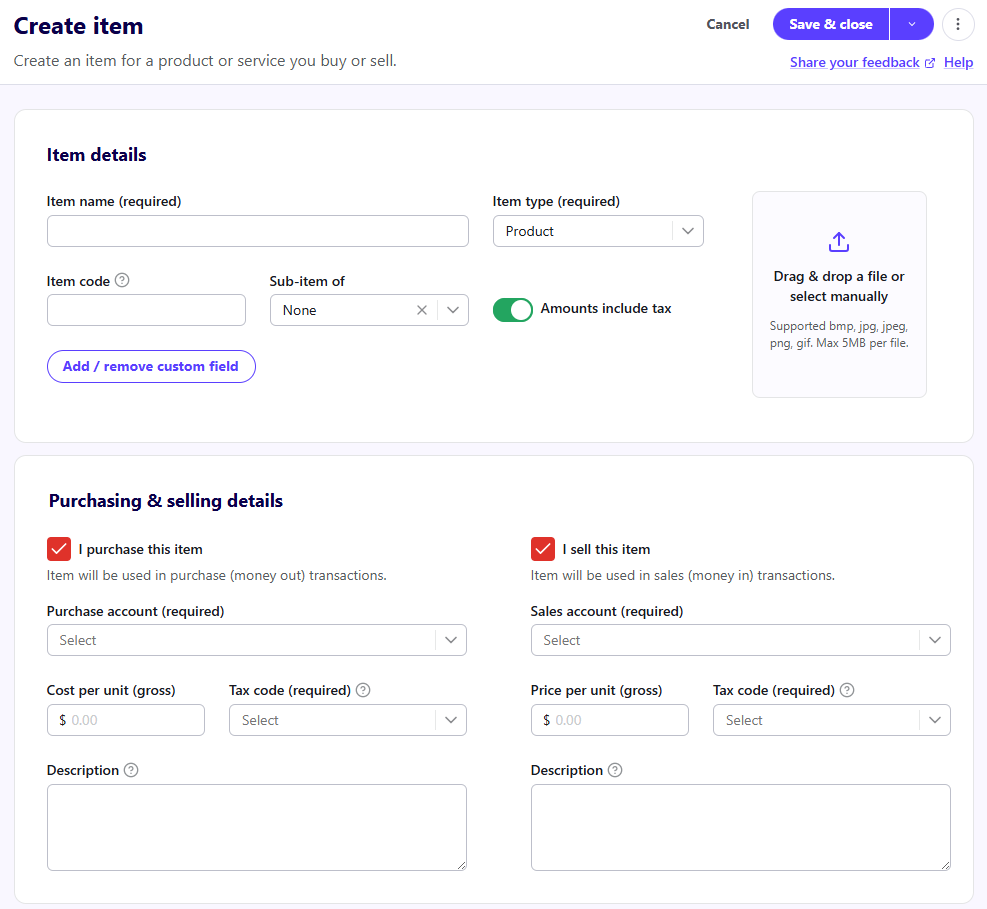
The item screen in Reckon One has been given an upgrade with a new look and feel! This upgrade brings the item screen in-line with our recent upgrades to invoices, journals and payroll.
Not only does it look a lot better but it has added features with the addition of custom fields, ability to add an image to your item and a lot more to come! Check out more info some of the new features with items below.
✨ Custom fields for items!
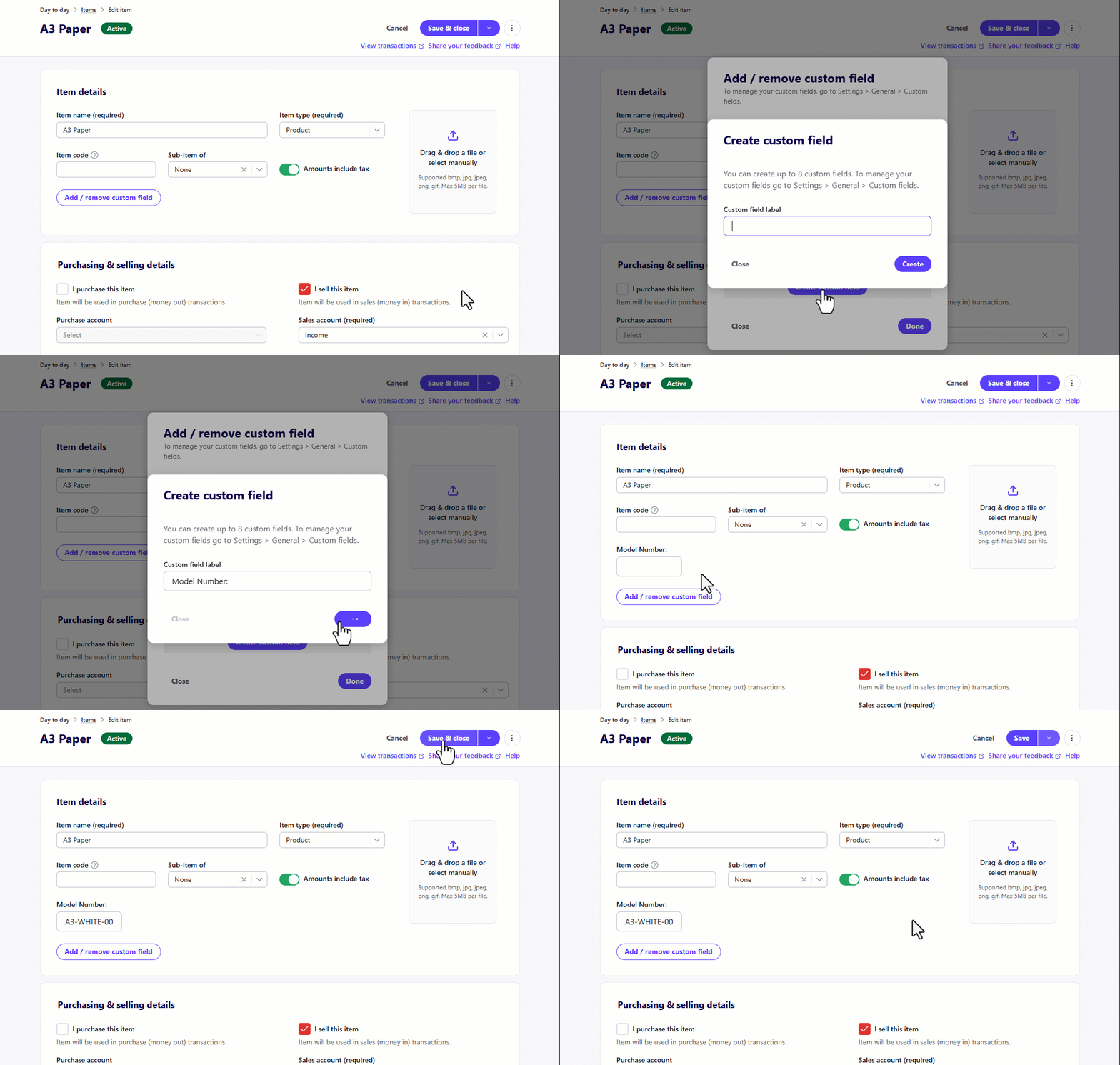
You can now create custom fields for your items! This is a great way to add a little extra info for items such as serial numbers, model numbers, size, colour.. anything!
Its super simple to add custom fields to items, simply click the Add Custom Field button to create a new custom field.
✨ Add an image to your item!
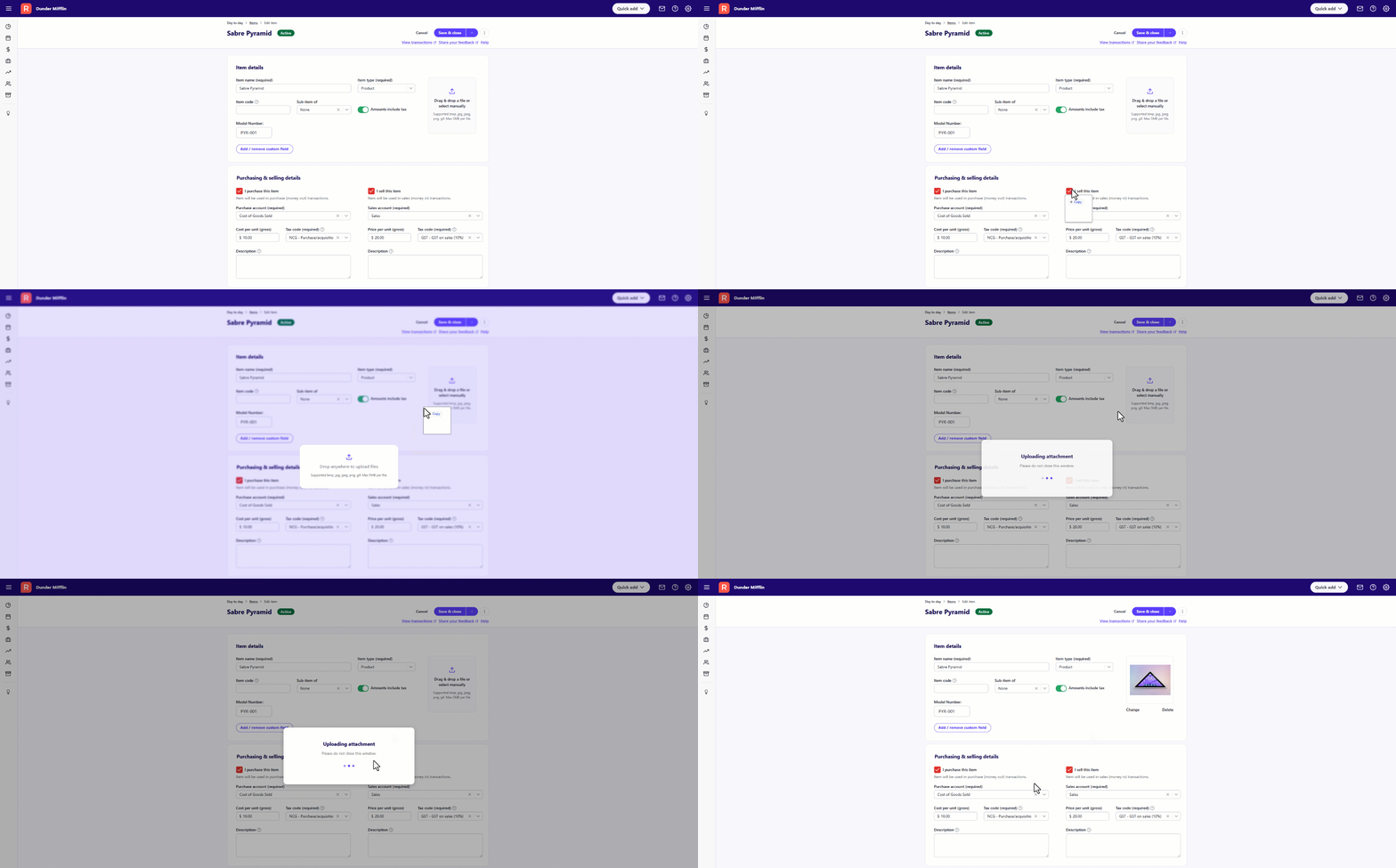
You can now add an image to your item by simply by drag and dropping an image file to your item setup screen.
✨ More improvements to reports!
We've added a bunch more improvements to reports which allow you add additional data columns to selected reports. Check out the new columns that can be added to reports below.
Account Enquiry Report | Customer Transactions Report | Supplier Transactions Report | Aged Debtor Transactions Report | Aged Creditor Transactions Report |
|---|
Reference column now available | Notes column now available | Notes column now available | Notes column now available | Notes column now available |
Notes column now available | | | | |
Debit column now available | | | | |
Credit column now available | | | | |
