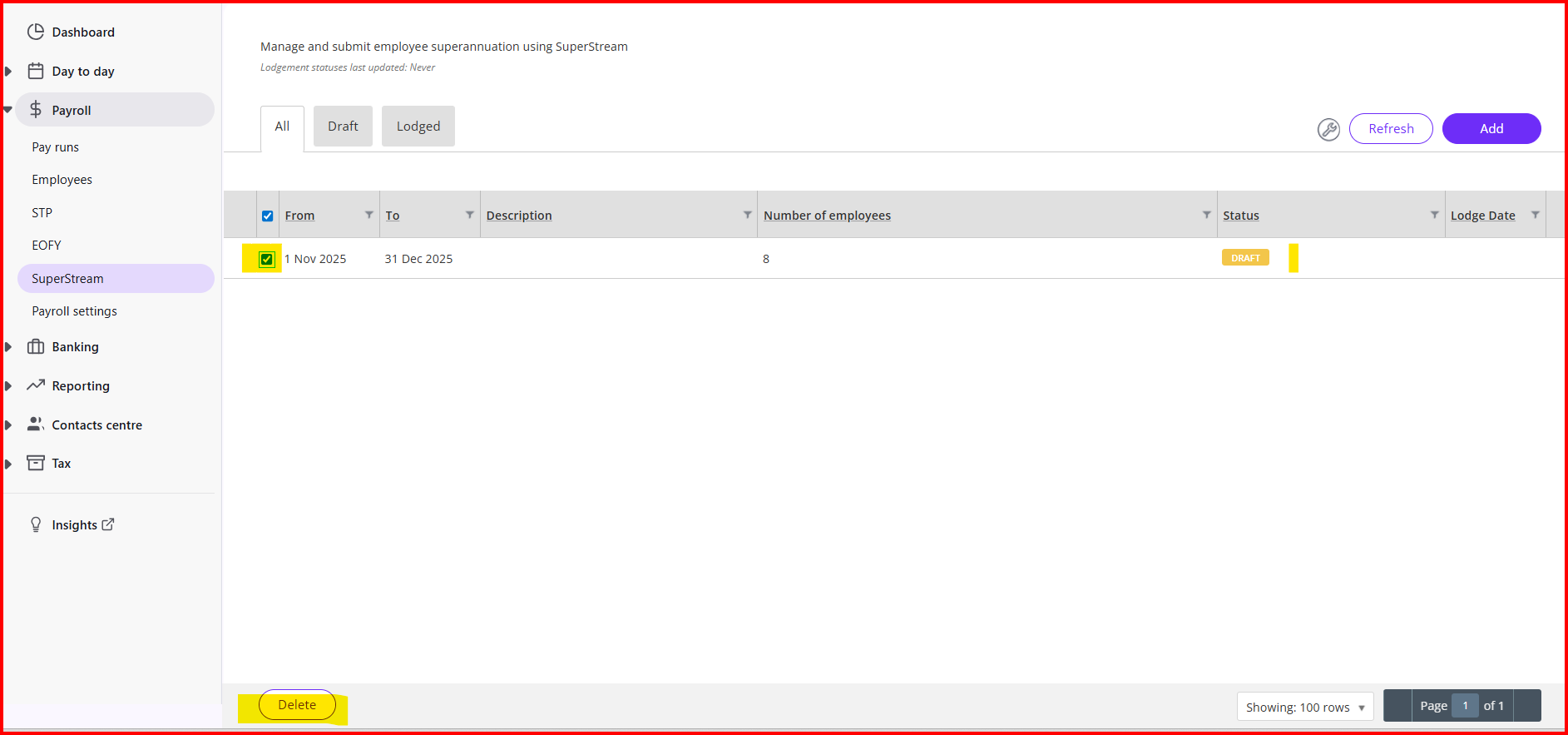
I have looked and can only find things on when the pay run needs amending. But that is all fine, somehow when keying in the dates of the batch I must have put 1st Nov. instead of 1st Dec. and now I can't find where to edit it.
I did start to follow a procedure that says to revert the pay run, attempted that and all these warning came up so I backed off. I don't want to change the pay run. I only want to change the title of the super batch. Nowhere there can I see anywhere to edit it.
Should I just ignore all this superstream stuff? I can pay the Dec. super via SBCH next month, but they won't let me pay another one until they clear the previous one, which taking weeks. But I think the super batch still has to be done so that it is processed in general ledger. It's not easy to see what goes on behind everything here.
Last day of work for the year and I was hoping to get it done.