Employee Status

Lyndag
Member Posts: 10 Reckoner 
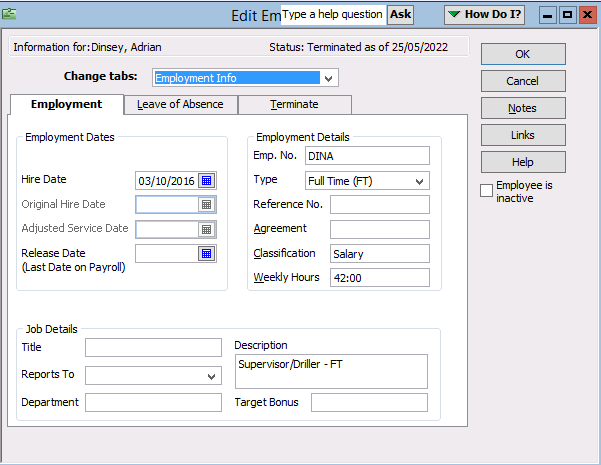
How does one change an Employee Status, one of our employees status shows up as terminated but is still employed.
0
Comments
-
Delete the terminated date and add the rehire date.
Voila
0 -
Hi Lyndag
This status comes from the Terminate Employee process in the Employee Organiser & needs to be changed there, in order to force removal of this.
Highlight the employee in your list, right click & select Hire Employee to get to the Employee Organiser section. Choose the first Edit ... option, click on Next through the windows & remove the Hire Date auto-entry, then click on Finish.
You should now find the termination message has gone 😊
4 -
Thank you for your help, all sorted
1




