Printing / Exporting a Journal entry

Ray_9187215
Member Posts: 4 Novice Member 
I am new to Reckon and cannot find the print / export option in the journal page.
Any assistant will be appreciated.
Any assistant will be appreciated.
0
Comments
-
Hi Ray,
If you mean in a general journal, the print button is at the top next to the next and previous buttons.
Regards,
Shane.
0 -
Hi Shane,
I am using a Reckon one and have a different screen:
Do you know where I can print from here?
Thanks
Ray0 -
try ctrl+p
0 -
In ReckonONE, it does not allow to print the journal to prtr nor to pdf in the same format as I view it in its entirety on the screen. CRTL-P gives you a screen dump not a printout.
0 -
Hi Shane,
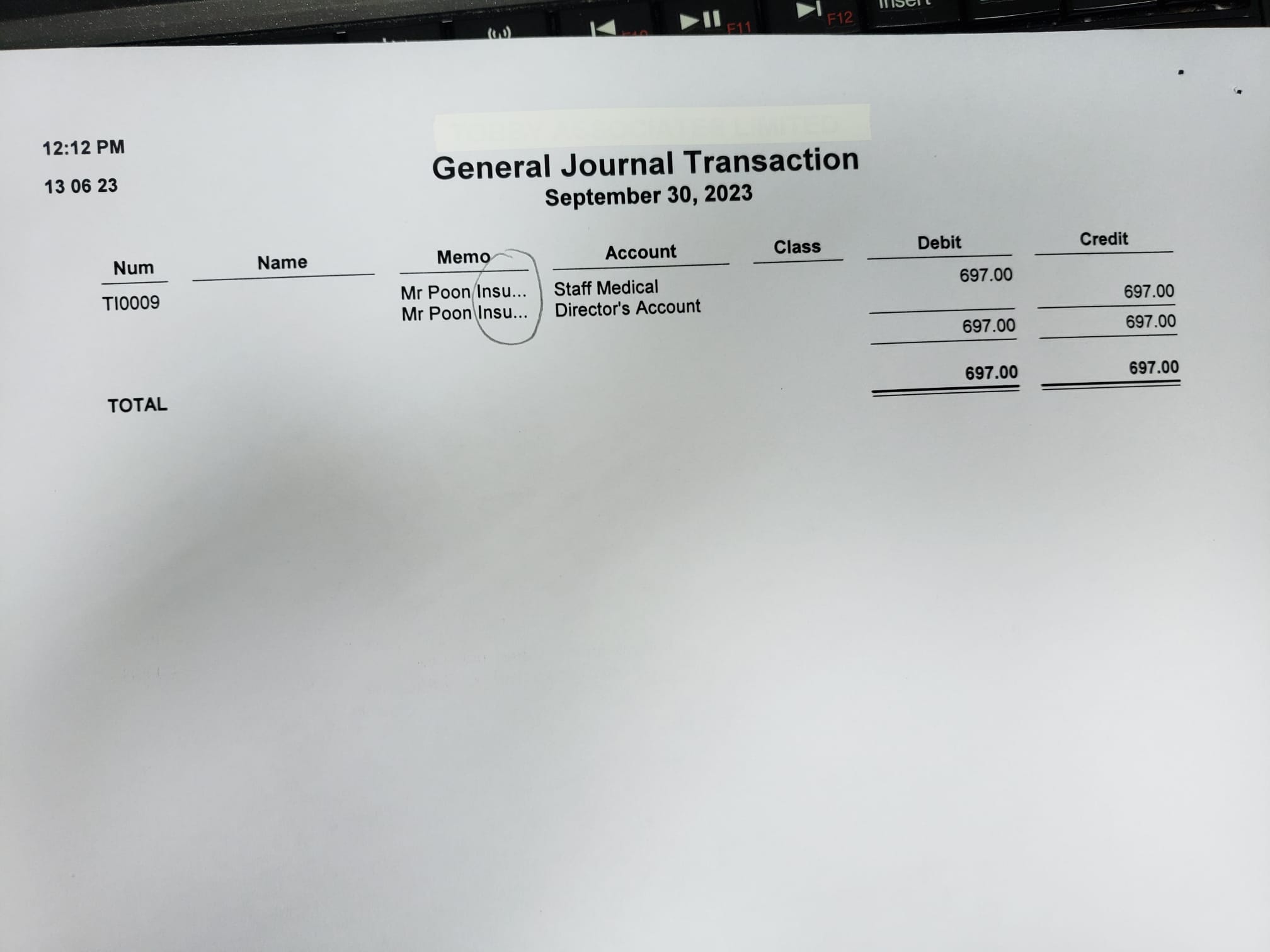
May i know how to print whole content of the Memo / Description / Account in General Journal transaction. Thanks.
 0
0 -
Hi @Ms Yuen
As the "Print" button on the GJ screen doesn't display the report on-screen first, I would locate the GJ in the Find section & generate the report from there. (TIP: Filter the search for just that specific Date & for Journal Transction Type to narrow it down to just that entry)
On screen, you can then expand any report column by hovering your mouse over the column separator diamond & when the cursor turns into a double-ended arrow, clicking down & dragging the column out to the right.
0 -
Hi Shaz,
Thanks for your information so much,
1
 Reckon Staff