Q drive files not deleting


I am trying to clean up my Q drive. I am able to highlight the selected files, however they aren't deleting. I have tried doing 1 file at a time and mulitple files. Is this function not working or is it slow to delete?
Answers
-
Hi @Julie C ,
Thank you for your query.
To help me look into the issue with deleting files from your Q drive in Reckon Hosted, could you please provide answers to the following:- Are any error messages being displayed?
- Could you please specify the steps you are following to delete the files?
- Is the file currently being accessed or used by another user?
- Are you able to delete files from your Q drive at all?
- Are the files located in a shared folder or your Q drive?
Once I have this info, I’ll be able to investigate further and suggest the best next steps.
Thank you.
Regards,
Reeta
 0
0 -
I deleted a couple of files this morning and it worked ok. What type of files are you trying to delete?
0 -
@Reeta please see below:
- No error message is displayed
- Click My Files/Q/select file to delete/Actions/Delete (I tried a few and it worked, then it stops working)
- Only used by 1 user
- The files are located in the Q drive, not a shared folder
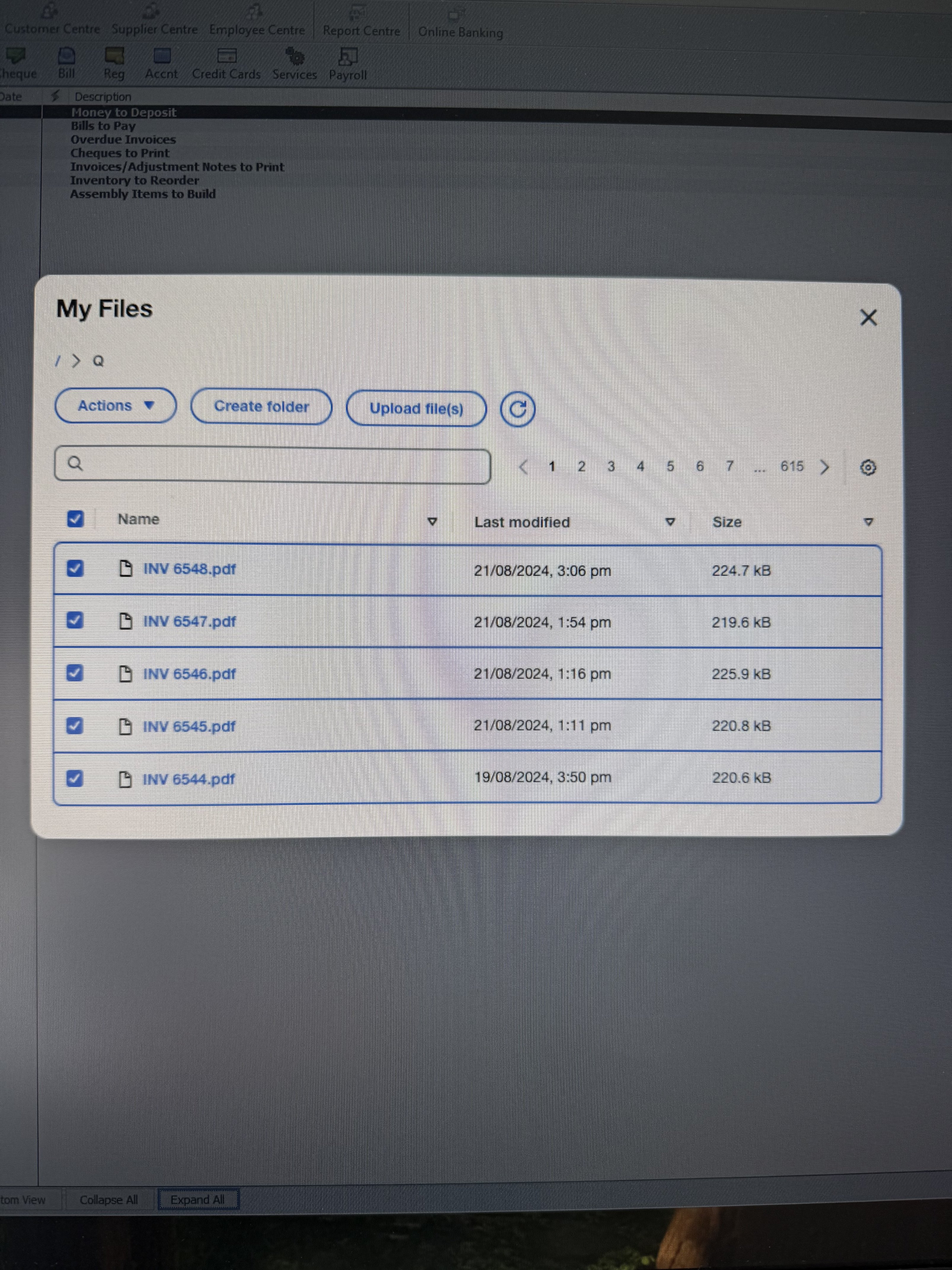
@Eric Murphy the files I want to delete are invoices, purchase orders, quotes, STP files. As mentioned above, i can delete a few then it freezes
0 -
I have found that sometimes there’s a delay in deleting files, especially if you are doing a swag of them
1 -
@Kris_Williams how frustrating, it hangs for such a long time. I'm talking over 10 mins for 5 files
0 -
I don’t wait I go back on later and delete 1 at a time. Or go in the old way, where you would go to restore a backup and when the folder opens click on the file to delete and hit delete on the keyboard
0 -
Hi @Julie C ,
Thank you for getting back so quickly, I really appreciate it.
I understand how frustrating it can be when deleted files still appear in your Q:. This can occasionally happen due to temporary caching, but the good news is it’s usually easy to resolve.
Could you please try logging out of your current session and then logging back in? This refresh often clears any lingering file references and ensures that the deleted files are no longer visible.
If the issue persists after that, please let me know , I’m here to help and will gladly look into it further for you.
Regards,
Reeta
0 -
That's interesting, I haven't come across any such delays when deleting files and I cleaned up quite a few now that we have the option to delete multiple files in one go.
Will need to keep an eye out I suppose. Is your internet generally pretty quick?
0 -
@Eric Murphy internet is generally pretty good. I am slowly getting through it. I logged out and cleared the cache. Every so often it hangs, I exit out of my Files and start again
0 -
Thanks for the help everyone, I got there in the end, a very tedious task 😀
1

 Reckon Staff

