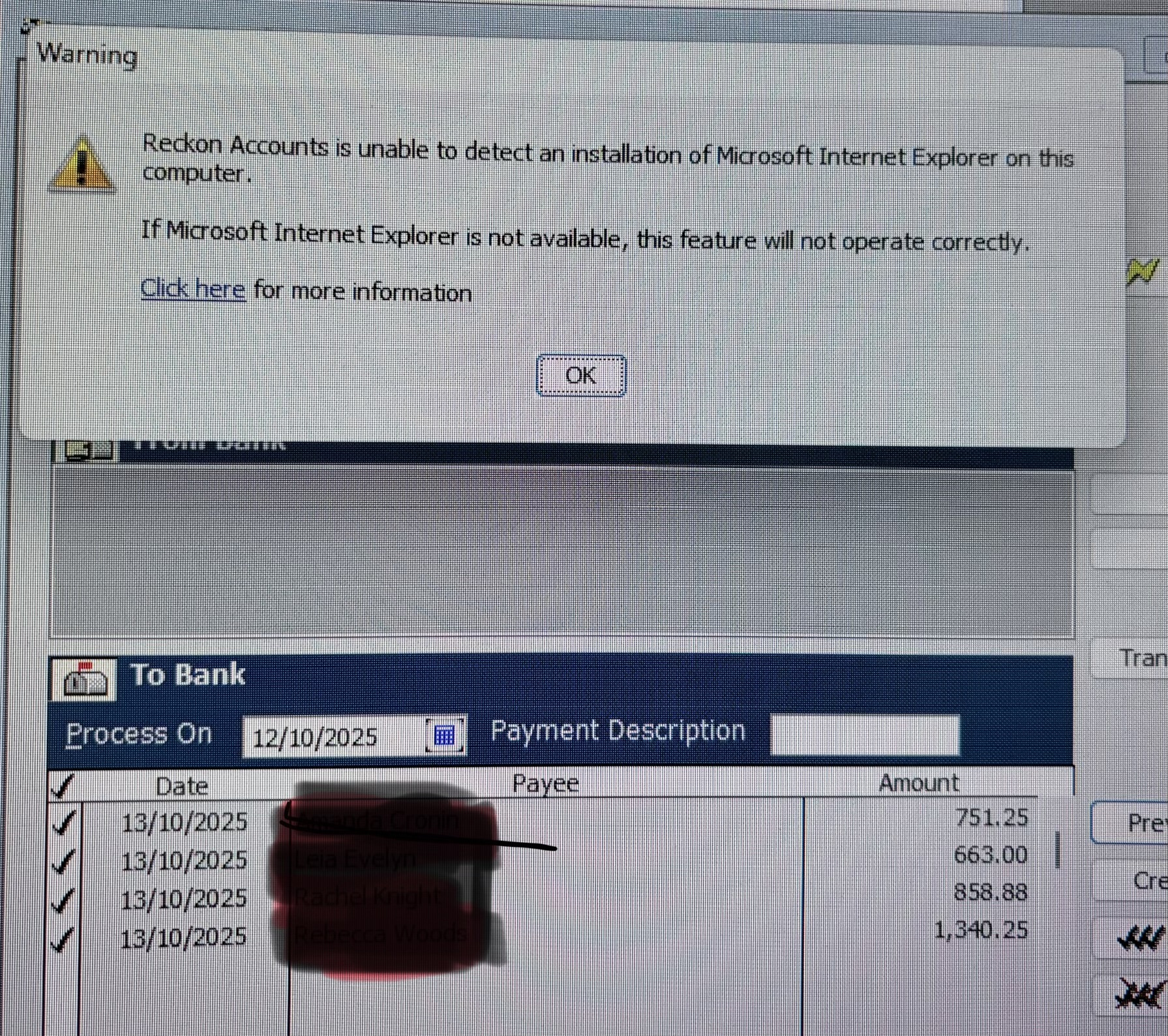
I am unable to preview the aba file on Enterprise desktop, I receive a message about internet explorer not found. I made Edge the default for this exercise but no difference
Hi @Kris_Williams
Do you have a screenshot of the error and/or a step-by-step of what you are doing when attempting to preview the ABA?
Will do as soon as the opportunity arises
@Datarec
As per your request
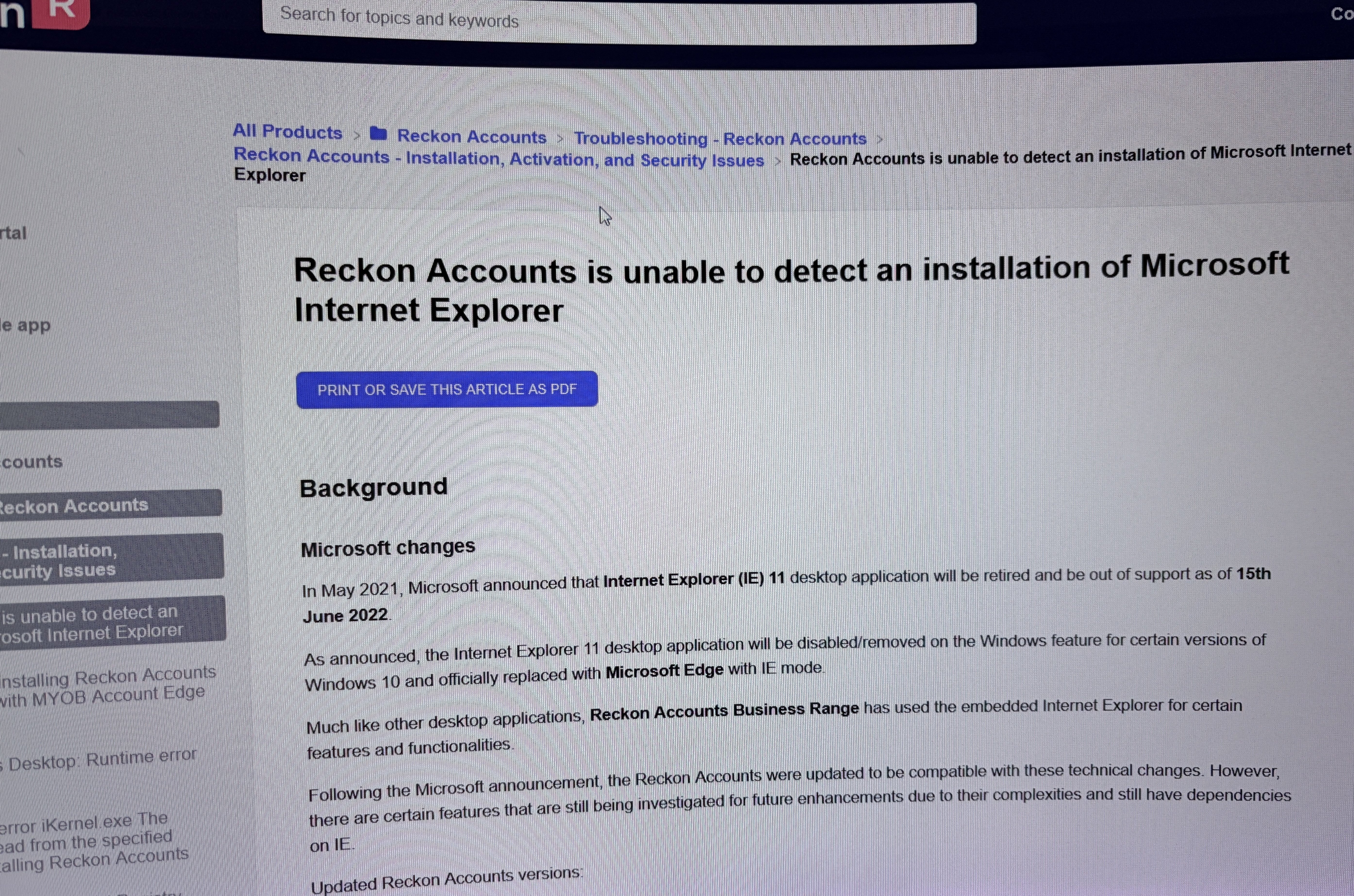
I tried making Edge the default browser, I also tried different programs to link to aba files, however no change. This is the screenshot and then the link when I clicked on the ‘click here’
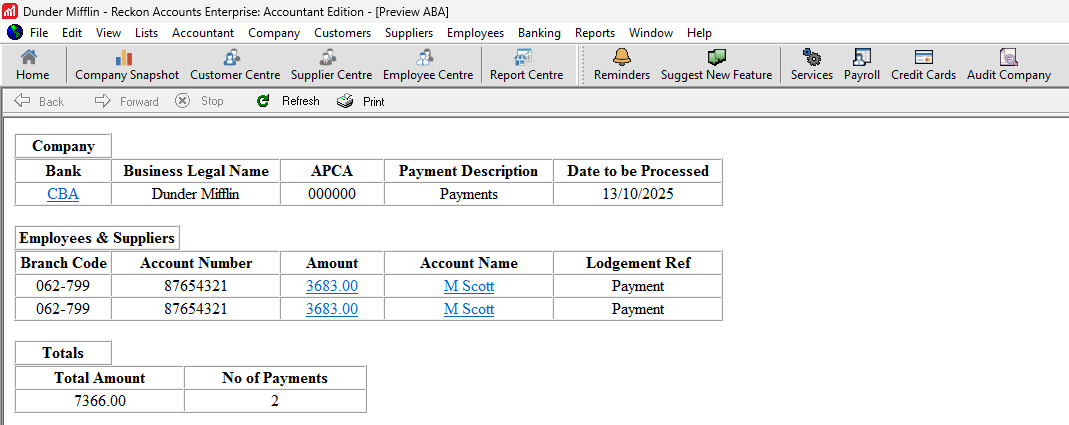
I tried this out in my install of Reckon Accounts Enterprise and it seemed to work ok.
Is this a new install or new PC that this is occurring on?
Can you please try out the steps listed from here and see if that helps at all?
This a a new install on an existing PC, The windows 11 instructions changed nothing
Hi Kris,
This can happen because Internet Explorer is deprecated in Windows 11, Reckon’s preview function can fail. Enabling IE mode in Edge or re-enabling IE components usually resolves the issue, but if not, saving and manually reviewing the ABA file is the recommended workaround.
If previewing continues to fail, the reliable workaround is to:
This avoids the IE dependency entirely.
I hope this helps fixing the error!
thank you, I have simply been reviewing the total when importing into the bank, but good to know as I have tried a few things suggested on the community to no avail. Yes I did know to preview the file in notepad, thanks for the follow up