What is the difference? which should i use for reporting? is there any additional set up required?
what clearing house are you using, you have to make sure you can upload a Saff file to them. I was dealing with Australian super and there were some glitches- I had to ring them to sort it out
i am currently using SBSCH (ato clearing house) but this will no longer be available from 1/7/26. do i need another clearing house?
yes you do need another clearing house and until that is sorted the export feature is irrelevant
I was using the Ozedi provider, that service is no longer available
Do you have any suggestions on what clearing house to use is April and July 2026
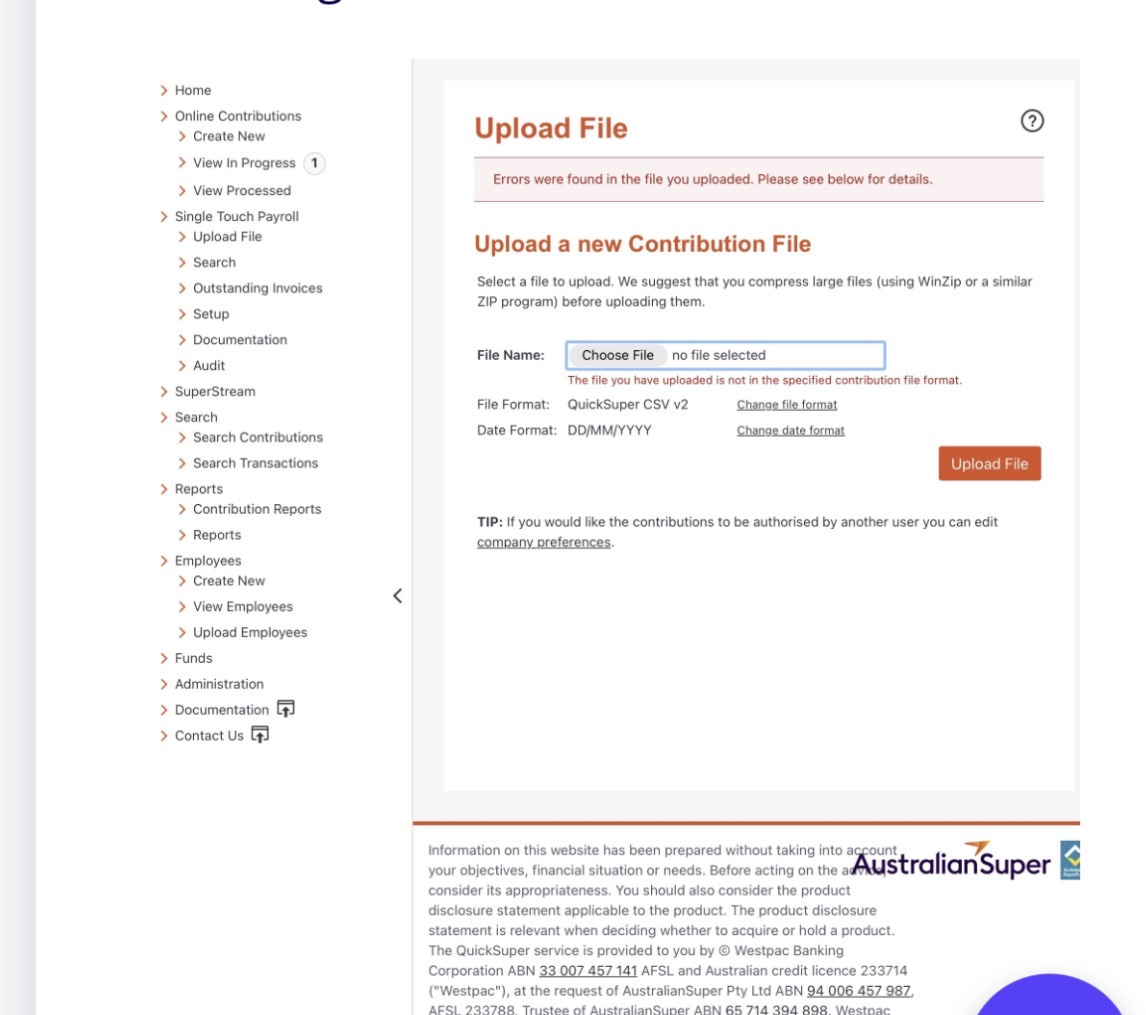
QuickSuper is one I am using, and a friend signed up to it by registering with Australian Super first, then QuickSuper, which is the clearing house
@tonys63 most, if not all clearing houses accept saff files which is what you'll need to do.
yes QuickSuper does, I have already been doing it for a couple of months, but there is a process
ok, thank you. I have gone with CARE SUPER, QUICKSUPER. this is all set up and ready for my first 'payday' super in april.
export Saff but there is another step you have to do, I’ll try and find the post
You have to go to the Date Format box and change to YYYy/MM/DD. Save and then go back in and upload the Saff file
Just to clarify … either option can be selected in RA/RAH as the 2 Export …buttons are actually for the same thing 😁
Hi @Tricia_9173176 and @tonys63
If you're still on the lookout for an alternative to the SBSCH once it closes in a few months, then I just wanted to let you know we have partnered with Colonial First State to offer Reckon Accounts customers free access to the FirstChoice Employer Super Clearing House.
Check out more info in our announcement here - FirstChoice Employer Super Clearing House for Reckon Accounts Desktop users