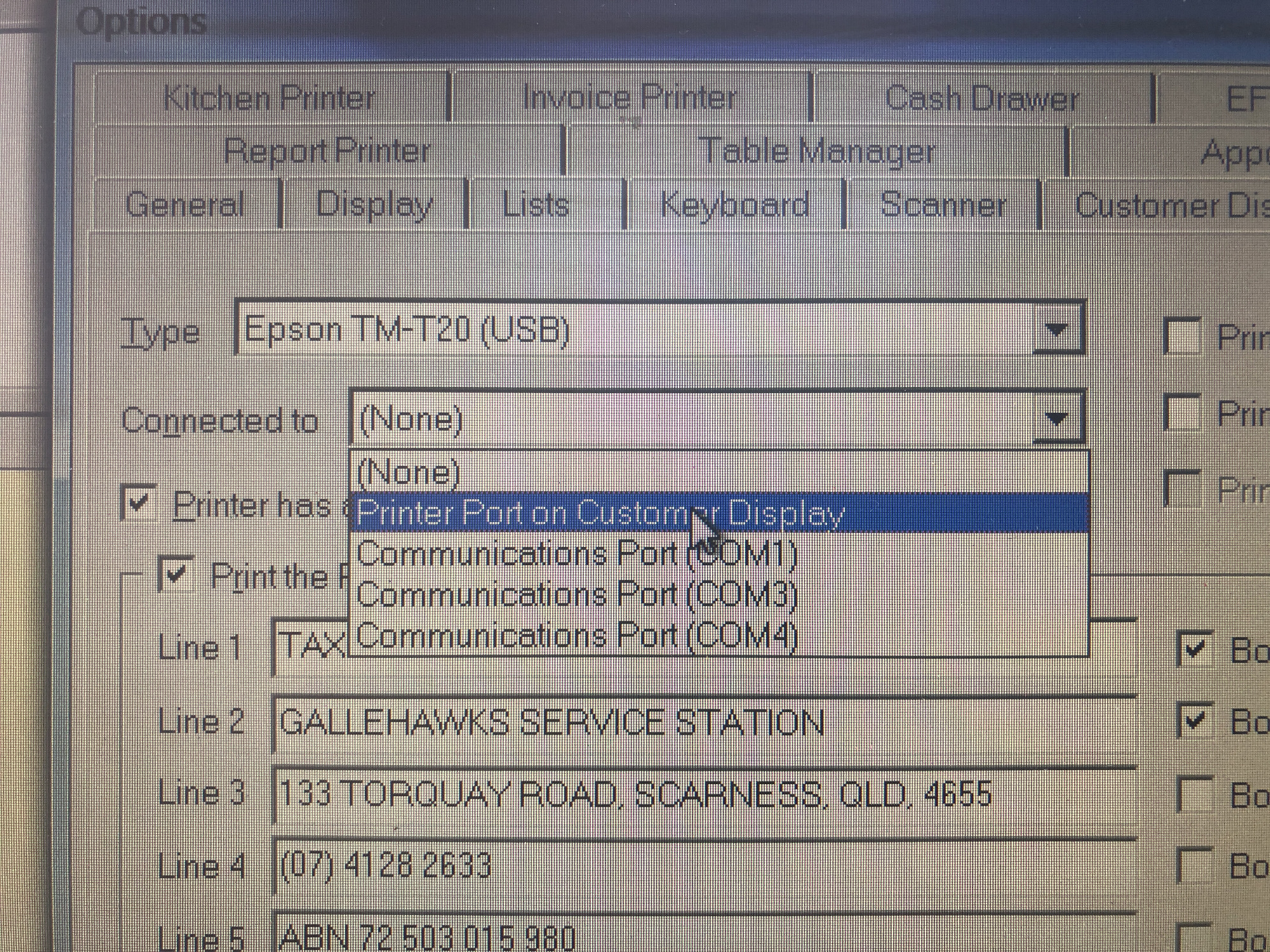
Hi @Graham Boast , @Kylie Bretherton , @Zappy - did you manage to get the Epson TM-T20 working on USB or did you have to change printers?
I’ve got a TM-T20X (and now waiting for the older TM-T20 to arrive in the mail as it’s the one in the Reckon POS list - thought i’d try it given the issues in case the X model is different....) but as you mention it does not show the USB connection option when configureing the receipt printer in POS.
I can get this printer to work as a Windows 7 Printer on USB and Serial however can’t get POS to talk to it. USB is not availble in the connection list and when on COM port 3 I get a conflit error appear which disables the receipt printer (which is frustrating becuase as soon as i connect the old Citizen idp3551 on com port 3 all works fine...)
Printer connected on USB - works fine as a windows printer, but don’t have USB option in POS.
When setup on serial connection, works in windows, but POS has coms config errors and disables all receipt printing.
any tips to get my Epson printer working would be greatly appreciated.
thanks, Brendan
Hi Brendan
This is a link to the Epson TM Virtual Port Driver (it says TM-T20X supported) . Shut down POS, turn off your printer, use device manager to check what ports are existing, then run this. It should set up a new com port for you. It will need to be a number between 1 and 8. If it makes itself a number 9 or more you will need to set it to a lower number in device manager.
Good luck. If you get stuck give me a call and we can organise a remote support call.
Graham Boast 0409 317366
graham@reckonhelp.com.au
If youre still stuck, Im always here