How do I downgrade my plan?


I'm wanting to downgrade Reckon plan due to not using all the features and the price just being to high for what I'm using it for.
Answers
-
Hi @MareeWilson,
Please login to your customer portal and select the book you wish to downgrade.
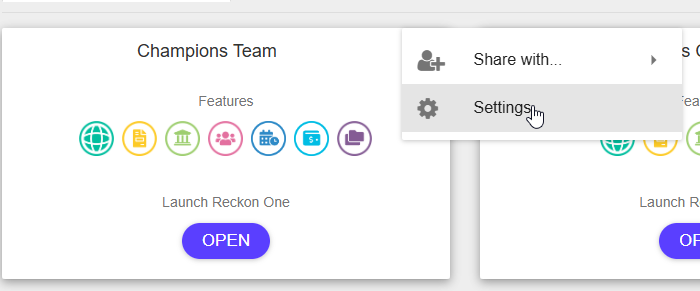
Click the 3 dots on the right corner of the tile and click settings:
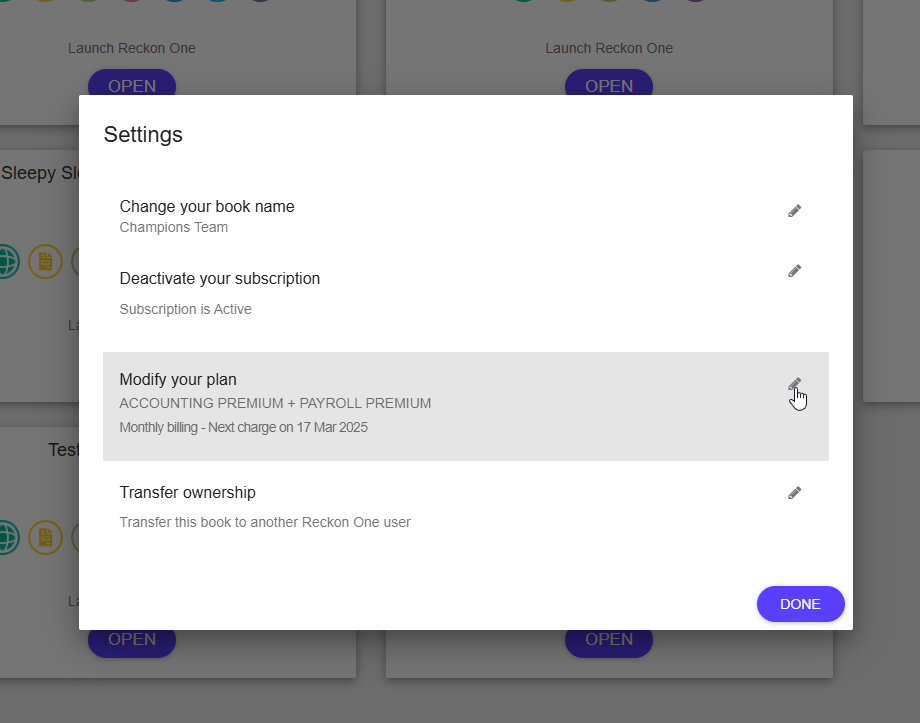
Once you have done that click, modify plan:
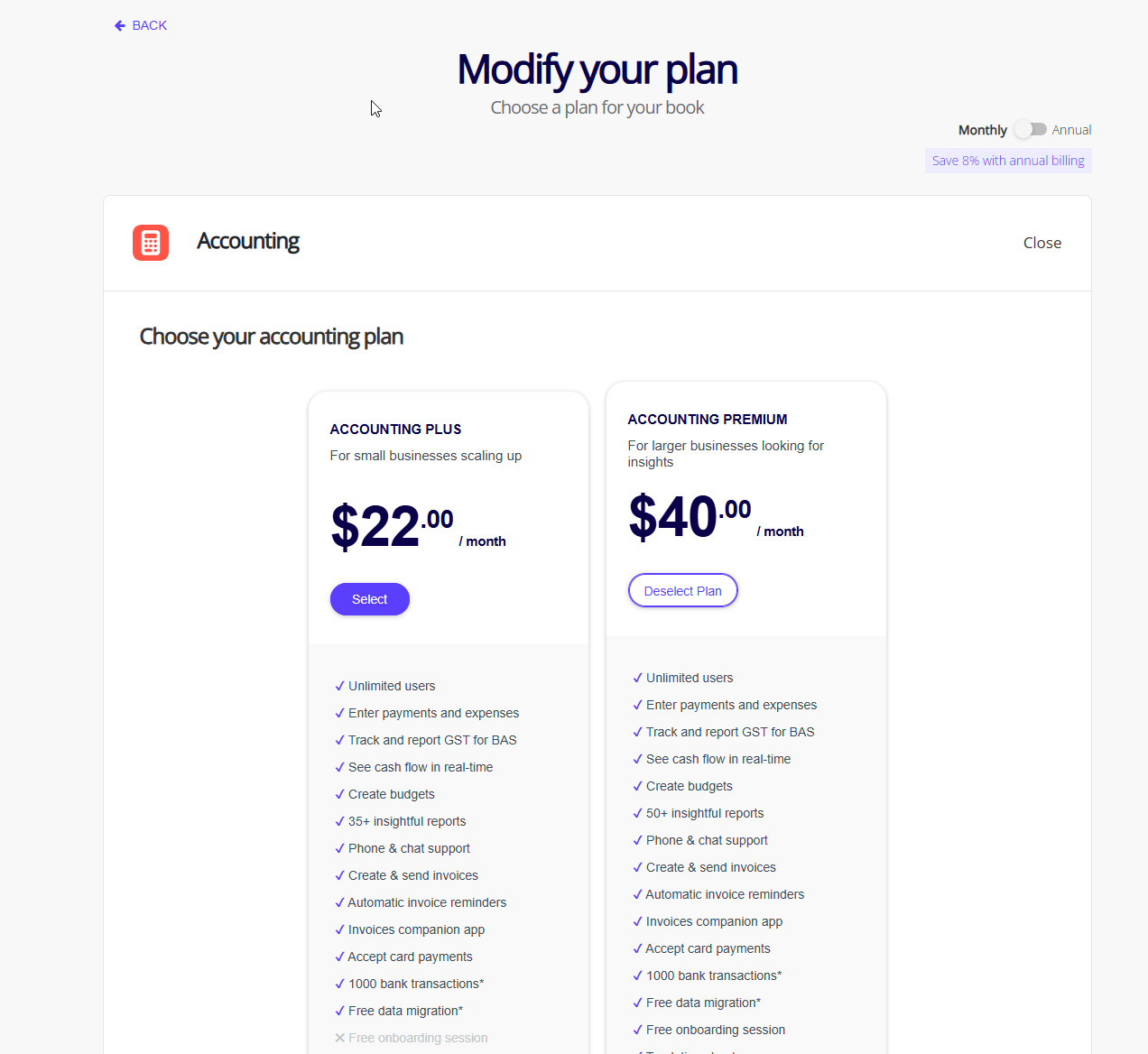
If you still require assistance, please reach out and I will do my best.
Thank you and speak to you soon.
Lucas 0
0 -
Thankyou, I have just logged on however the only subscription is the ReckonGov Connect…. Unsure if there is another account set up. I'm trying to sort things for my parents. So not sure what they have done back when they set this up
0 -
Hi @MareeWilson,
Thank you for getting back to me, you may need to try other email addresses that you have to find the account that has the Reckon One subscription.
Did you use Payroll only or a mobile app for just paying employees? It might be best to give us a call to our sales team, so we can get this sorted out for you.
Thank you and speak to you soon.
0

 Reckon Staff

