Alt + Ins


Afternoon all,
You used to be able to Alt+Ins to bring up the pending email dialog box….This now does not seem to work, and you have to end session.
Is there a way to tab through the open dialog screens in Reckon, so that I can eliminate this happening?
Answers
-
Hi @PeterC67,
You should still be able to move a window in the background forward specifically the send email function that has this problem by using the ALT + PGUP (page up key)
You may be able to use the Windows function at the top to go through the open programs as a 'tab' function as well.
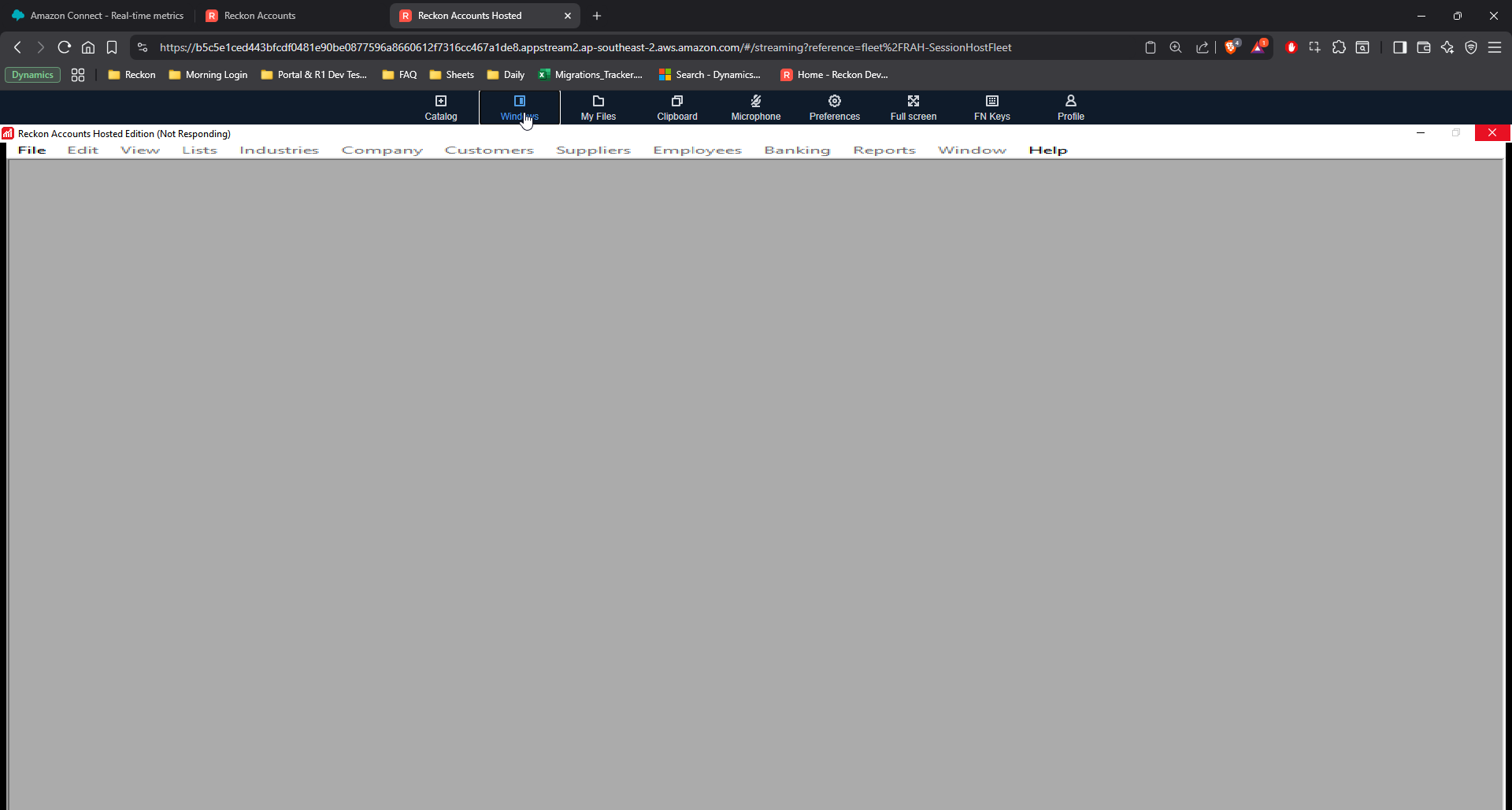
Let me know how you go. If you have any additional information that you feel will help, please provide it below in a reply.
 0
0 -
Hi @PeterC67 ,
Thanks for reaching out. To help narrow down what might be causing the issue with the Alt+Ins shortcut not bringing up the pending email dialog box, could you please clarify a few details:
- What browser are you currently using to access Reckon Accounts Hosted? (e.g., Chrome, Edge, Firefox, Safari)
- Are you using Alt + Ins or Alt + Page up/Page down
- When you press Alt+Ins, does anything happen , for example, does the screen flash, freeze, or give no response at all?
- Are you using Windows or macOS?
Your answers will really help us figure out if it's a browser-specific issue, a shortcut conflict on your operating system, or something happening directly within Reckon itself.
Regards,
Reeta
 0
0 -
Browser = Chrome
Using Alt+Ins
Nothing happens when I press it
Windows 11
I was File —> Select Forms to Email —> Supplier Remittance Advices and clicked onto the Customer Centre screen (in full screen mode) so I could not drag Windows around to try and bring the email dialog to the front.
0 -
Hi @PeterC67,
Thank you for your prompt response.
Could you please try the following steps to see if it resolves the issue with the email dialog box not appearing:
- Use alternative keyboard shortcuts
- Instead of Alt + Ins, try pressing Alt + Page Up or Alt + Page Down.
- Log off all active sessions (Sometimes old or stuck sessions can cause shortcuts and windows to stop responding correctly.)
- Go to the Hosted control panel, log off any active sessions, then close your browser completely.
- Reopen your browser, log back into Reckon Accounts Hosted, and try the Alt + Page Up or Alt + Page Down shortcut again.
Let me know the outcome.
Regards,
Reeta
0 -
Hey Reeta,
I actually did all that before posting, and still, no luck.
Alt+PgUp and Alt+PgDown just scrolled through open browser tabs.
0 -
Morning all,
Just had it happen again (my own stupidity).
The only thing that worked is Windows as suggested by Lucas.
All the other attempts at bringing it to the front, failed
0

 Reckon Staff
