Cash Flow Forecast Error
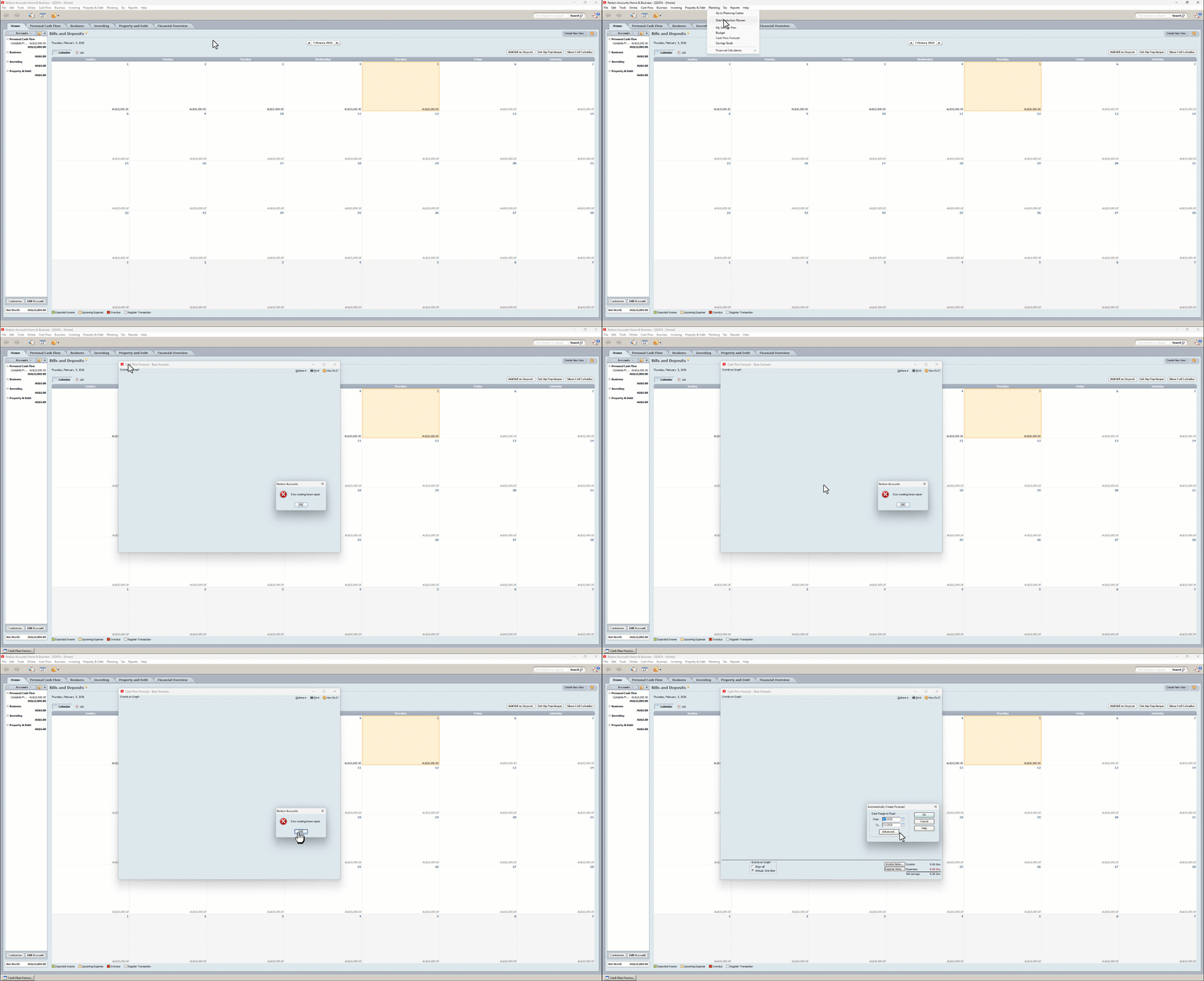
Selecting Planning/Cash Flow Forecast leads to a blank Events Graph and the attached error message. "Error creating future report".
I can still edit the figures and save. Validating and super validating made no difference. This happens to all my files since 01/01/2026.
V31 Release R 1 Australian Edition.

Answers
-
The Planning/Cash Flow Forecast is not working same error as above
1 -
I'm getting the same error messages using V31 R1 New Zealand Edition.
0 -
This problem is generated on 1st of January and has nothing to do with size of data file or license expiry. my software Recokn Accounts Plus 2015 license expires on 2029 and has a file size about 600MB and there is not a problem up to 31/12/25. I have checked this by installing new file from scratch with exactly the same accounts with starting date 01/01/26 and this problem stays as it was before. When I have changed a date on my PC to 31/12/25 "Cash Flow Forecast" appears again. I am sorry for such long reading but I think it can help others to save a time to track this problem, unnecessary.
0 -
So what are you saying exactly @Janusz74? You changed the date on your PC to 31/12/2025 and it started working again?
0 -
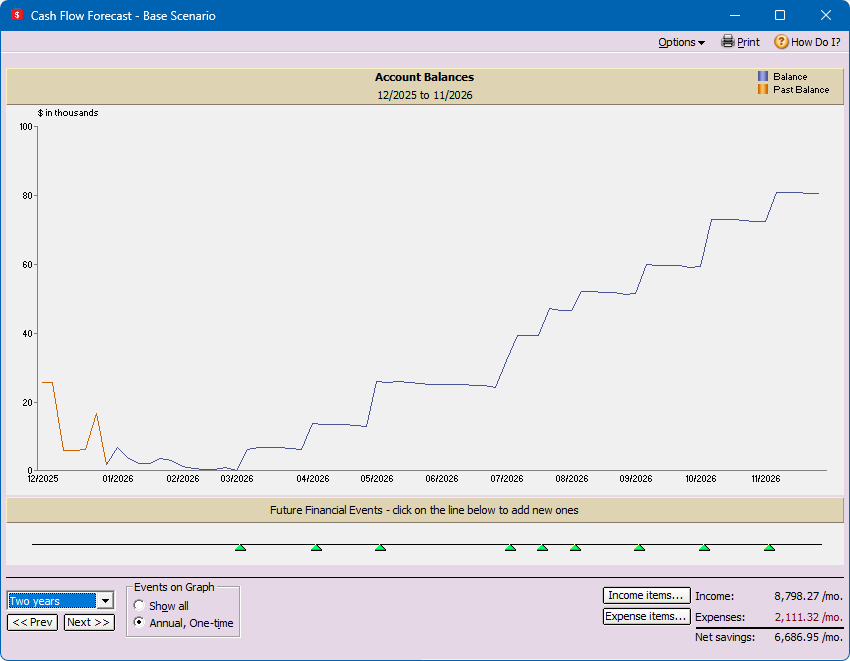
Hi Eric, Yes if I open my files first then change the computer date to before 1/1/2026 the graph displays correctly but only future projects accurately for 1-2 months.
0 -
I'm getting the same error messages using V31 R1 New Zealand Edition.
It seems a common problem but I don't see any solution from Reckon
Is there one ?
0 -
Hi folks
Apologies for missing this post and your reports on this issue until now.
Let me just get an understanding, is this occurring as soon as you click the Planning ➡️ Cash Flow Forecast menu option and/or setting your forecast dates to any date in 2026?
I'm assuming it previously worked successfully when the dates were set in 2025 for everyone currently reporting the issue, is that correct?
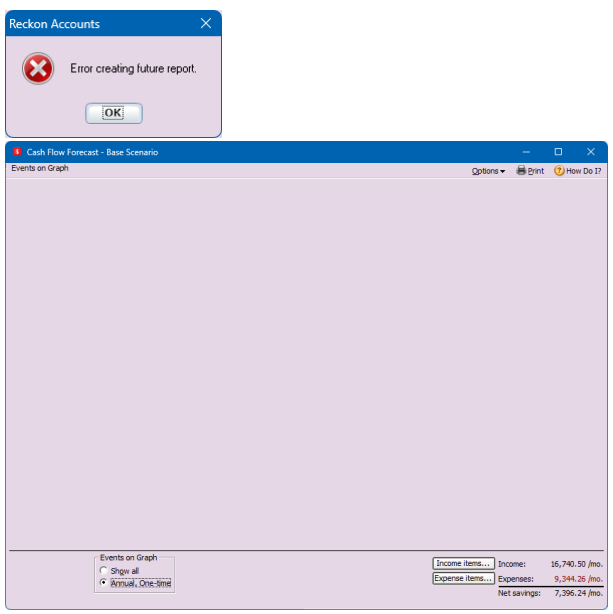
To confirm, the below example is the issue everyone is experiencing correct?
1 -
Hi Rav
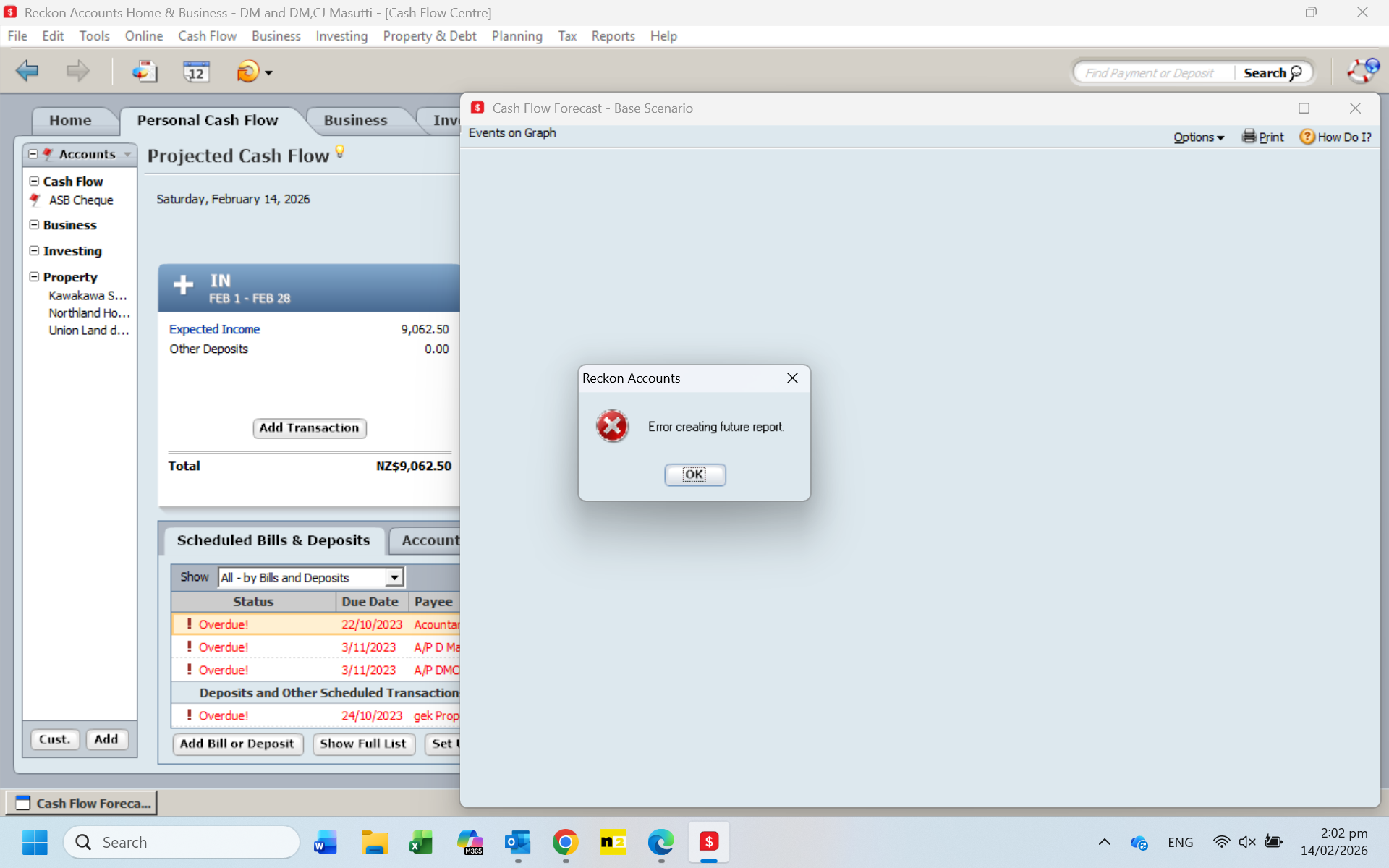
That is similar to what I am getting. I am using V31 R1 New Zealand Edition, and I get the "Error creating future report" message, but when I click the Ok button, the dialog closees andit goes back to the "Cash Flow Forecast - Base Scenario". I don't get the dialog to specify the date ranges.
Regards
Geoff
0 -
As per my original post I get the same as Geoff and don't get the date ranges. It works if I change my computer date to pre 1/1/26 before opening the Reckon file.
0 -
I get the same error. I have rang Reckon 4 times over the last 30 days and was assured it would be fixed before end of Jan. When do we expect this to be fixed?
0 -
Hi folks
For those that have changed the date on their PC to a date in 2025 or earlier to make this feature work again, when you do so, does the cash flow forecast feature display data past 1 January 2026 on the graph for you?
2 -
Hi Rav, it does project the data as shown below.
1