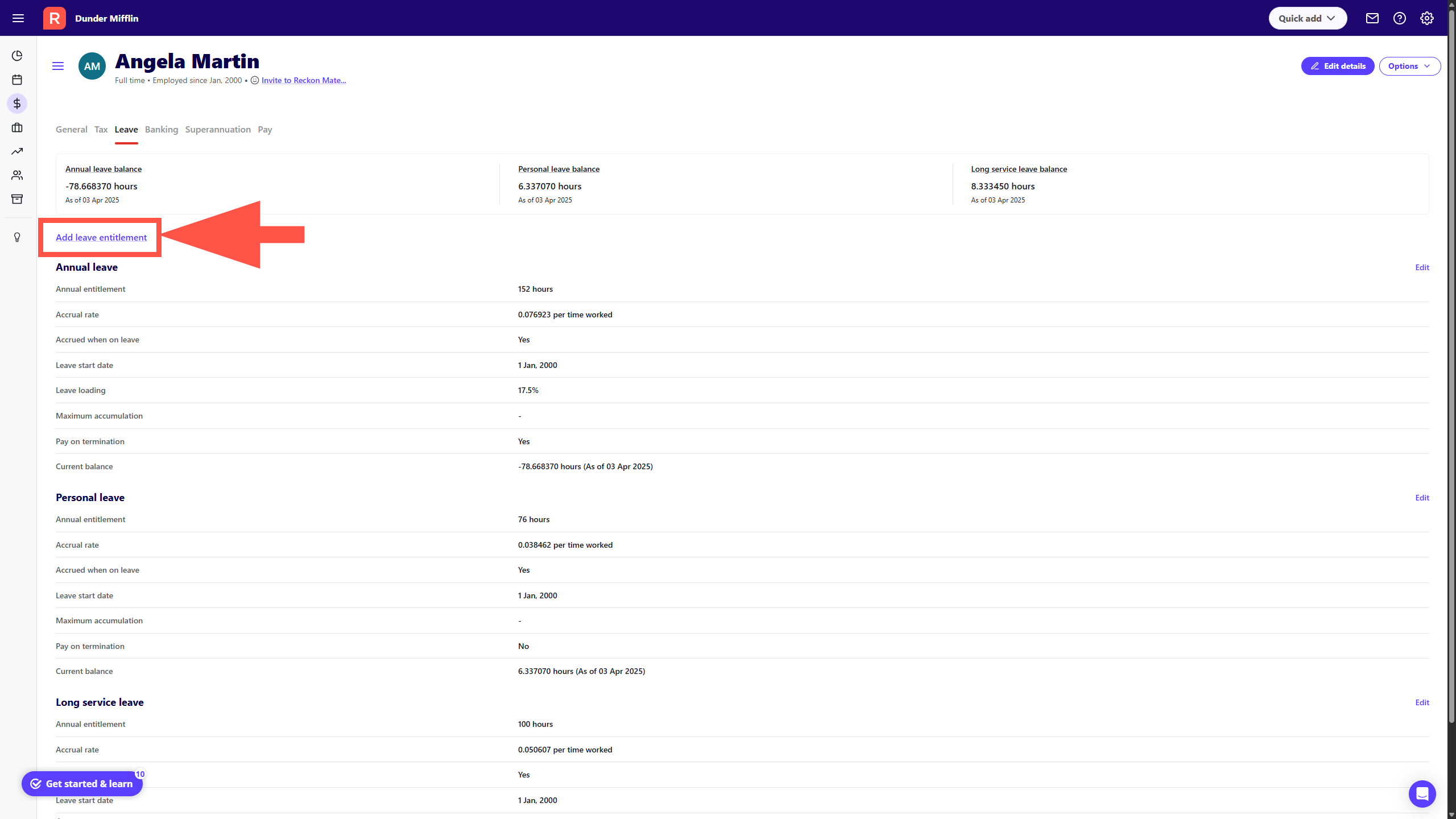
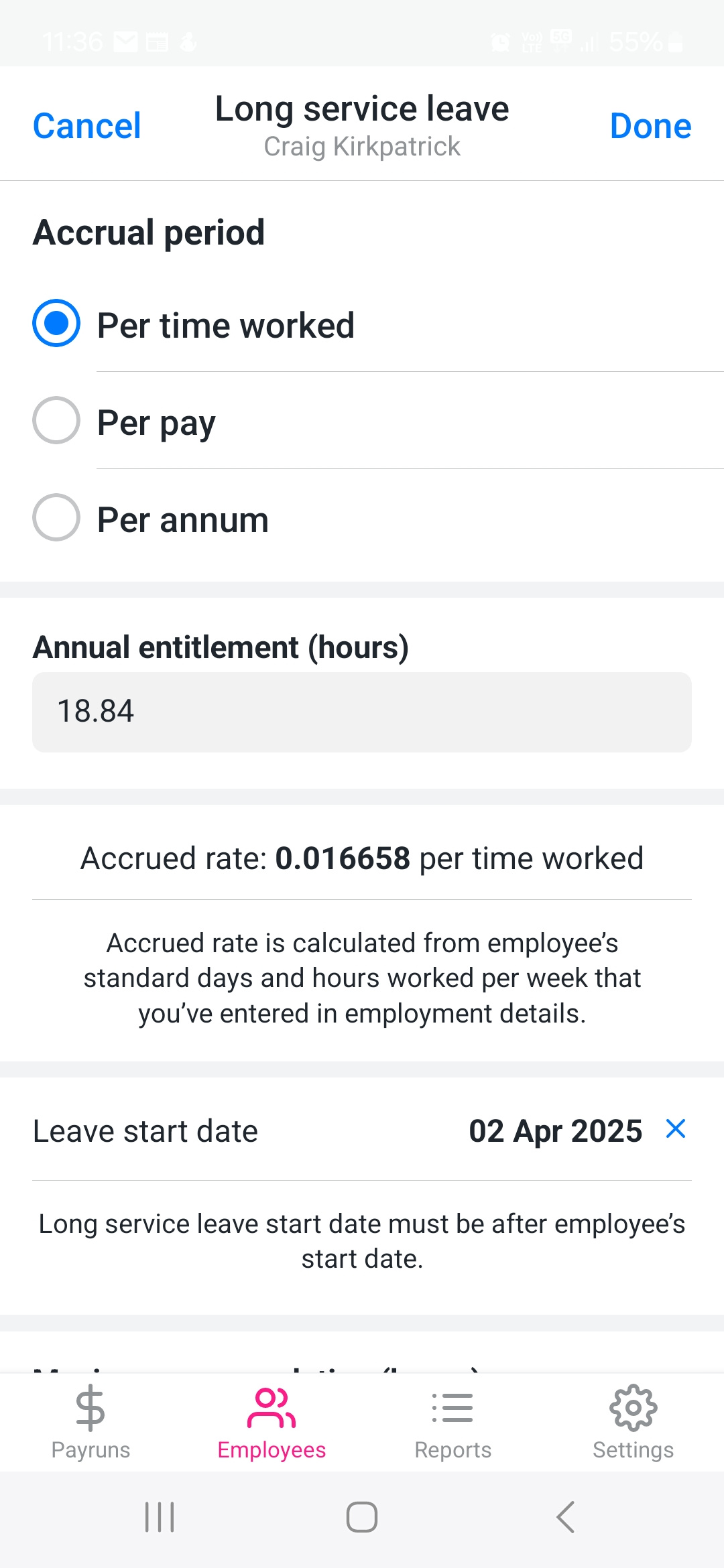
I am trying to add long service leave to my employee's profile and the App lets me enter all the data but when I get to the end of the process the save button doesn't appear to work. The cancel button does and it then reverts
Thanks @AMV
Just tested again and cant seem to replicate what you're experiencing ie. adding an LSL item seems to work normally in my case.
Can I just check, does this employee have other leave items added to their profile as well? For example, annual and personal leave?
Also, is this long service leave item an item that you've created yourself OR is it the default LSL item that was already in the app?
Lastly, can I get you to try adding this item to your employee using the full version of Reckon Payroll here - https://payroll.reckon.com/ and let me know if it works successfully for you there?
Just sign in with your existing Reckon Payroll App credentials and you'll find the full version of your book there.
Hi @AMV
I just tested this out on the latest version of the Reckon Payroll App by adding the Long Service Leave item to an employee and it seemed to work ok.
Just confirming, are you using v8.1.36? You'll find the version number at the bottom of the Settings screen.
Also, can you post a screenshot of the settings you're entering when trying to add the LSL item and I'll see if I can replicate what you're experiencing.
Lastly, are you adding this item to a full time employee?
Hi Rav
I am using the latest version. i am trying to add to a part time employee.
Thanks for the quick response. it worked using the full version.