I am trying to print an invoice with a logo. All was good prior to this upgrade but now Print preview shows the logo but when printed the logo does not print, even though the setting is to print on plain paper
Hi there @Kris_Williams, thanks for flagging this.
When you print the invoice, is the space where the logo appears blank or does it appear with a black box or something else?
Any chance we could grab a screenshot of the print preview screen and the outputted invoice?
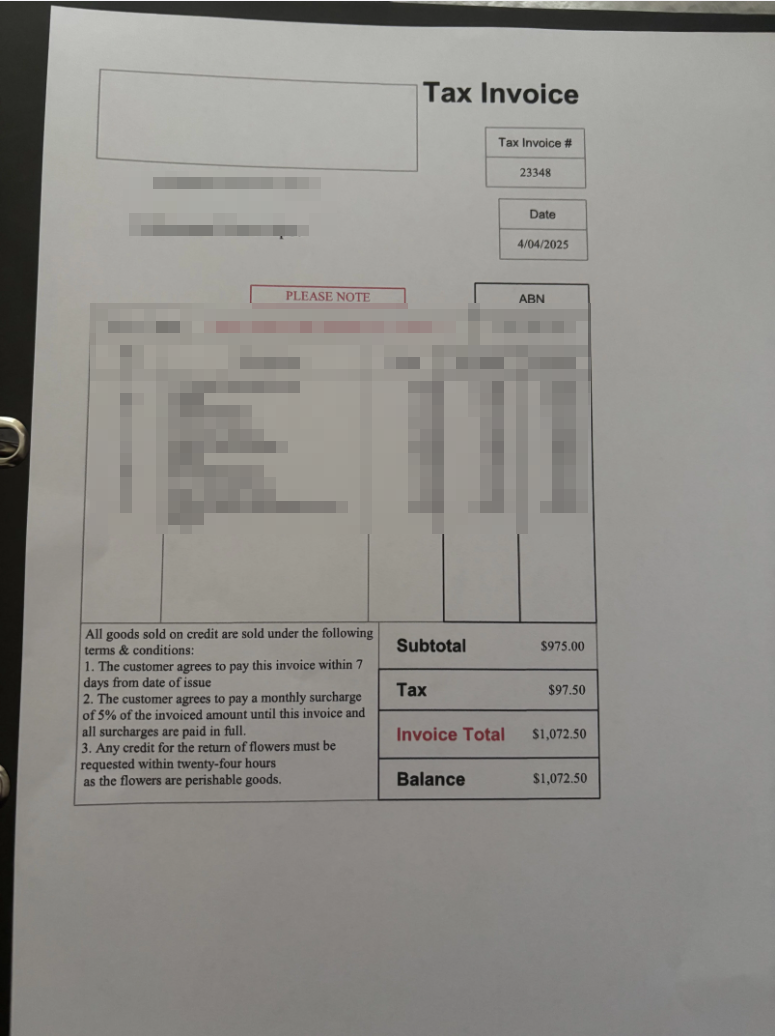
this is what is printed
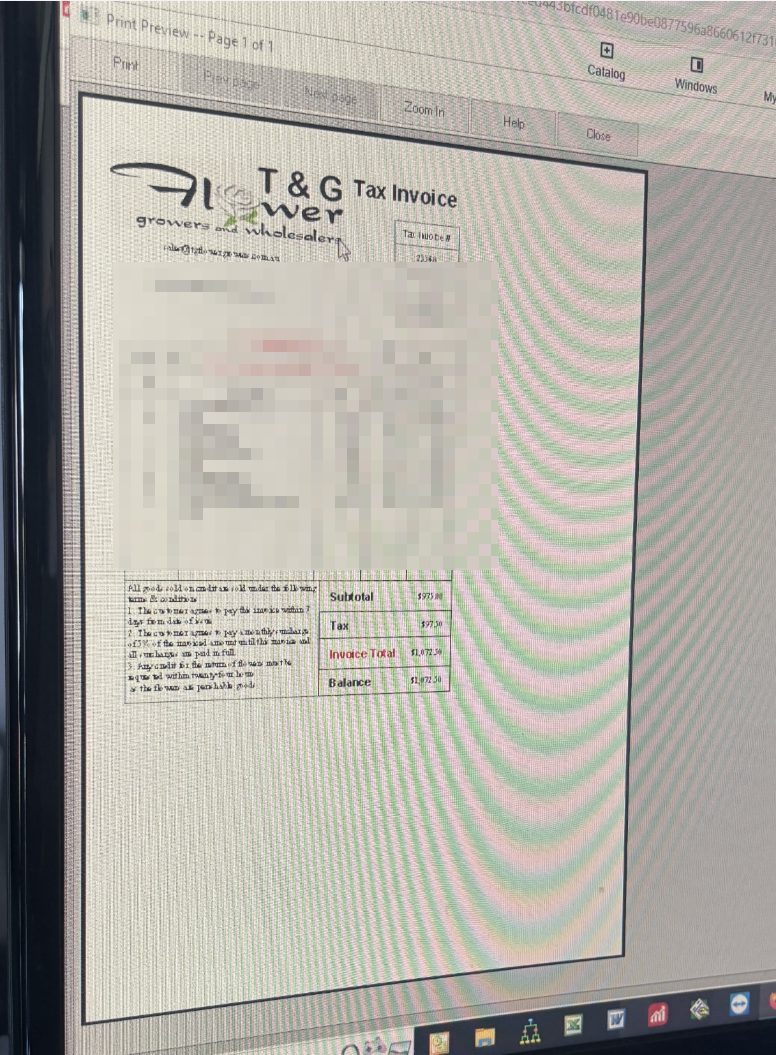
sorry @Rav, I have just gone out so can’t send the preview as I hadn’t read properly. But it shows a large logo the size of that box.
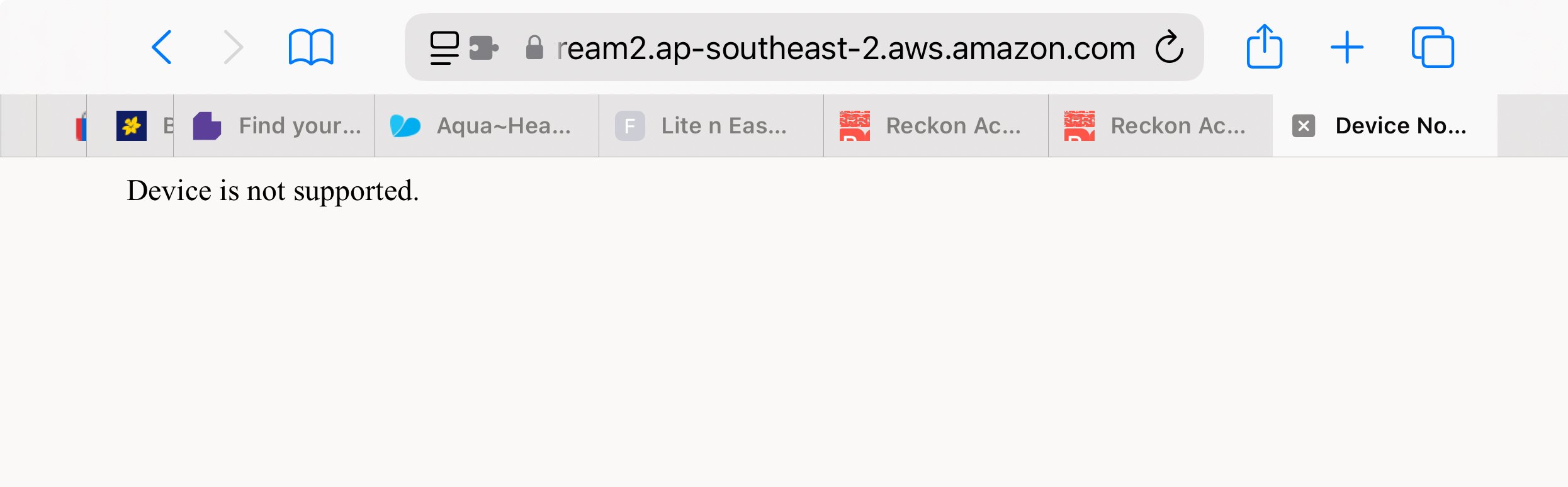
this is what happens now if I try to logon from my phone
That's ok, no worries @Kris_Williams
I've had a word with the Hosted team about this. When you're back in front of your PC, can you do me a favour and re-upload the logo image to Hosted and template and then retry printing again.
Let me know how this goes and if you encounter the same behaviour.
I did select the logo again from the images folder, even though it was already there. And I get the same printout as it shows in the print window when I actually print it out
this is the print preview view
How can I get the floating red toolbox window so I can download the logo and check it out
Thanks for getting back to me @Kris_Williams
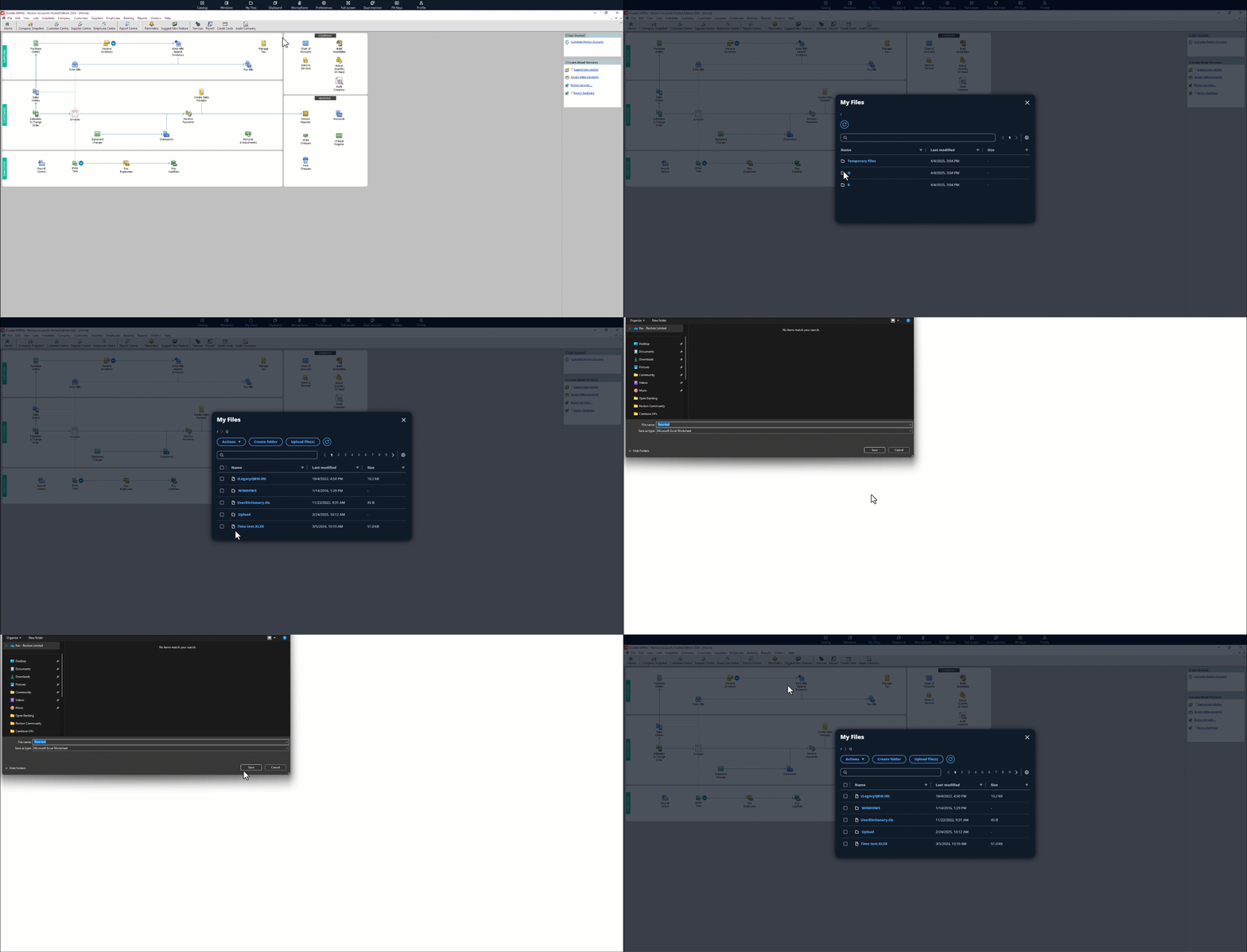
Ok, to download a file on the new platform for RAH click on My Files from the toolbar at the top. Then click on Q drive. You'll find all your files and folders there (including the Upload folder).
To download a single file, just click on the file and it'll download to your PC.
ok all fixed. I found 2 copies of the logo in the upload folder so I selected the other one, and all good.
FYI, I don’t like the new way to access the files, maybe have to get used to it
Glad to hear you got it sorted @Kris_Williams
You're right, I think once it becomes a bit more familiar it'll be second nature like the Floating Toolbar was, but would be keen to hear if there's anything specific you're not liking about the new process? 🙂
Hi Rav
I am having this issue as well - I have re-uploaded the logo but still not working
Hi @ViCSPA
Can you let me know the steps you performed to re-upload and add the logo to the template?
Also, what is the file-type of the image file? eg. .jpg, .png, .bmp etc?
We have two trading names for one company and one logo is fine (set under one template) but the other isnt.
I went to my files and clicked on q drive then went to upload & chose the file. I didnt need to do anything for the other template its working normally.
jpeg files
Thanks @ViCSPA
Did you add that newly uploaded image file to the invoice template as well? (The template that currently isn't working). If not, can you please try doing so and let me know if this still continues to occur afterward?
Yes I did that & still not working
Ok thanks for trying @ViCSPA
I'm going to shoot you a private message shortly to get a little bit more info. Specifically, I'd like to get a copy of the image file that you're using and also a copy of your invoice template that you're having trouble with along with a few other details.
ok thankyou Rav I will wait for your message
Hi Rav, I am having the same issue this morning, I have completed the steps to upload the image again but it is still showing on the preview & not on the printed invoice
Try duplicating the logo and upload and then add the new one! Good luck
Hi Kris, I have already done that twice, it shows on the preview but when I select to print it just shows a black box where the logo should be
have you tried saving the logo file in a different format, e.g. bmp
Hi Kris, thank you so much, that has now worked, really appreciate your help
That’s great, happy to help.
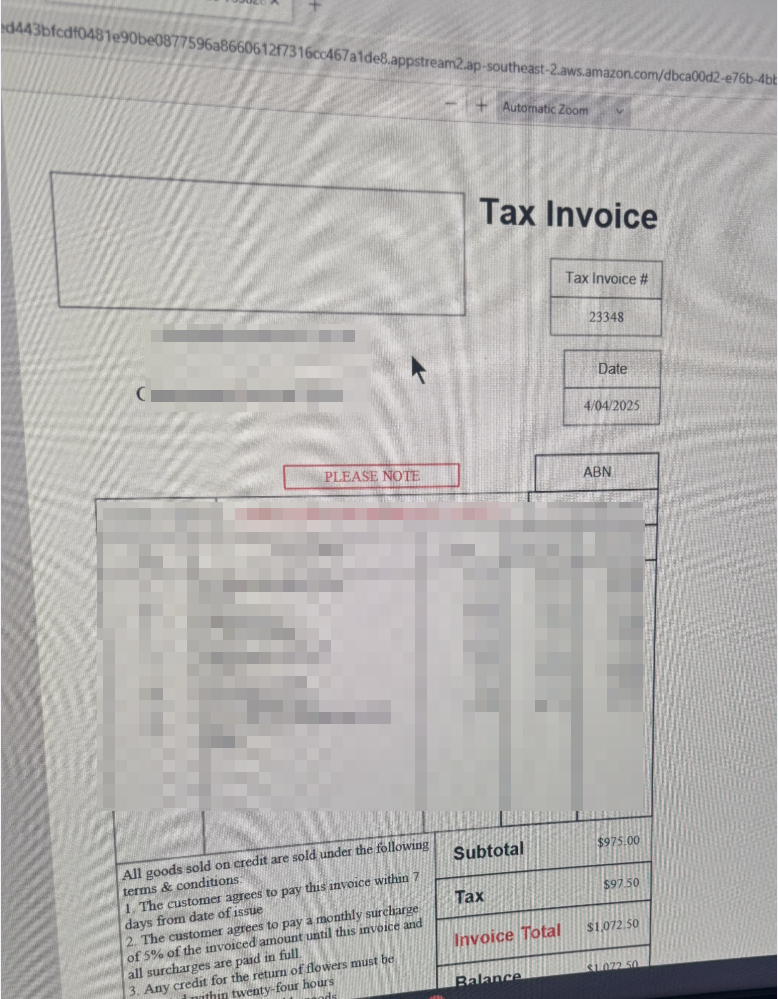
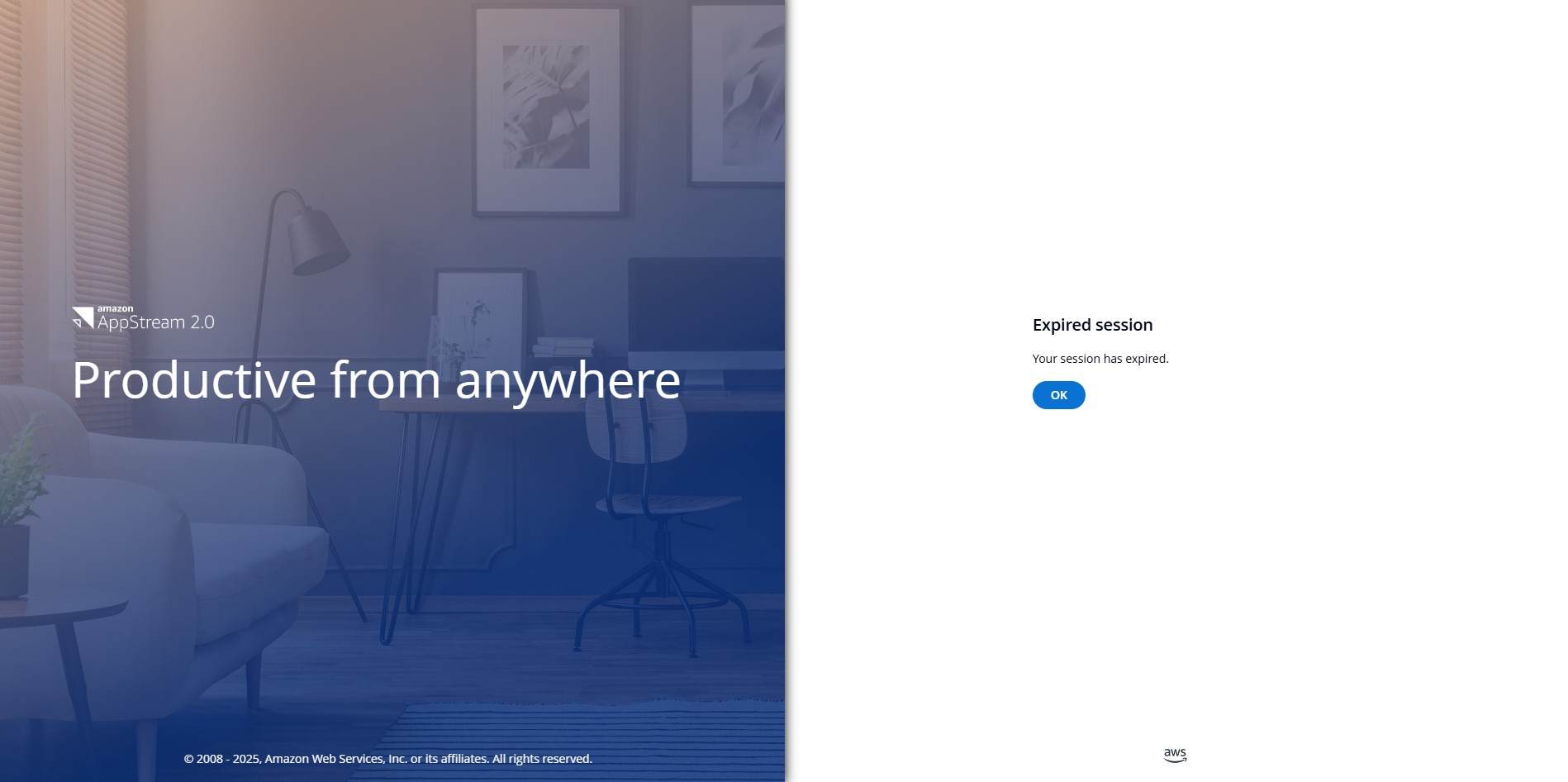
Hi have reuploaded logo as png closed reckon reopened but still no logo. also are you now affilated with amazon as when I closed down this is the window that appears. Really need this sorted re Logo
Ok have got it to work didnt work as jpg png but did work as bmp thanks
Thanks for flagging @Renee scaddan-nile (and welcome back to the Community 🙂)
Glad you got it sorted and to answer your other question, yes that is a legitimate screen from your screenshot.
For any other Community members that come across this post, I'll just add a link to our info on missing logo images when printing after upgrading to the new RAH platform here - Missing logo image on printed invoices after upgrading 🖼️🖨️
Check out the latest important info & announcements for Reckon Accounts Hosted
Each Reckon software has its own dedicated category on the Community. Click below to browse all categories.