Find Dialogue to not be case specific

TrevorWatson
Member Posts: 29 Reckoner 
When using the find dialogue box to find a bill the reference number is case specific ie if you search for cins1234 it won't find CINS1234
3
Comments
-
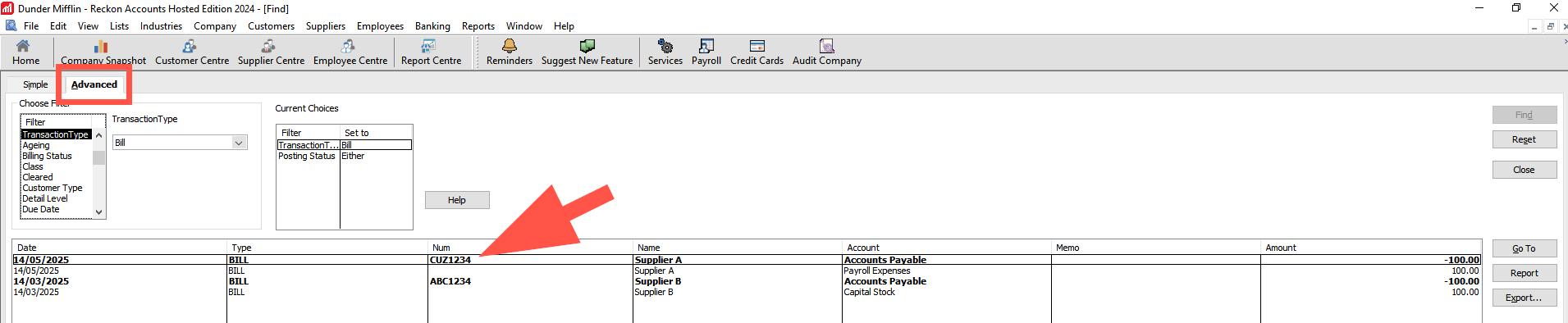
Just wanted to loop back to this with some info, (if you weren't aware already). If you search using the Advanced tab, it will present results regardless of upper/lower case used in the reference field.
 0
0 -
How/Where do I enter the bill number in this case? I can't see how it works.
0 -
0
-
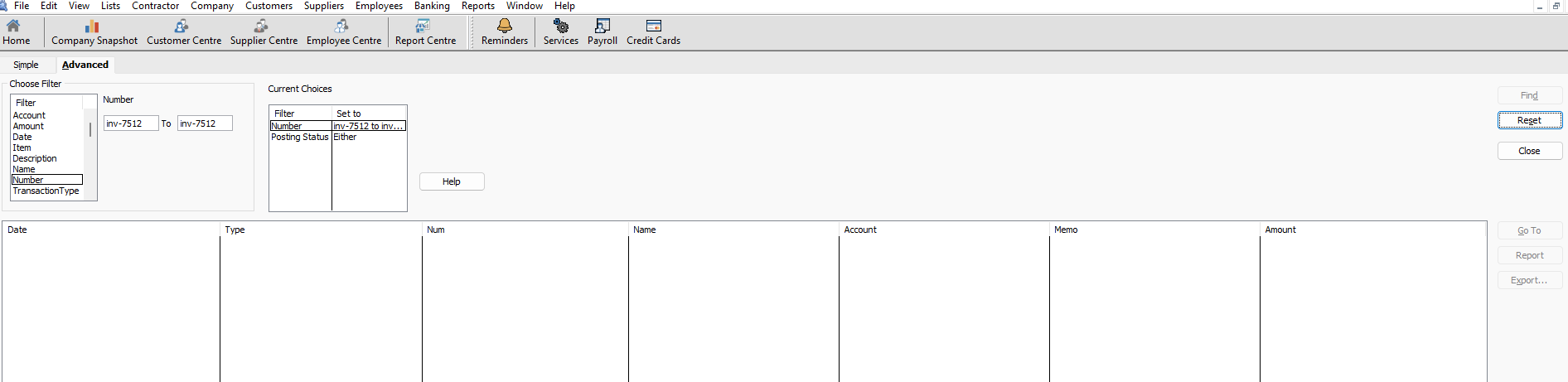
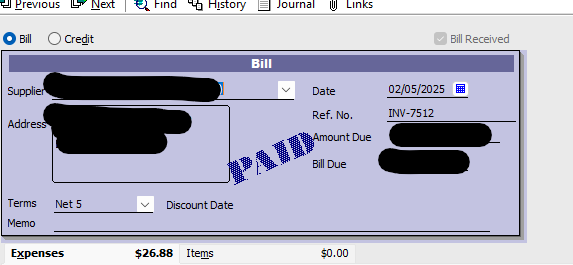
And that doesn't work for the issue I initially raised - case insensitive searches.
 0
0 -
@Rav Please explain how this solution works for case insensitive searches of Bills
0 -
0
-
Thanks @Acctd4 Shaz but that's a pretty weak solution to the original problem - keep typing it both ways until you find it. That's not directed at you that's directed @Reckon if that's the solution that's offered.
0 -
Yeah, it’s not ideal, but hopefully it’s a workaround for now 😬🤞🏻
1









