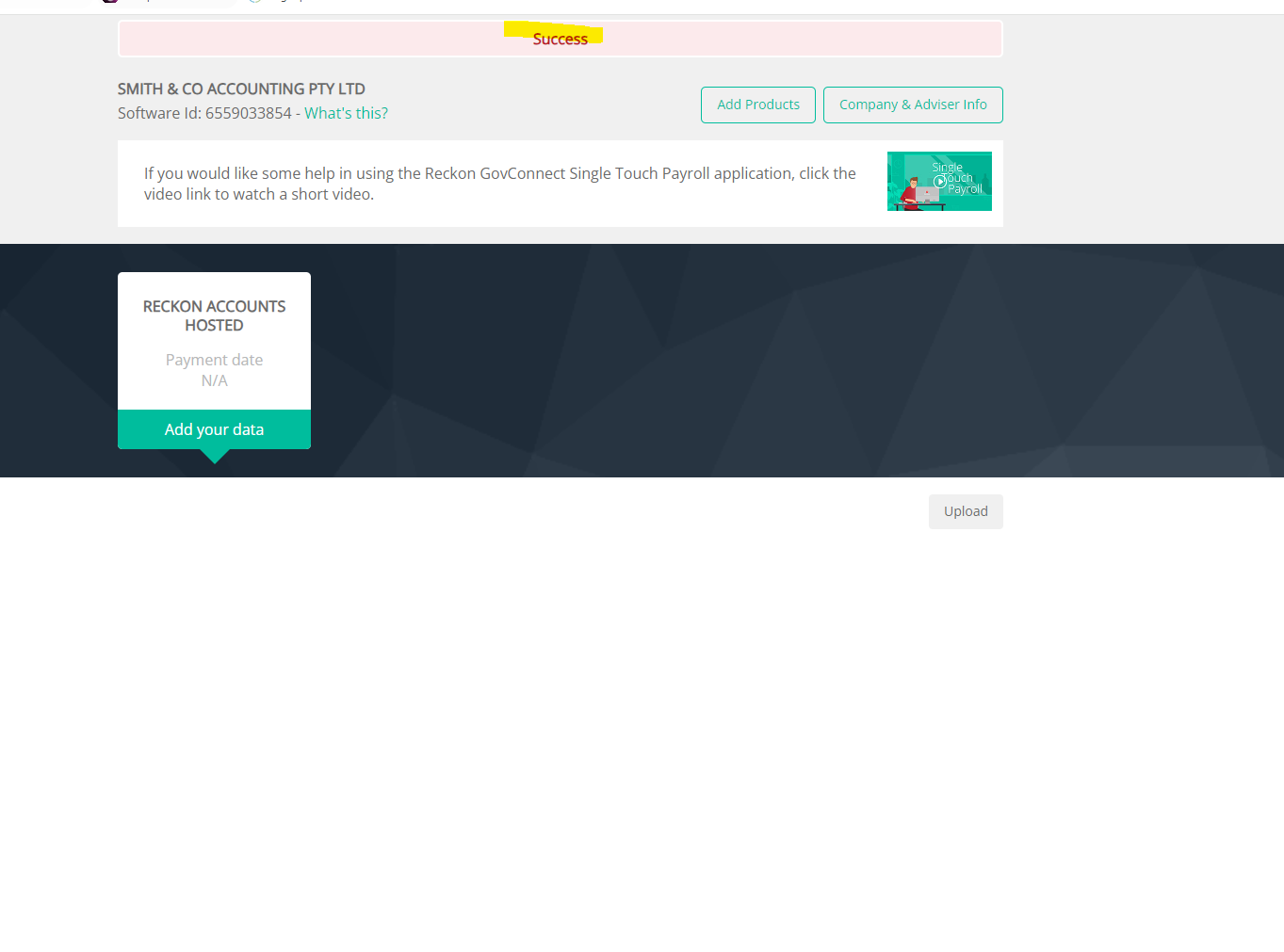
We are trying to reverse payroll entries for the a period in Reckon Hosted but everytime we try to attach the file , nothing appears with the submit button for us to file it. Does anyone know how to fix it?
Hi @VAS111 ,
Could you please provide the steps you're using to reverse the payroll entries? Additionally, does the STP file you're trying to attach appear in the GovConnect portal?
Is there are any error messages displayed?
Kind regards,
Reeta
Hi @VAS111
Can you give us a bit more info on where this is occurring for you specifically?
Do you mean there is no submit button after the STP .json file has been uploaded to GovConnect?
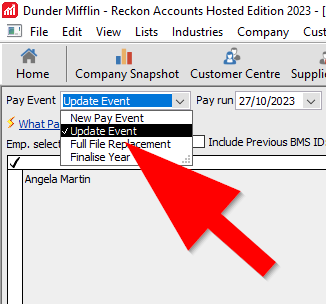
How has the file been created? An update event-type file?
Can you please provide a screenshot of what is appearing on-screen as it may give us a better idea and allow us to point you in the right direction.
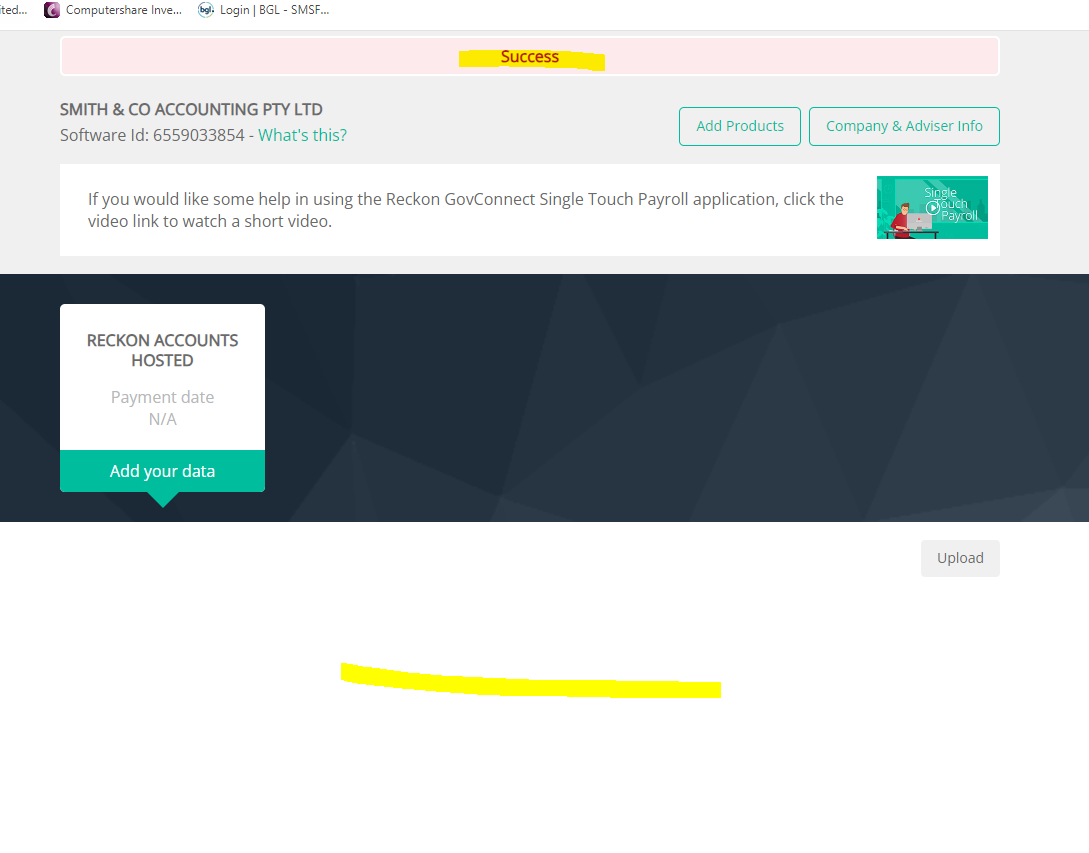
Hi Rav, please see above, after uploading file, it says success, but nothing appears. Thanks
After submission, nothing appears. Thanks
Thanks for that info @VAS111
Is this your first submission under this STP entity or have you been able to send submissions successfully on previous occasions?
I believe there can be a couple of reasons for the Success message appearing but the list not populating.
First is, the incorrect product has been selected for the STP entity. I can see from your screenshot that you've selected Reckon Accounts Hosted in your STP entity, so that doesn't look to be the cause here.
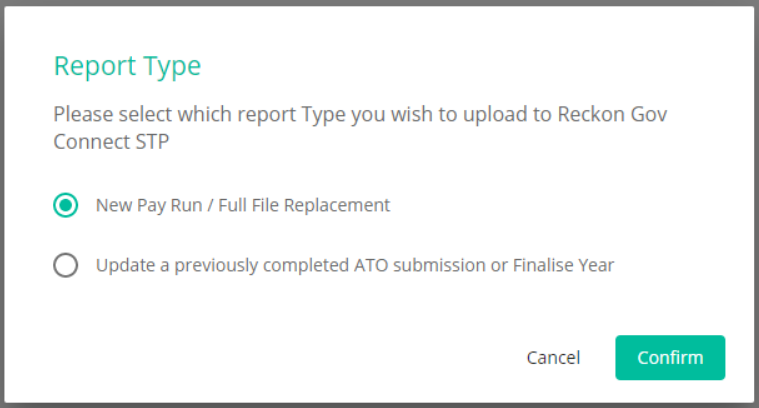
The second reason if I'm not mistaken is related to the type of STP file you're creating in Hosted vs the upload type being selected in GovConnect. How has the file been created? An update event-type file? If so, are you selecting the correct option when uploading the file to GovConnect?
In Addition to Rav's comment, I also recommend checking the GST branch number set for your STP entity in GovConnect and ensuring it matches the branch number set in the 'Company Information' section of your Reckon Accounts Hosted company file.
Hope this helps.
We are trying to do a full reversal for 01/07/2023 to September for all employees and we have been advised to tick the second option below by Reckon.
Has the STP file been created as an update event-type file to match that selection?
Or has it been created as a new/regular submission?
If you're selecting the Update a previously completed ATO submission or Finalise Year option in GovConnect for your upload then the file has to be created as an update event-type file.
Update a previously completed ATO submission or Finalise Year
Don't miss announcements and important info for Reckon Accounts Hosted
Do you have an idea for a feature in Reckon Accounts Hosted? Let us know here!