Hi everyone
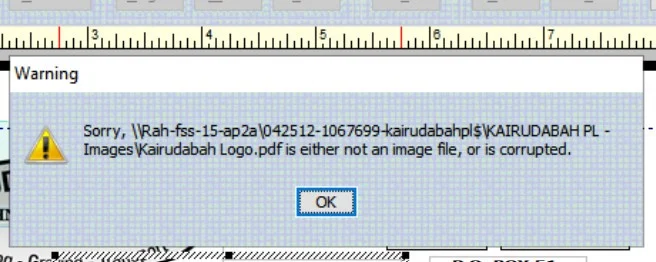
We've received a small number of reports from Reckon Accounts Hosted users that their logo image has disappeared when printing their invoices after upgrading to the new platform.
Invoices that are emailed retain the logo image correctly however printed copies are appearing blank where the image should be. This is not affecting all Reckon Accounts Hosted users but if you are currently experiencing this, please try the steps below.
Change the format of your image file to something else such as .png then upload that to Hosted and add it to your template.
To change the format of your image, open the image file in Microsoft Paint (or other image software), click Save As and select the format as PNG. Alternatively, you can try resaving it as a JPEG if you wish.