Hi Team ,
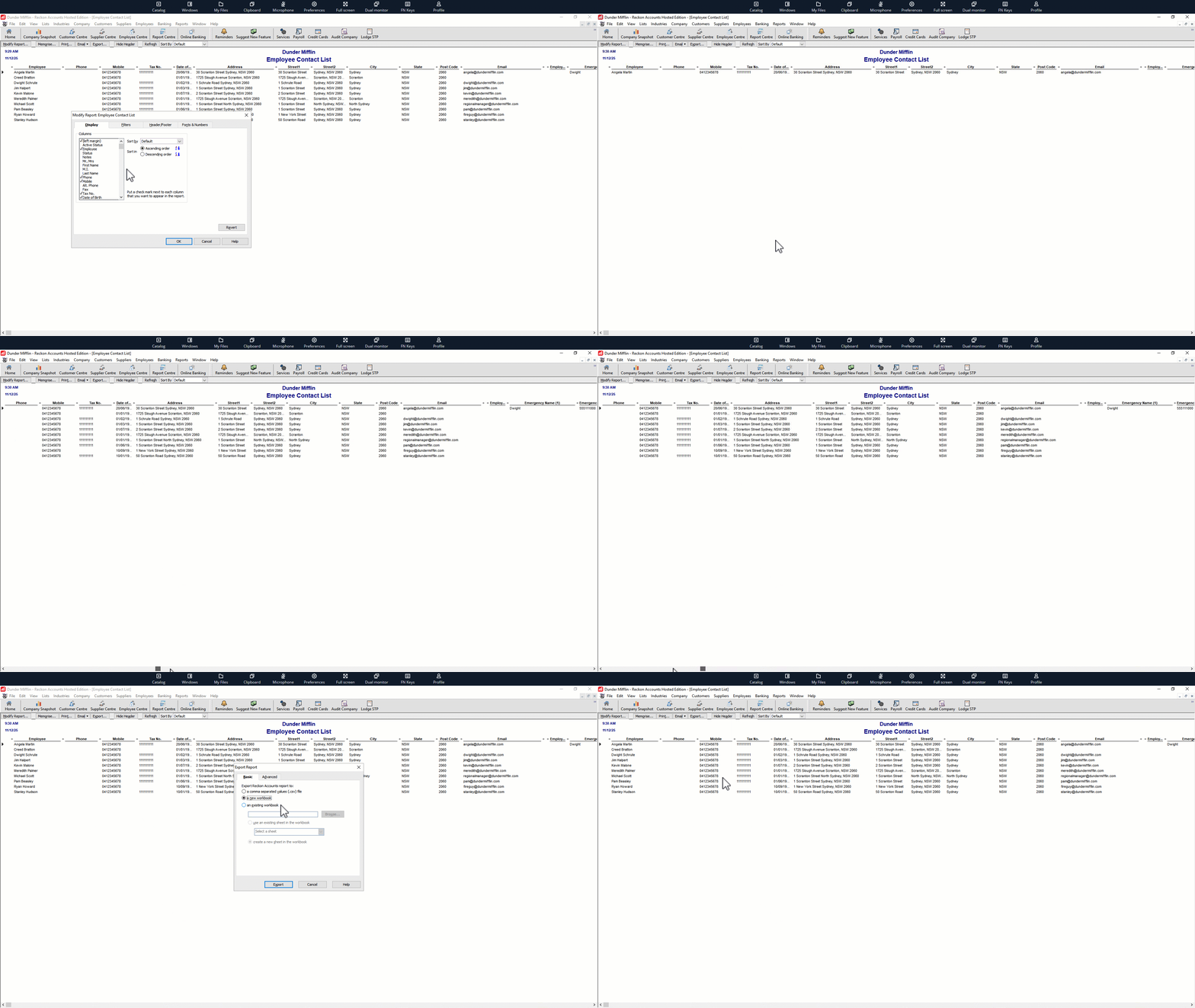
I need a complete report of employee records (include in employee card)
exported to Excell
Surname
Given Name
Rate
DOB
Pay Group
Payroll Code
Email
Gender
Start Date
Mobile
Street Address
Unit Number
Suburb
State
Postcode
Bank Account Name
BSB
Account Number
Tax File Number
Default superfund nominated by employer
Unique Superannuation Identifier(USI)
Member Number
SMSF Name
SMSF ABN
SMSF Member Number
SMSF Account Name
SMSF BSB Number
SMSF Account Number
Electronic Savings Address
emergency name
emergency phone
emergency relationship
emergency street address
emergency suburb
emergency state
emergency postcode
Hi @prasanna
Have you had a look at the Employee Contact List report and modifying it to include additional options to add those various elements?
THANSK YOU VERY MUCH Rav
Hi Rav,
I have tried it and work partially and didn't bring the below data fields even i ticked it in selection area field
Years ago, a list report could display ALL columns however - for reasons unknown 😩😒- once the use of electronic (ABA) files became more common, data at those particular labels is now "hidden" 😖
I don't know if it was just an unintended consequence of another feature upgrade/enhancement or whether it was specifically changed but it's very frustrating as at one time, you could save or print a list of payment details (eg Employee Super or Supplier Bank Details) which was very handy.
I've always assumed Reckon has hidden it from reporting for "security" which if so - makes no sense as one would need login /client number & password & in some cases these days even MFA access as no-one can access someone else's account with just that detail (which is why a payer's bank details are usually still on their invoices! 🤦🏻♀️)
The only workaround is to create Custom Fields & use those, however, there is a limit of 7 … so you would need to combine some info (eg "SMSF BSB/Acct No")
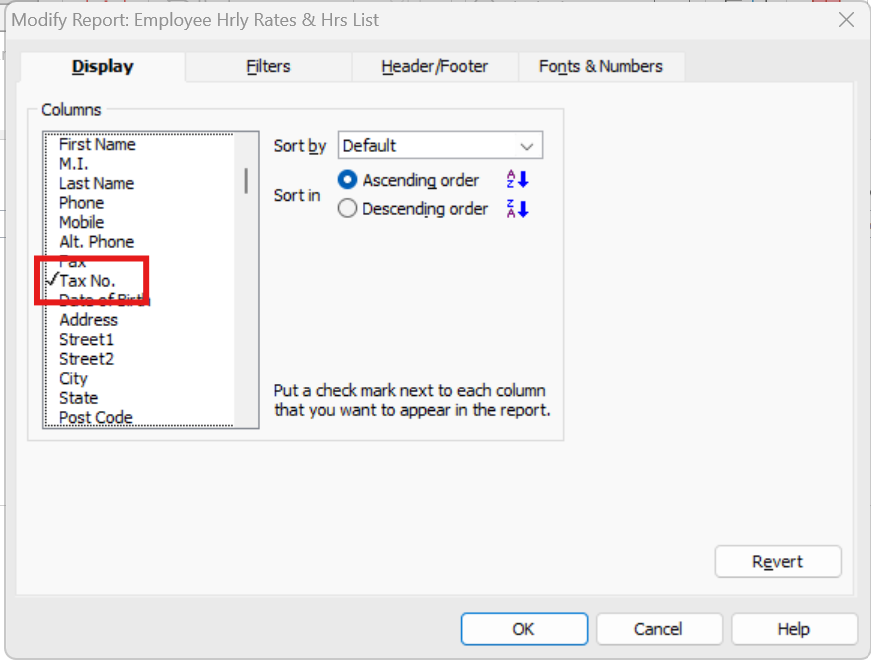
There is 1 exception in that list though, which is the Tax File Number - That will display in the list, but the column name you're looking for is actually just Tax No. :
Check out the latest important info & announcements for Reckon Accounts Hosted
Each Reckon software has its own dedicated category on the Community. Click below to browse all categories.