How to find list id numbers for products in reckon


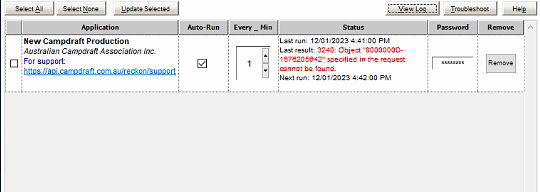
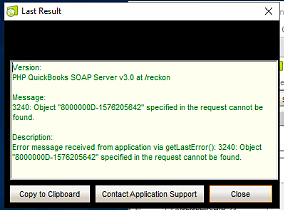
Hi, we are using QuickBooks web connector to link reckon accounts enterprise to a web application. We have recently changed the company file and are receiving an error stating the listID doesn't match. How can we locate the updated list ID numbers for products in reckon?
Answers
-
Hi @NWC
You can open the company data file (QBW) in the Reckon Accounts desktop software.
Then export the ITEMS list as an IIF file (plain text-tab delimited)
Then open that IIF file in Excel where you can view the REFNUM value for each of the items.
There is also additional info an support for API developers.

Searching the Reckon Help and Support Centre | Asking good questions on the Community
#TipTuesday: Picture Paints a Thousand Words | How do I add screenshots to my discussion?
0 -
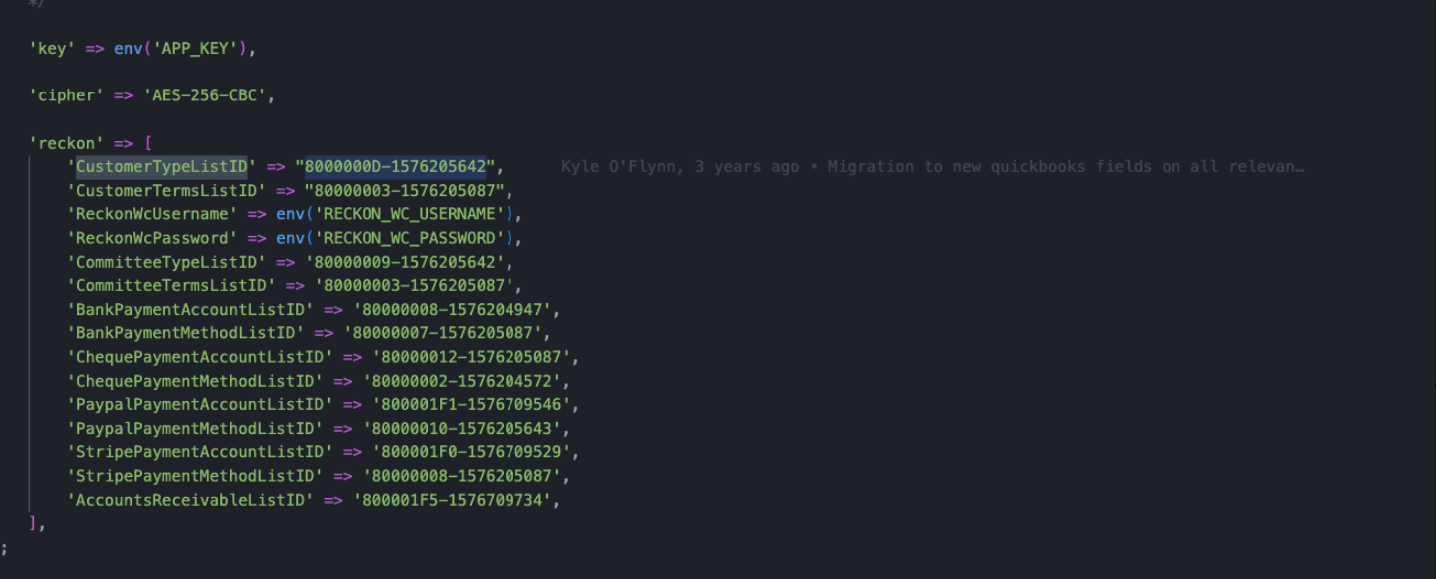
Thanks for your response. We did do this and there was no such List list Id in the report. We've found a snippet of code a previous dev team applied when updating the company file last time


 0
0 -
Hi NWC,
There are a few ways to get the list from your file with ListID.
A hard way is to download QBFC 6.0 (you can search and download it for free), after installation, there is a tool installed with the QBFC that allows you to query any list from your Reckon file, it would return data with the list id. You will need to play with it and understand how QB XML works.
The easy way, I can quickly build something for you to export any list from your file with list ids included. But it will be a fee for it, please email me if you want my service.
Phuong Do / Reckon Developer Partner
phuong@cactussoftware.com.au
https://www.youtube.com/watch?v=O61SfV2bte8
0 -
Hi @NWC
it looks like I had misunderstood what you required, where the ListID you needed is not the same as the REFNUM.
Recommend that you either:
a) Contact the API support team
Home - Reckon Developer Portal
b) Go with @PhuongDo who can provide a good solution
c) make use of the documentation that comes with the QBFC as he had also suggested
Searching the Reckon Help and Support Centre | Asking good questions on the Community
#TipTuesday: Picture Paints a Thousand Words | How do I add screenshots to my discussion?
0

 Reckon Staff